Where to find the V1CE API and webhooks

To find the V1CE API and webhooks, open Automations, click Integrations and scroll to Automation & developer. Press View for the API, or Set up for Webhooks.
| Time needed | 1 minute |
|---|---|
| What you need | Your V1CE account |
| Where in the app | Co-Work > Automations > Integrations |
Video transcript and chapters
Chapters
0:00 Intro
0:08 Open Integrations
0:18 Scroll to the bottom
0:26 API and Webhooks
0:36 Done

Transcript
Here's where to find the V1CE API and webhooks. Build your own integrations, and tell your own tools the moment someone saves you. Start on Today, then hover Co-Work in the side menu. Choose Automations. Click the Integrations tab. Scroll to the bottom, to Automation and developer. Here you'll find the V1CE API, and Webhooks. Press View, to open the API. This is where you generate your API key. Press Set up on Webhooks, to tell your own tools the moment someone saves you. That's it. The API and Webhooks live at the bottom of Integrations.
The V1CE API and webhooks let you build your own integrations. This guide shows where to find them. It takes about a minute.
Watch the video
Step 1: Open Automations
Hover Co-Work in the side menu, then choose Automations.
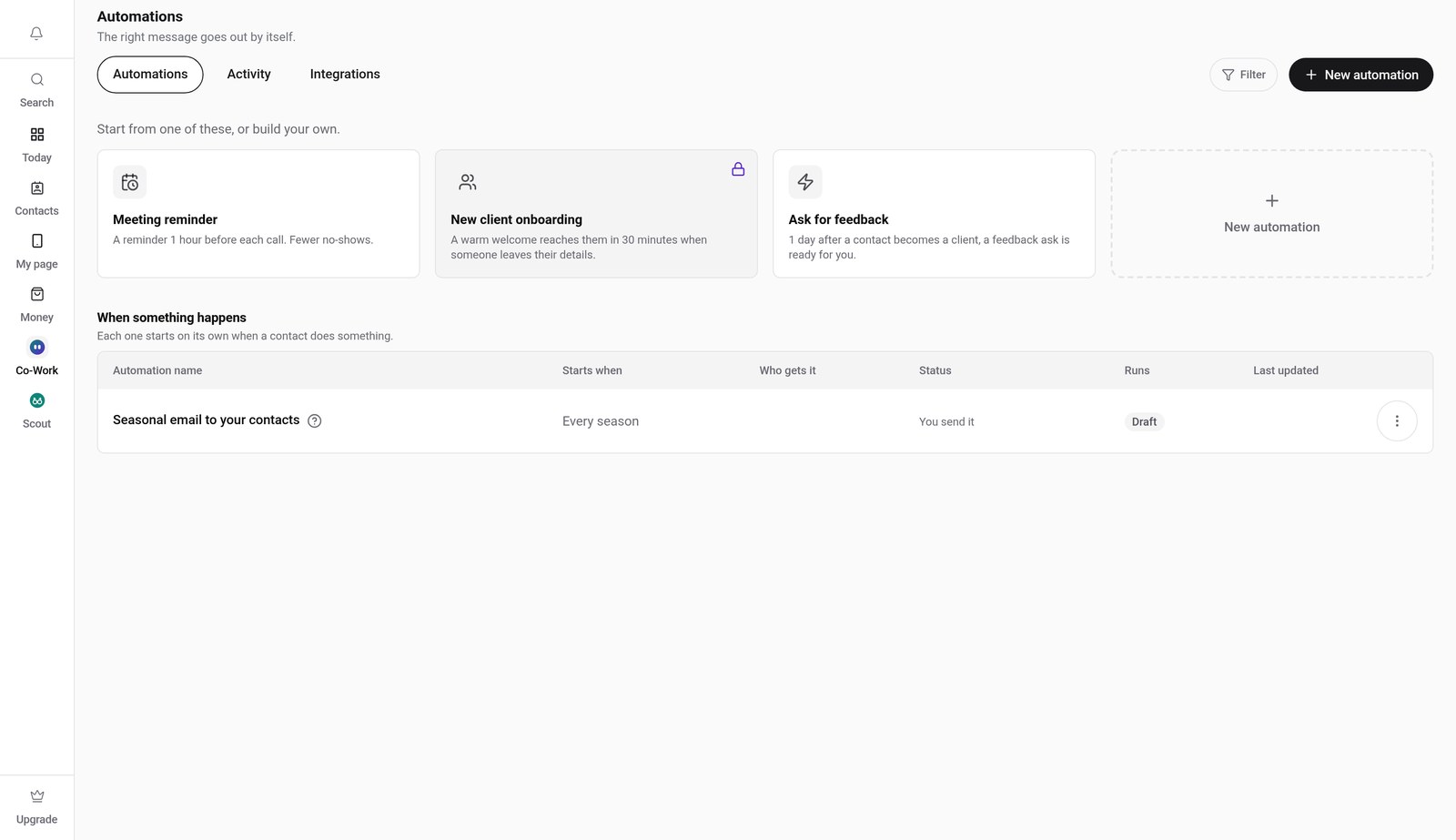
Step 2: Click the Integrations tab
Click Integrations, then scroll to the bottom of the list.
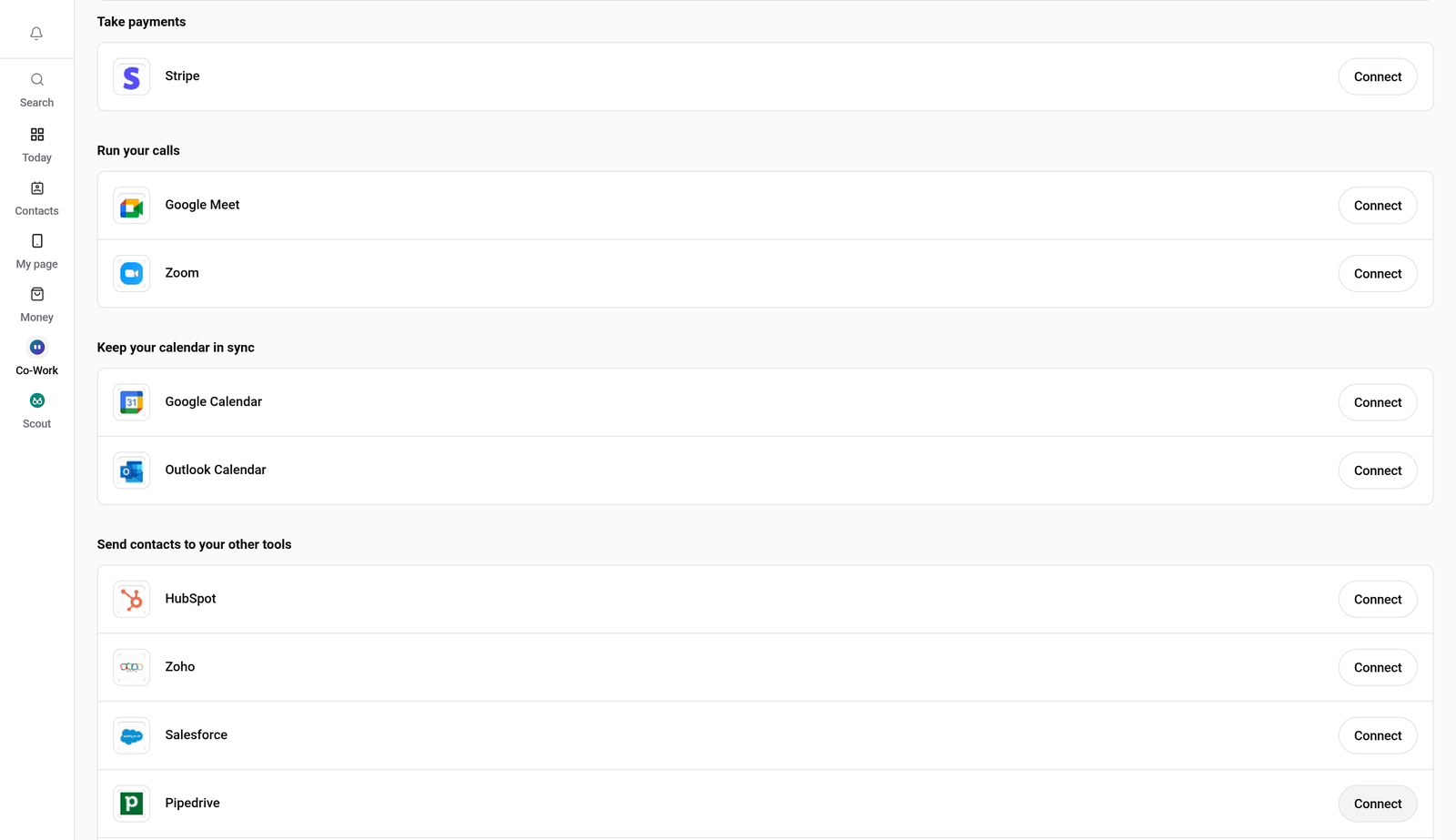
Step 3: Find Automation & developer
At the bottom you will find Automation & developer, with the V1CE API and Webhooks.
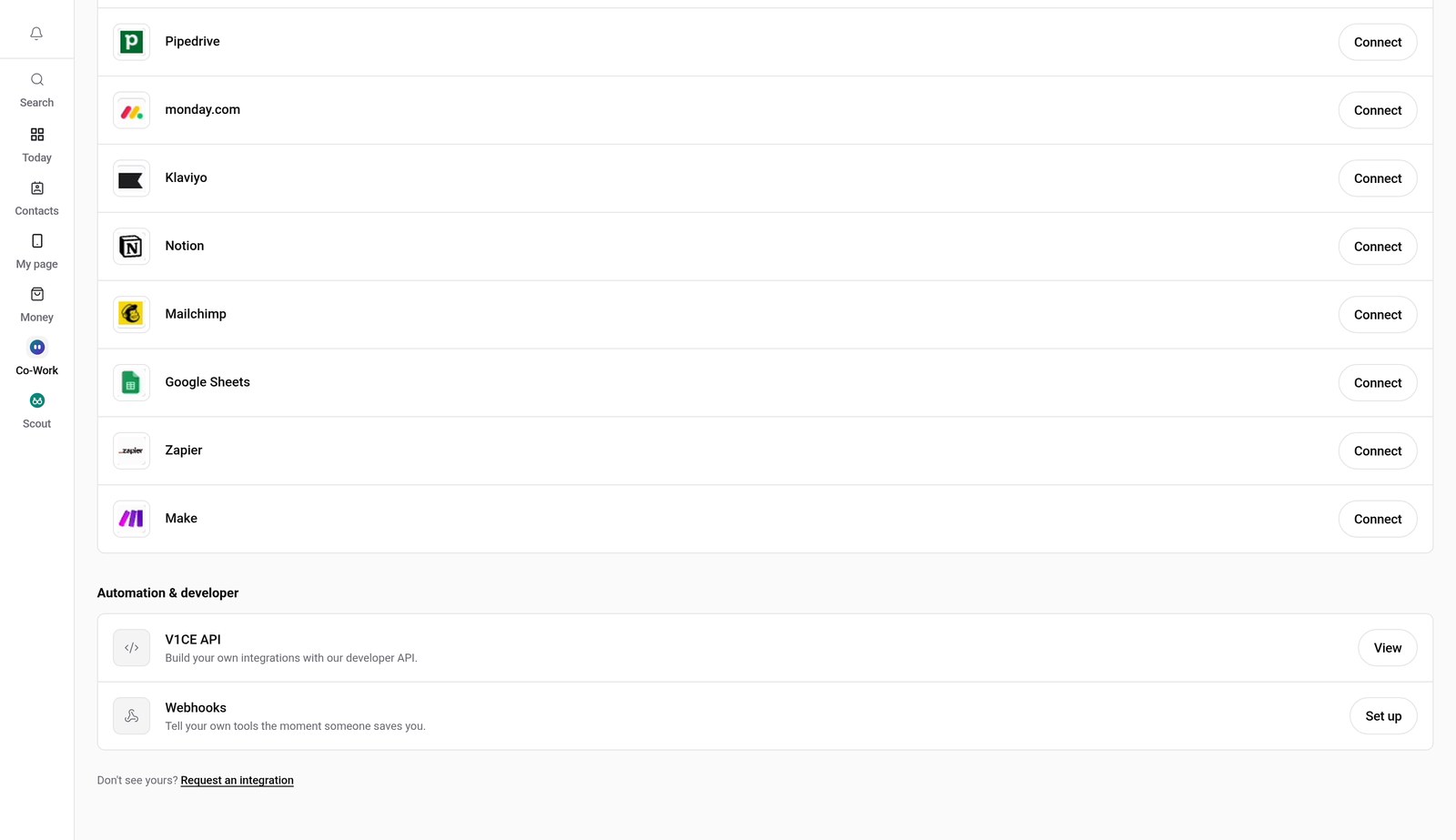
Step 4: Open the V1CE API
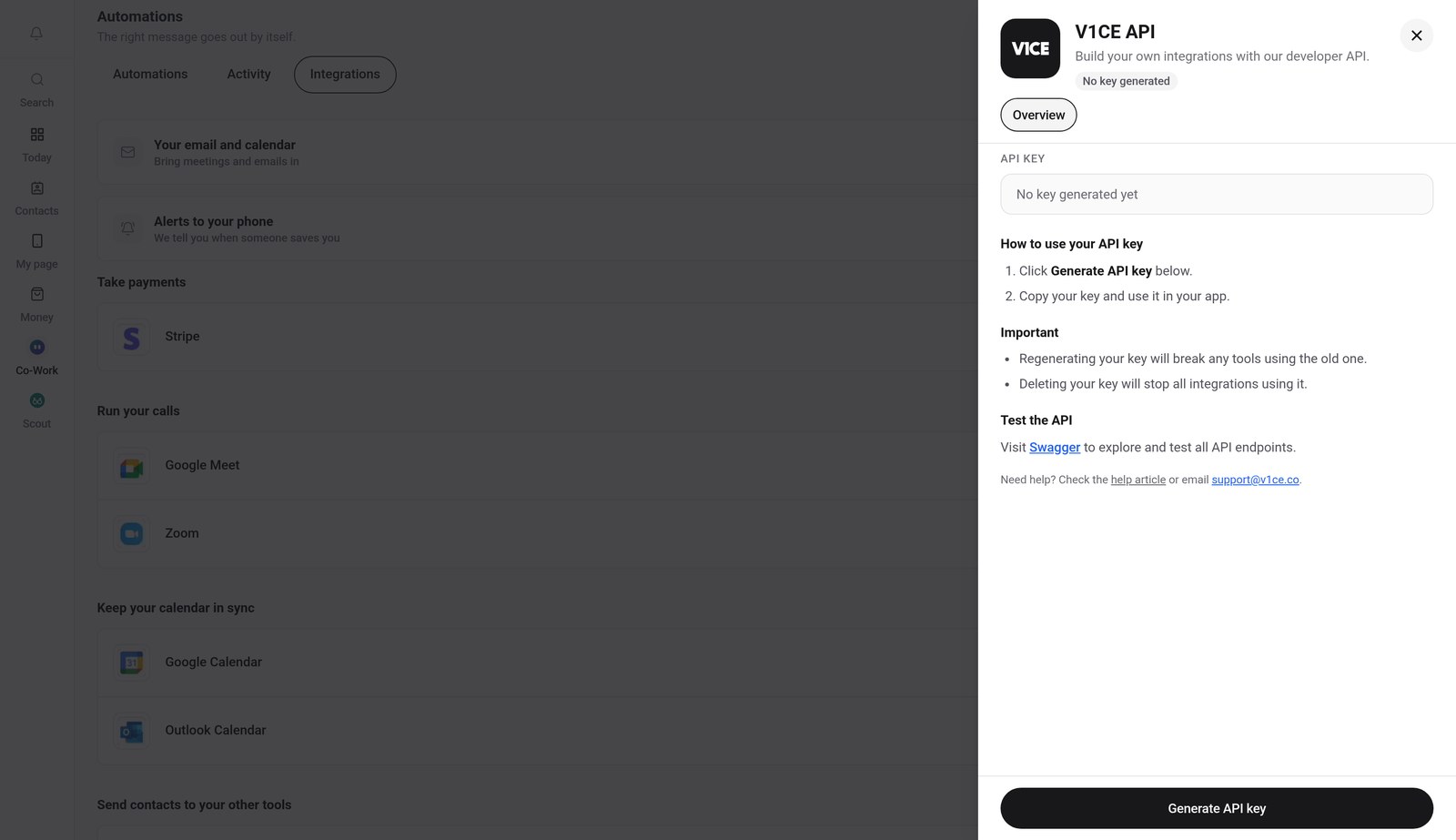
Press View next to V1CE API. This is where you generate your API key.
Step 5: Set up Webhooks
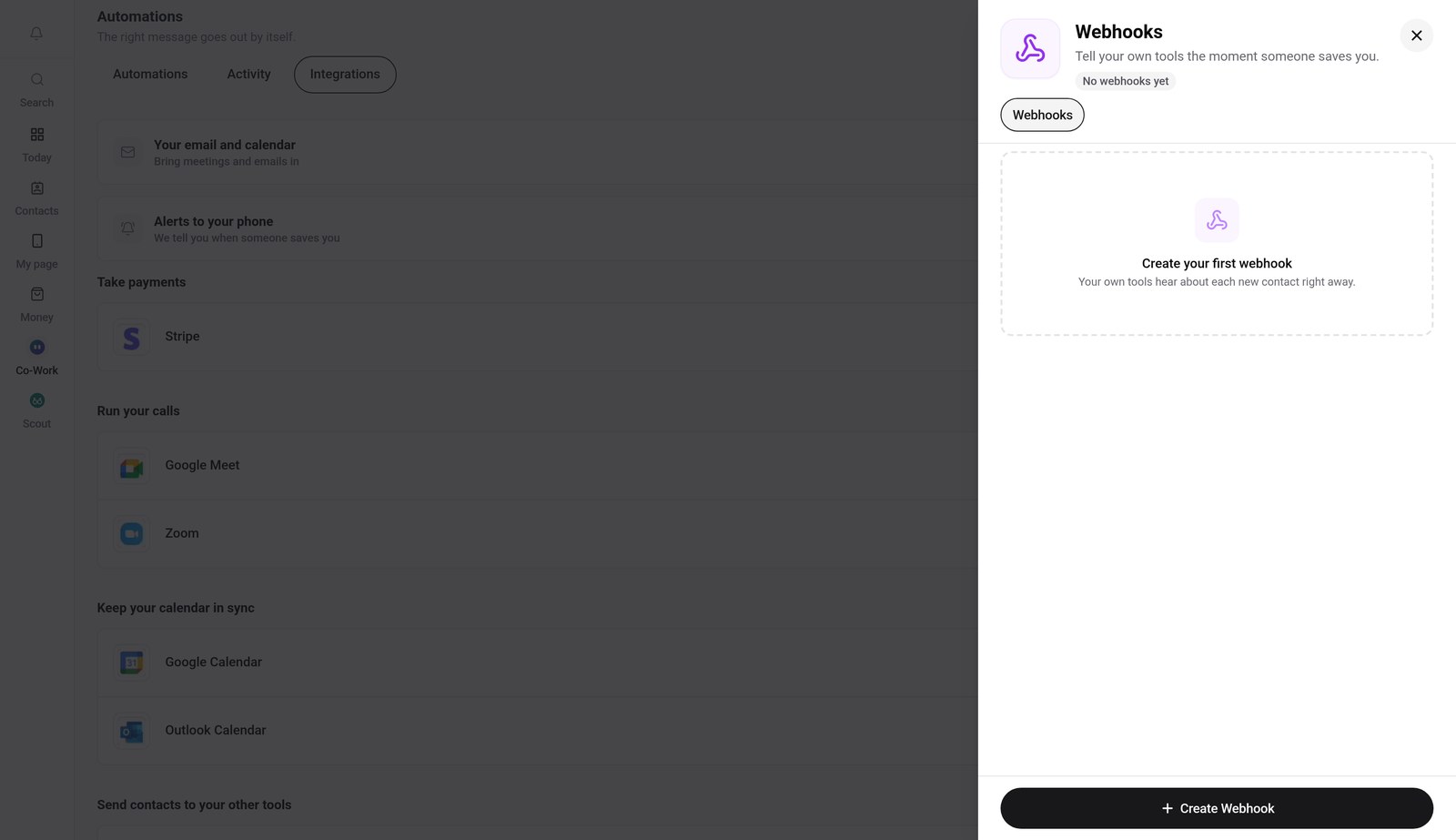
Press Set up next to Webhooks, to tell your own tools the moment someone saves you.
Good to know
- You can regenerate or delete your API key from the same screen. Doing so stops any tool using the old key.
- Webhooks send a message to your own tools each time a new contact is saved.
Frequently asked questions
Where do I find the V1CE API?
Open Automations, click the Integrations tab and scroll to Automation & developer. Press View next to V1CE API.
Where do I set up webhooks?
In the same Automation & developer section, press Set up next to Webhooks.
What are webhooks for?
They tell your own tools the moment someone saves you.
How long does this take?
About a minute. Open Integrations and scroll to Automation & developer.
Where do I find Integrations in V1CE?
Hover Co-Work in the side menu, choose Automations, then click the Integrations tab.