How to connect Make to V1CE

To connect Make to V1CE, open Automations, click Integrations, find Make and press Connect. Follow the steps to create a Make webhook, then open webhook settings in V1CE.
| Time needed | 1 minute |
|---|---|
| What you need | Your V1CE account and a Make account |
| Where in the app | Co-Work > Automations > Integrations |
Video transcript and chapters
Chapters
0:00 Intro
0:08 Open Integrations
0:18 Press Connect
0:26 Follow the steps
0:31 Done

Transcript
Here's how to connect Make to V1CE. Connect V1CE to over a thousand apps through Make. Start on Today, then hover Co-Work in the side menu. Choose Automations. Click the Integrations tab. Scroll down and find Make. Press Connect. Make opens a short set of steps. Follow the steps, then press Open webhook settings, to point a V1CE webhook at Make. That's it. V1CE is now ready to work with Make.
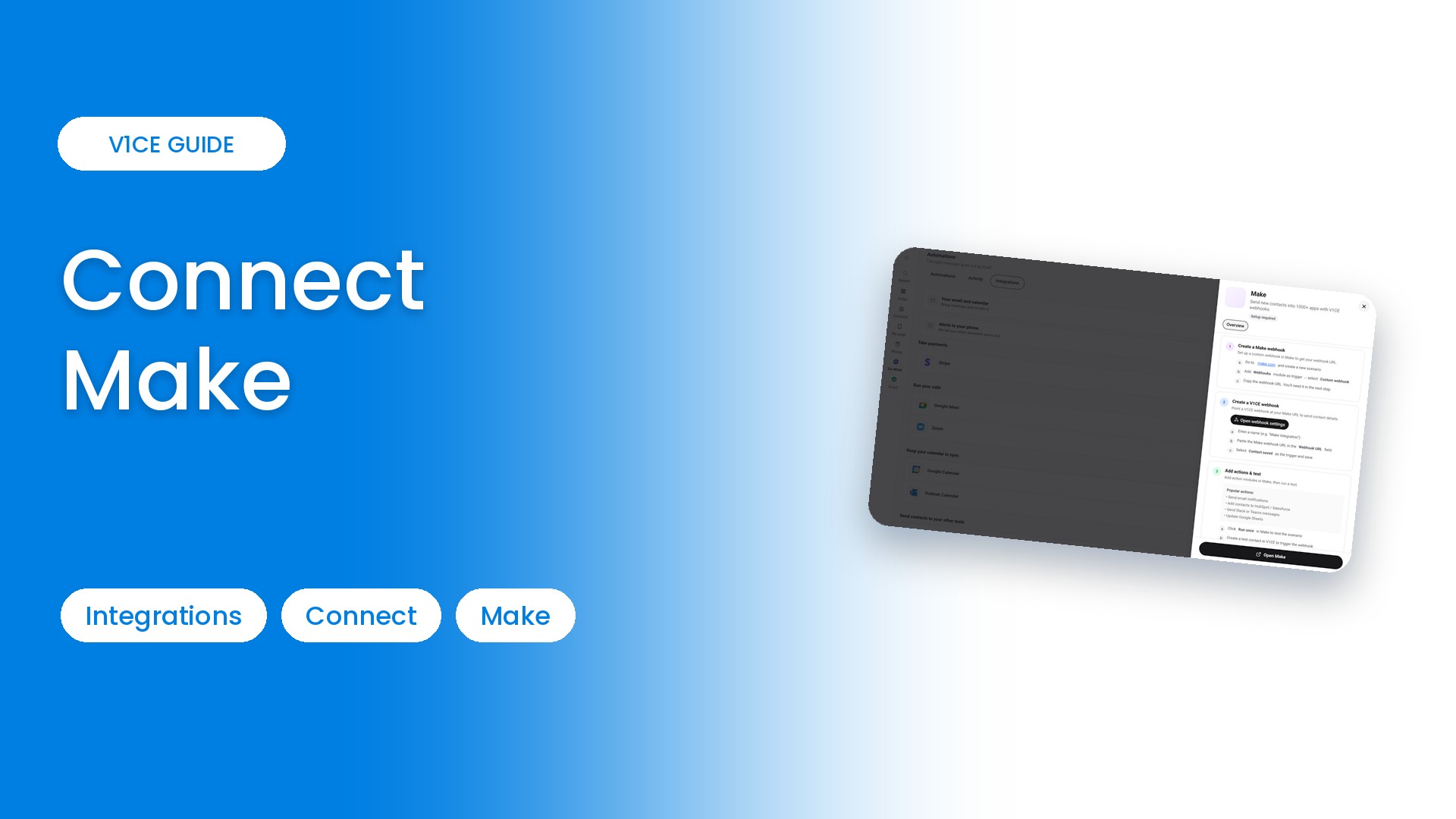
Make connects V1CE to over a thousand apps using webhooks. Here is how to start from V1CE. It takes a few minutes.
Watch the video
Step 1: Open Automations
Hover Co-Work in the side menu, then choose Automations.
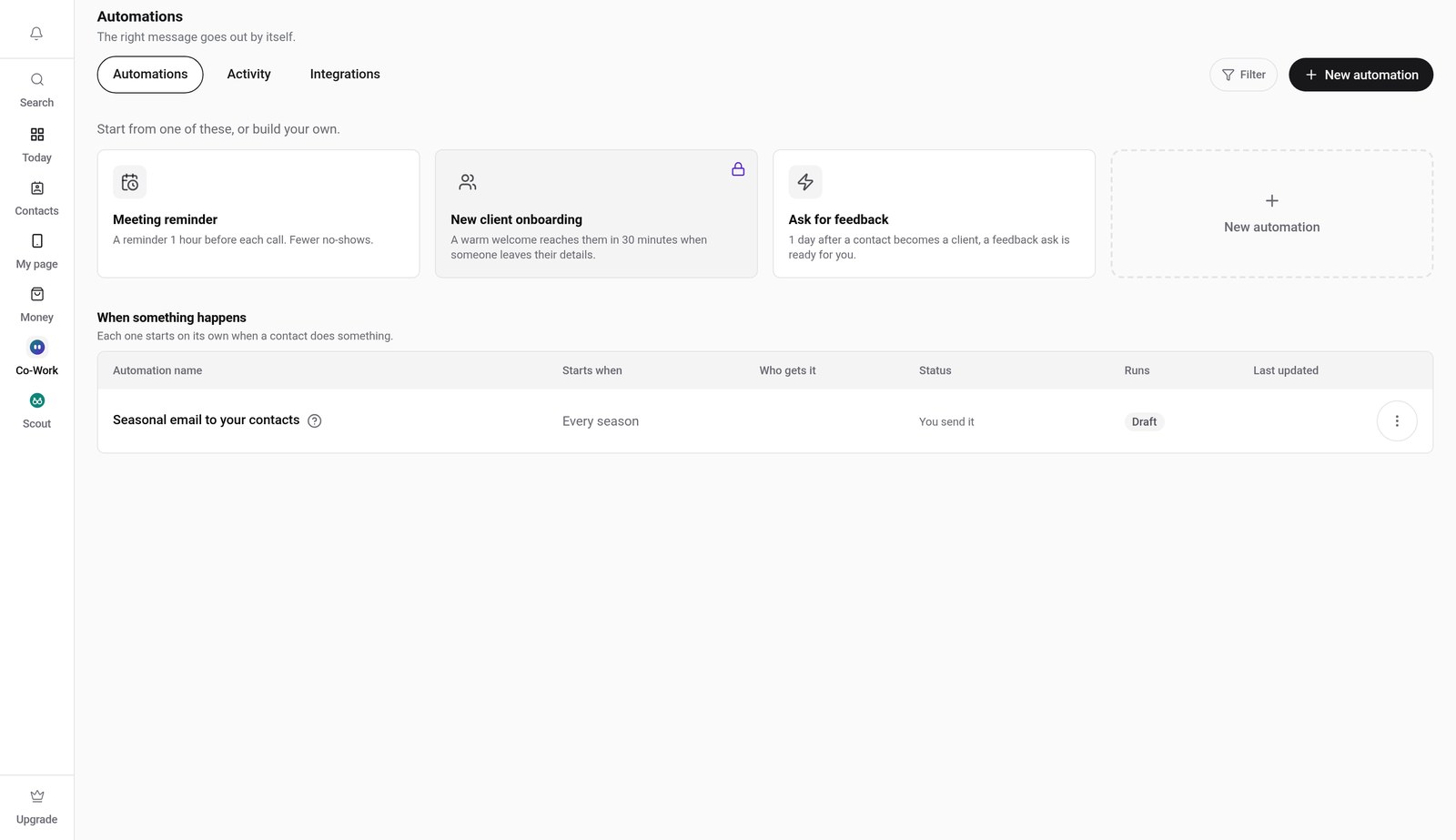
Step 2: Click the Integrations tab
Click Integrations, then scroll down and find Make.
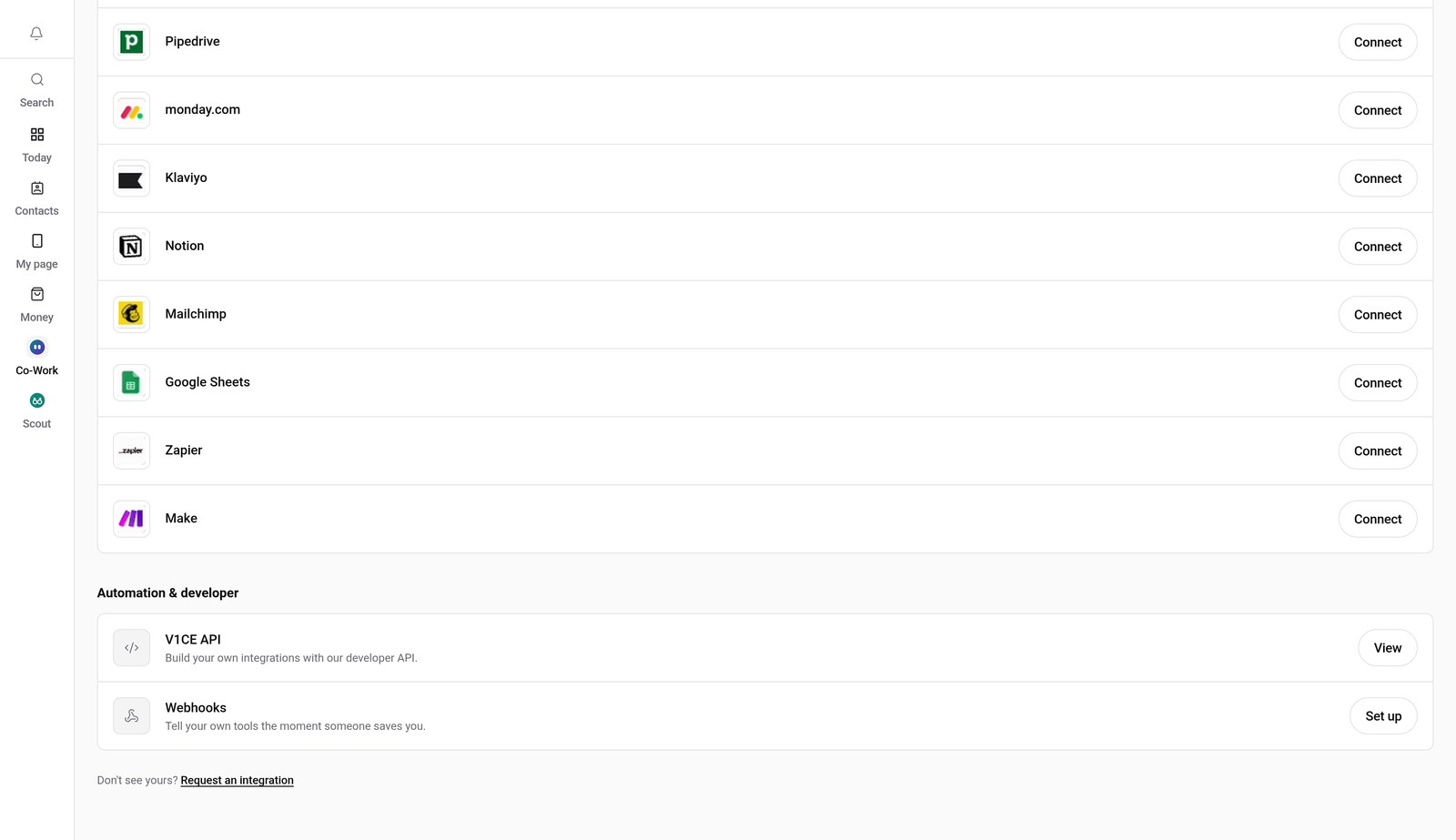
Step 3: Press Connect
Press Connect next to Make. A short set of steps opens.
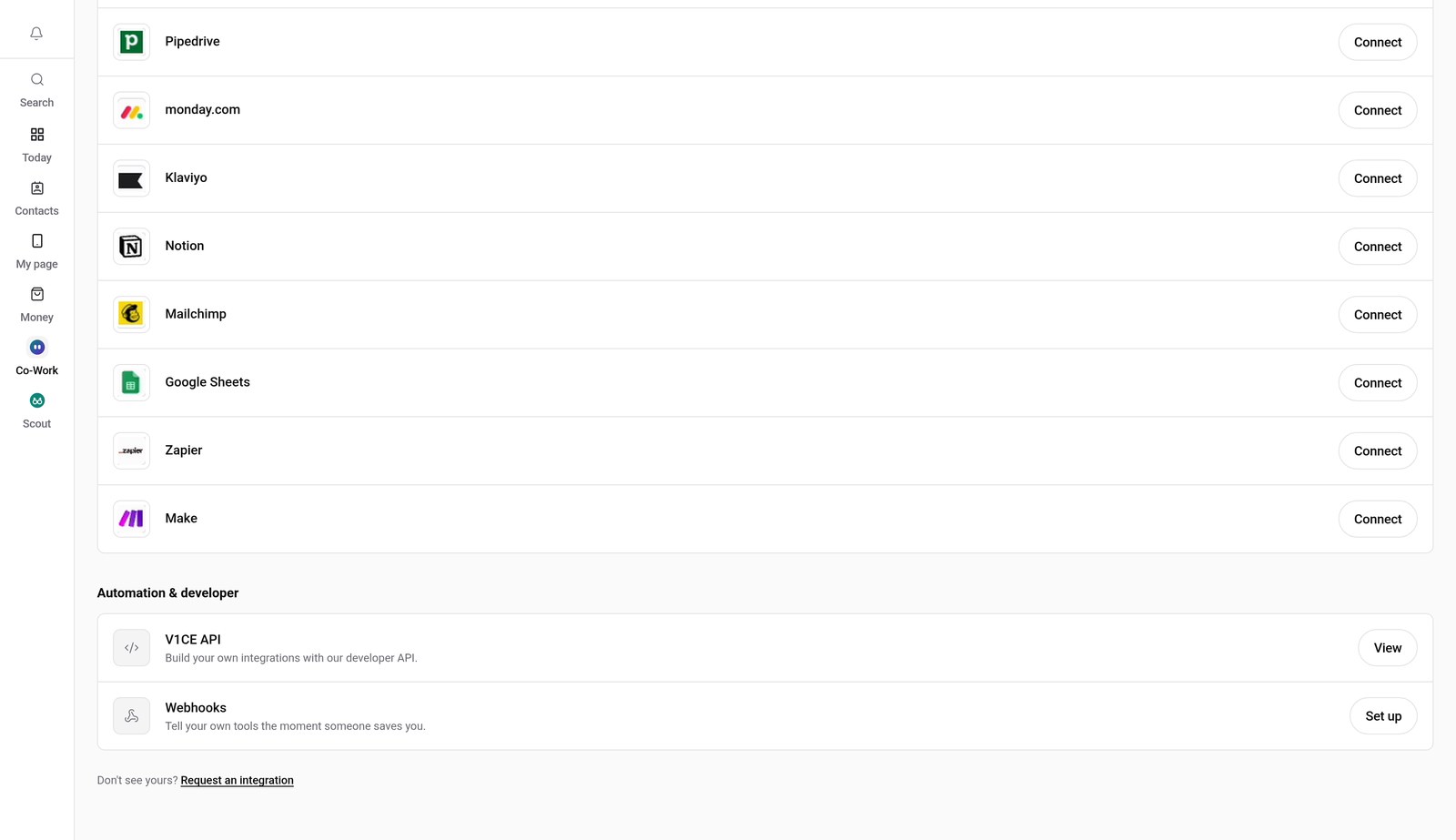
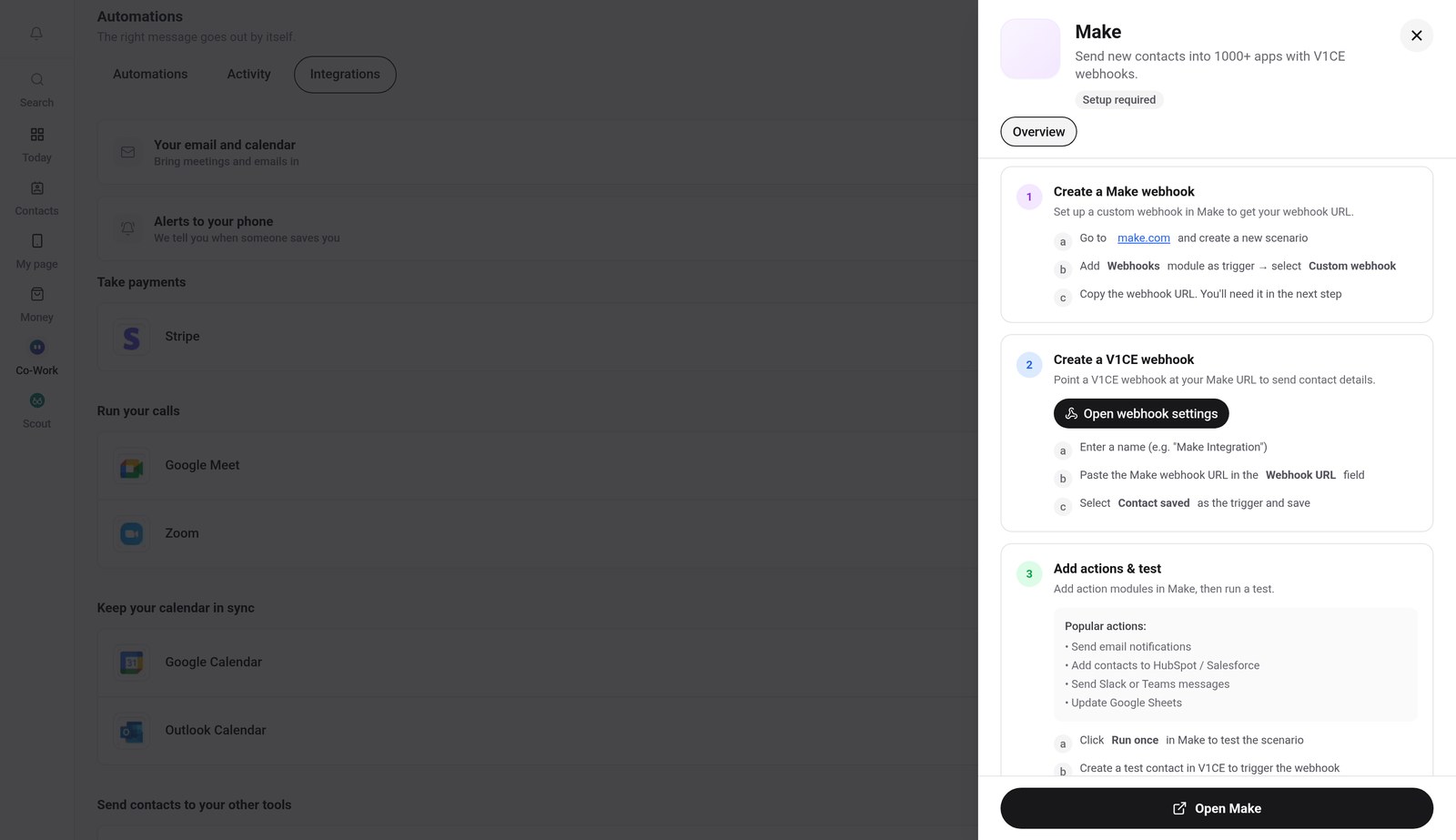
Step 4: Follow the steps
Create a Make webhook, then press Open webhook settings to point a V1CE webhook at your Make URL.
Good to know
- Make works through webhooks, so you will copy a webhook URL from Make into V1CE.
- Create a test contact in V1CE to check the webhook fires.
Frequently asked questions
How do I connect Make to V1CE?
Open Automations, click the Integrations tab, find Make and press Connect. Follow the short set of steps.
Does Make use webhooks?
Yes. You create a webhook in Make, then point a V1CE webhook at your Make URL.
What does Make do?
Connect V1CE to over a thousand apps through Make.
How long does it take to connect Make?
About a minute. Open Integrations, press Connect and follow the steps.
Where do I find Integrations in V1CE?
Hover Co-Work in the side menu, choose Automations, then click the Integrations tab.