Help Centre
Help Centre Digital Page

Digital Page

42 articles · 25 videos.
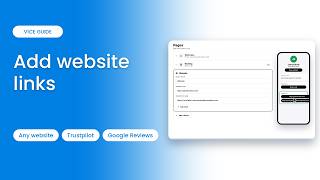
How to add website links to your pageLink to your website, Trustpilot or Google Reviews from your V1CE page. Add a link, choose its type,…
How to add your story to your pageTell visitors a little about who you are and what you do. Add a Your story block, give it a title, a…
How to add a voice intro to your pageLet people hear you before they meet you, with a short voice note on your V1CE page.
How to add a mailing list to your pageLet visitors join your mailing list straight from your V1CE page, and send them an automatic welcome…
How to add a free download to your pageGive visitors a free guide or file to download from your V1CE page. Upload a file, name it, and add …
How to add FAQs to your pageAnswer the questions people ask most, right on your V1CE page. Add a FAQ block, then write each ques…
How to add a map to your pageShow people where you are, and the area you cover. Choose your location, move the pin, and set how f…
How to add a booking link to your pageLet people book a call straight from your page. Choose your booking link, name the block, and set up…
How to add services to your page and choose what showsShow what you offer on your page. Choose which services show, rearrange them, rename the block, and …
How to share your page on WhatsApp, iMessage and other chat appsSend your V1CE page to someone in a message, straight from your dashboard. Works with WhatsApp, iMes…
How to embed your V1CE page on your websiteAdd your V1CE form to your own website, so visitors can save your details and land straight in your …
What size should my V1CE page images be?Upload a square image, 1 to 1 ratio, of at least 400 by 400 pixels, in JPG or PNG format. This keeps…
How to use a custom domain instead of v1ce.coYes, you can use your own custom domain, such as yourname.com, instead of v1ce.co for your page. If …
How to rearrange the sections on your pageTo rearrange the sections on your V1CE page, drag and drop your blocks into the order you want. The …
How to edit your V1CE pageYou edit your V1CE page from one place: Pages in your account. Change the details you share, edit th…
How to add and edit your social linksAdd social media links to your V1CE page, and edit them later. Add your social profiles, one platfor…
How to add a second link and pageManaging your colleagues in one place? You can add a second link, with its own page, to your account…
How to add a trust line to your pageAdd a short trust line to your V1CE page. Add a Why trust you block, then type a short line that bui…
How to add a Featured in section to your pageList the publications you've appeared in, right on your V1CE page. Add a Featured in block, then typ…
How to add key numbers to your pageShow off results like years in business or clients served. Add a Your numbers block, then fill in th…
How to add your qualifications to your pageShow your qualifications and memberships on your V1CE page. Add a Qualifications block, then type in…
How to add a portfolio to your pageShow photos and videos of your work on your V1CE page. Add items one at a time, with a photo or vide…
How to add reviews to your pageShow customer reviews on your V1CE page. Add a Reviews block, then type each review with the client'…
How to add articles to your pageAdd links to your articles right on your V1CE page, so visitors can read your best work.
What fields and sections can I add to my V1CE page?Your V1CE page is built from blocks. Each block is a section of your page, such as your services, re…
What fields and sections can I add to my V1CE page?Every block you can add to your V1CE page, grouped by job, with what is free and what ClientCapture …
How do I add a document or PDF to my V1CE page?Add a PDF or other document to your V1CE page with a Document picker section, up to 25 MB.
How do I make my contact form open on a button instead of automatically?Choose whether your V1CE contact form shows when the page opens or only when a visitor taps a button…
How do I edit my V1CE page?Where to change your details, photo, links, blocks and look on your V1CE page, plus fixes for common…
How to add your V1CE page to your Mobile WalletSave your V1CE page as a wallet pass on your phone, with image sizes and fixes if it will not save.
How do I capture contact details from people who view my V1CE page?Switch on Contact Exchange, choose fields and how the form appears, and visitors can leave their det…
How do I add a TikTok link to my V1CE page?Add your TikTok profile link to your V1CE page using the Social links block. No new page needed.
Can I change my V1CE page URL to something like v1ce.co/myname?Change your V1CE page link to a short custom name in Pages > Link. Your old link still works.
How do I embed my V1CE page on my website?Copy a pop-up button or form from My page > Sharing and paste it into your website so visitors can s…
How do I share my V1CE page on WhatsApp, iMessage, and other chat apps?Share your V1CE page in chat apps with Share my page, add it to WhatsApp Business and fix a wrong li…
How do I add my V1CE page to my Instagram, TikTok, or X bio?Put your V1CE link in your Instagram, TikTok or X bio. Copy it from My page > Pages > Sharing and pa…
How do I add my V1CE page to my LinkedIn profile?Three places to put your V1CE link on LinkedIn: Contact info, Featured and About, with steps for eac…
How do I rearrange the sections on my V1CE page?Reorder blocks on your V1CE page by dragging, hide what you do not need and understand the lock icon…
How do I set up my email signature in V1CE?Build your V1CE email signature in My page > Sharing, copy it and add it to Gmail, Outlook or Apple …
Can I use a custom domain instead of v1ce.co?Claim your own domain for your V1CE page from Pages > Link on ClientCapture OS. First year free, liv…
What size should my V1CE page images be?The right size for your V1CE profile photo, how to crop it, and the image sizes for your wallet pass…
How do I add a video to my V1CE page?Show a YouTube, Vimeo or TikTok video on your V1CE page with the Portfolio block, plus tips for what…
How to Add Website Links to Your Page
0:46
How to Add Website Links to Your Page

Link to your website, Trustpilot or Google Reviews from your V1CE page. Add a li…
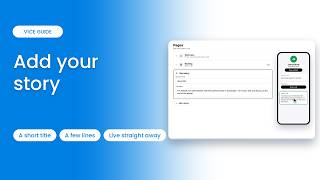
How to Add Your Story to Your Page
0:39
How to Add Your Story to Your Page

Tell visitors a little about who you are and what you do. Add a Your story block…
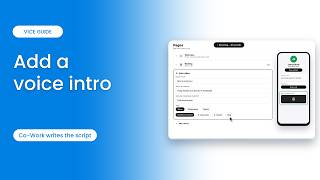
How to Add a Voice Intro to Your Page
0:57
How to Add a Voice Intro to Your Page

Let people hear you before they meet you, with a short voice note on your V1CE p…
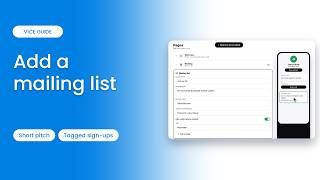
How to Add a Mailing List to Your Page
1:04
How to Add a Mailing List to Your Page

Let visitors join your mailing list straight from your V1CE page, and send them …
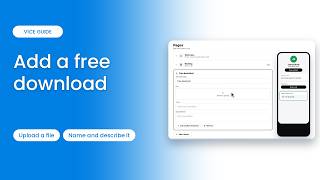
How to Add a Free Download to Your Page
0:57
How to Add a Free Download to Your Page

Give visitors a free guide or file to download from your V1CE page. Upload a fil…
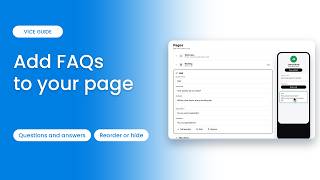
How to Add FAQs to Your Page
0:57
How to Add FAQs to Your Page

Answer the questions people ask most, right on your V1CE page. Add a FAQ block, …
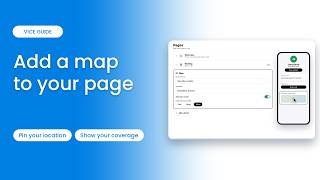
How to Add a Map to Your Page
0:53
How to Add a Map to Your Page

Show people where you are, and the area you cover. Choose your location, move th…
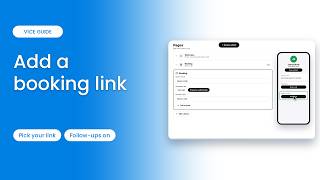
How to Add a Booking Link to Your Page
1:02
How to Add a Booking Link to Your Page

Let people book a call straight from your page. Choose your booking link, name t…
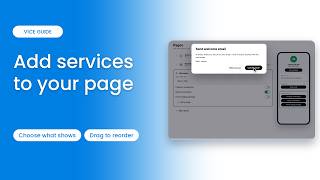
How to Add Services to Your Page
1:10
How to Add Services to Your Page

Show what you offer on your page. Choose which services show, rearrange them, re…
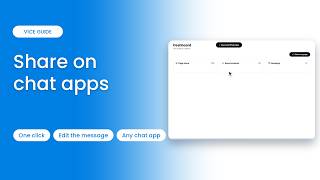
How to Share Your Page on WhatsApp and Chat Apps
0:31
How to Share Your Page on WhatsApp and Chat Apps

Send your V1CE page to someone in a message, straight from your dashboard. Works…
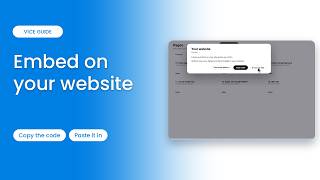
How to Embed Your Page on Your Website
0:52
How to Embed Your Page on Your Website

Add your V1CE form to your own website, so visitors can save your details and la…
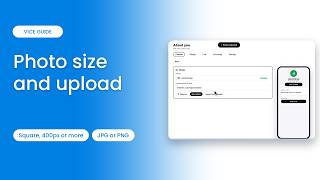
What Size Should Your Page Photo Be?
1:04
What Size Should Your Page Photo Be?

Upload a square image, 1 to 1 ratio, of at least 400 by 400 pixels, in JPG or PN…
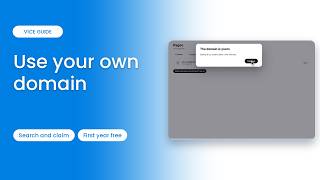
How to Set Up a Custom Domain for Your Page
1:05
How to Set Up a Custom Domain for Your Page

Yes, you can use your own custom domain, such as yourname.com, instead of v1ce.c…
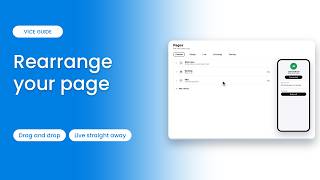
How to Rearrange the Sections on Your Page
0:52
How to Rearrange the Sections on Your Page

To rearrange the sections on your V1CE page, drag and drop your blocks into the …
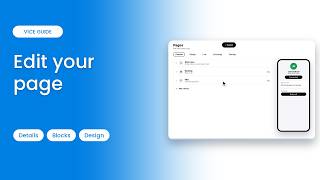
How to Edit Your V1CE Page
1:09
How to Edit Your V1CE Page

You edit your V1CE page from one place: Pages in your account. Change the detail…
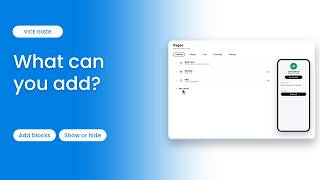
What You Can Add to Your V1CE Page
1:16
What You Can Add to Your V1CE Page

Your V1CE page is built from blocks. Each block is a section of your page, such …
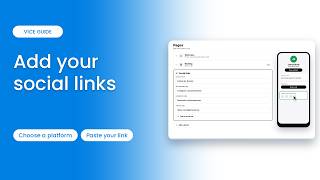
How to Add and Edit Your Social Links
0:48
How to Add and Edit Your Social Links

Add social media links to your V1CE page, and edit them later. Add your social p…
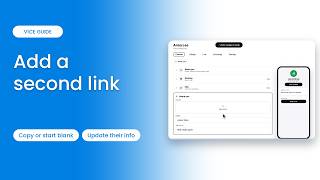
How to Add a Second Link and Page
1:01
How to Add a Second Link and Page

Managing your colleagues in one place? You can add a second link, with its own p…
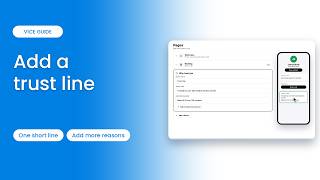
How to Add a Trust Line to Your Page
0:43
How to Add a Trust Line to Your Page

Add a short trust line to your V1CE page. Add a Why trust you block, then type a…
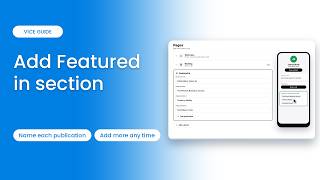
How to Add a Featured In Section to Your Page
0:44
How to Add a Featured In Section to Your Page

List the publications you've appeared in, right on your V1CE page. Add a Feature…
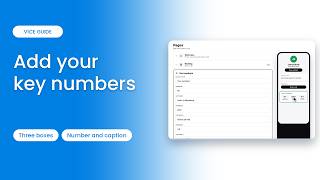
How to Add Key Numbers to Your Page
0:45
How to Add Key Numbers to Your Page

Show off results like years in business or clients served. Add a Your numbers bl…
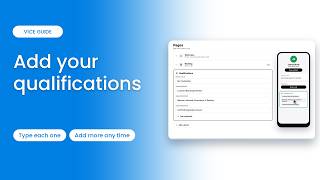
How to Add Your Qualifications to Your Page
0:41
How to Add Your Qualifications to Your Page

Show your qualifications and memberships on your V1CE page. Add a Qualifications…
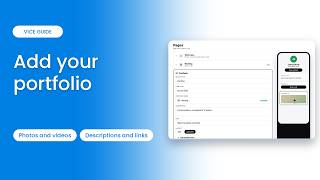
How to Add a Portfolio to Your Page
0:55
How to Add a Portfolio to Your Page

Show photos and videos of your work on your V1CE page. Add items one at a time, …
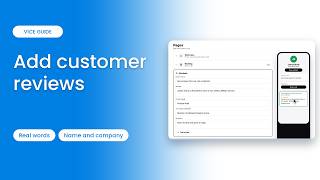
How to Add Reviews to Your Page
0:45
How to Add Reviews to Your Page

Show customer reviews on your V1CE page. Add a Reviews block, then type each rev…
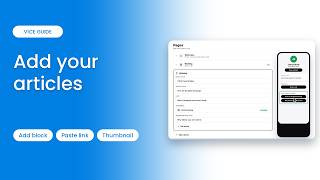
How to Add Articles to Your Page
0:48
How to Add Articles to Your Page

Add links to your articles right on your V1CE page, so visitors can read your be…