How to connect Zapier to V1CE

To connect Zapier to V1CE, open Automations, click Integrations, find Zapier and press Connect. Zapier opens inside V1CE, where you pick an app and set up your workflow.
| Time needed | 1 minute |
|---|---|
| What you need | Your V1CE account and a Zapier account |
| Where in the app | Co-Work > Automations > Integrations |
Video transcript and chapters
Chapters
0:00 Intro
0:08 Open Integrations
0:18 Press Connect
0:26 Follow the steps
0:31 Done

Transcript
Here's how to connect Zapier to V1CE. Connect V1CE to thousands of apps through Zapier. Start on Today, then hover Co-Work in the side menu. Choose Automations. Click the Integrations tab. Scroll down and find Zapier. Press Connect. Zapier opens right here, so you can pick an app and set up your workflow. Pick the app you want to connect, and Zapier takes it from there. That's it. V1CE is now ready to work with Zapier.
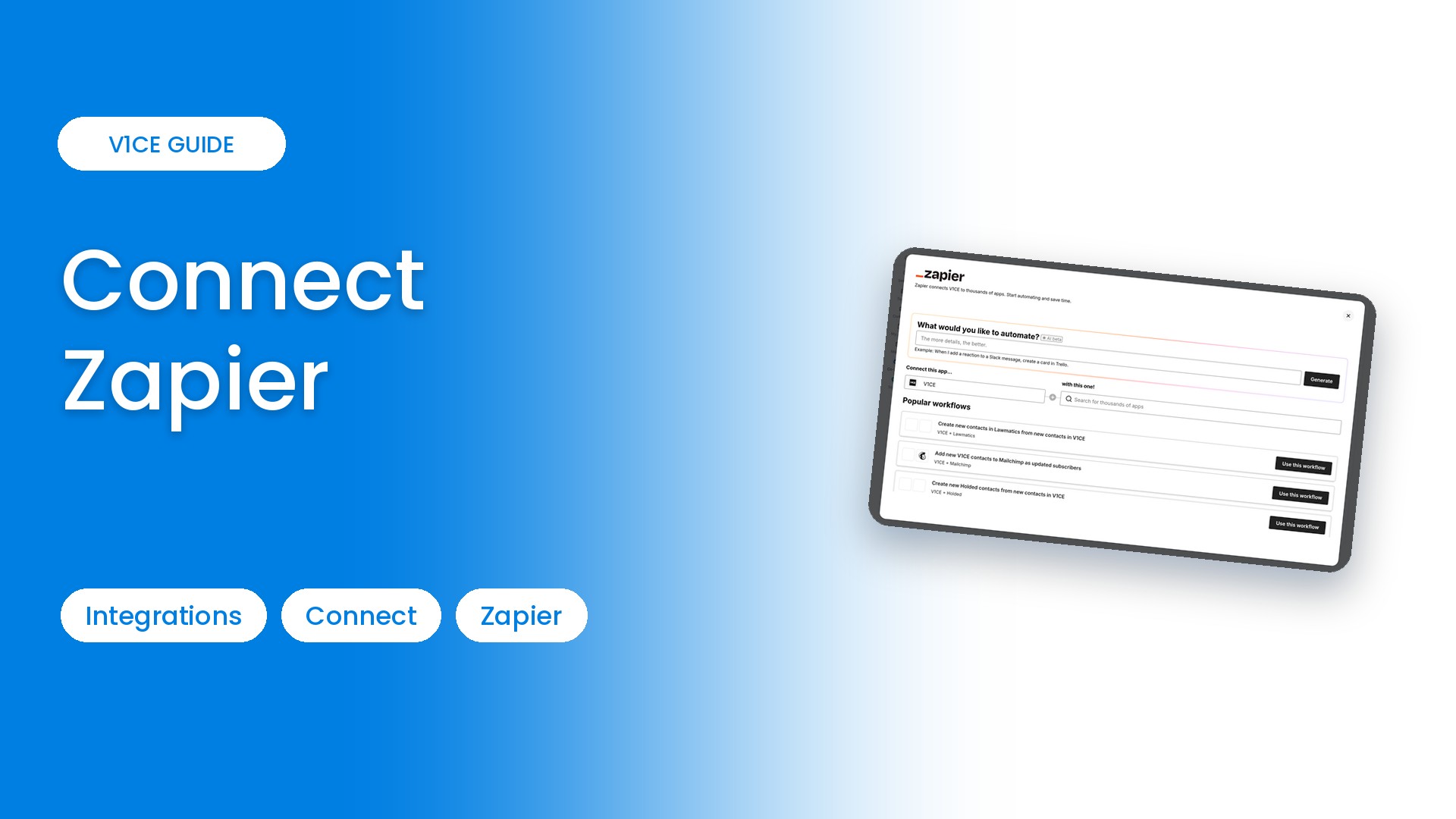
Zapier connects V1CE to thousands of other apps. Here is how to open it from V1CE. It takes about a minute to get started.
Watch the video
Step 1: Open Automations
Hover Co-Work in the side menu, then choose Automations.
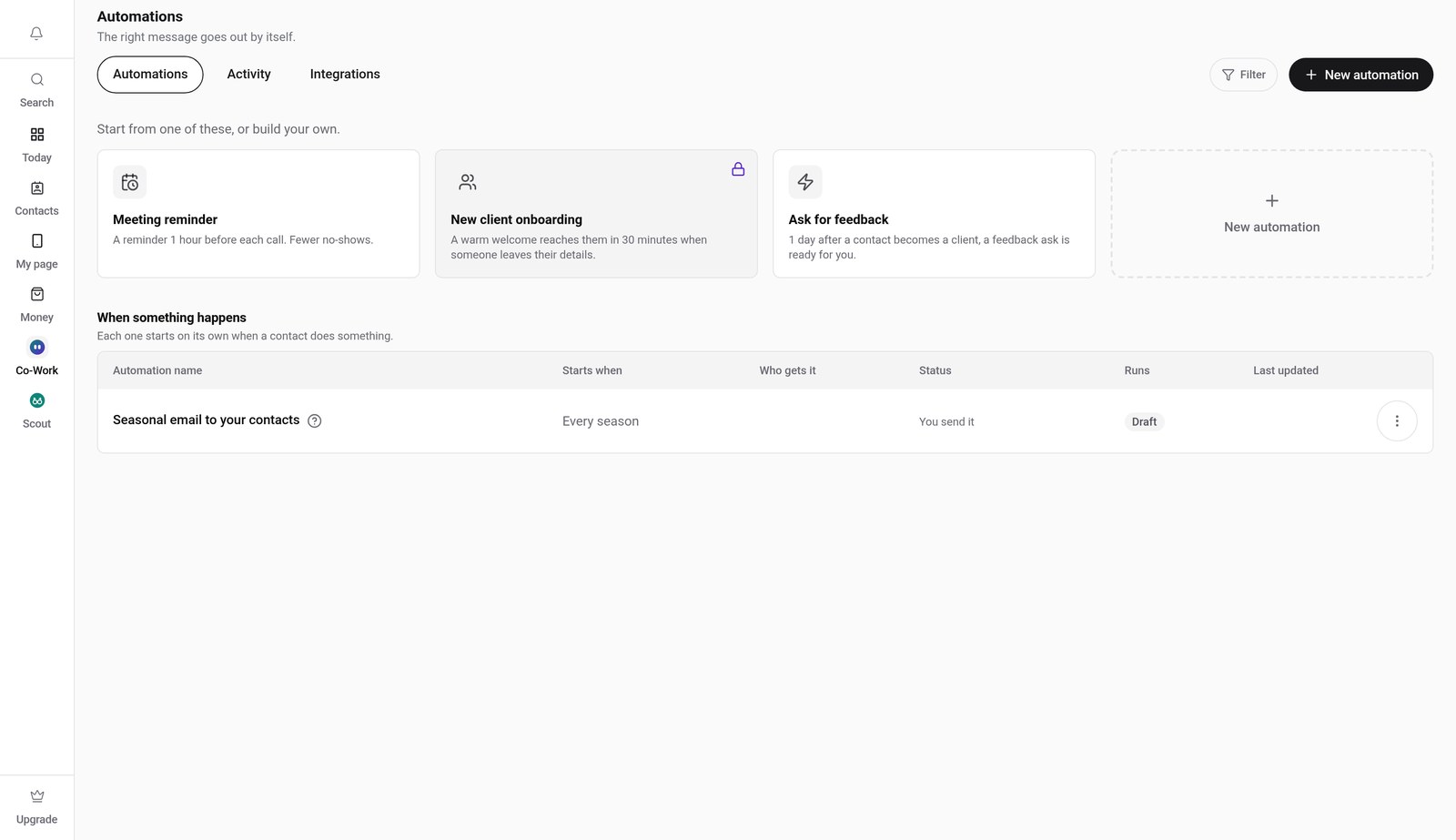
Step 2: Click the Integrations tab
Click Integrations, then scroll down and find Zapier.
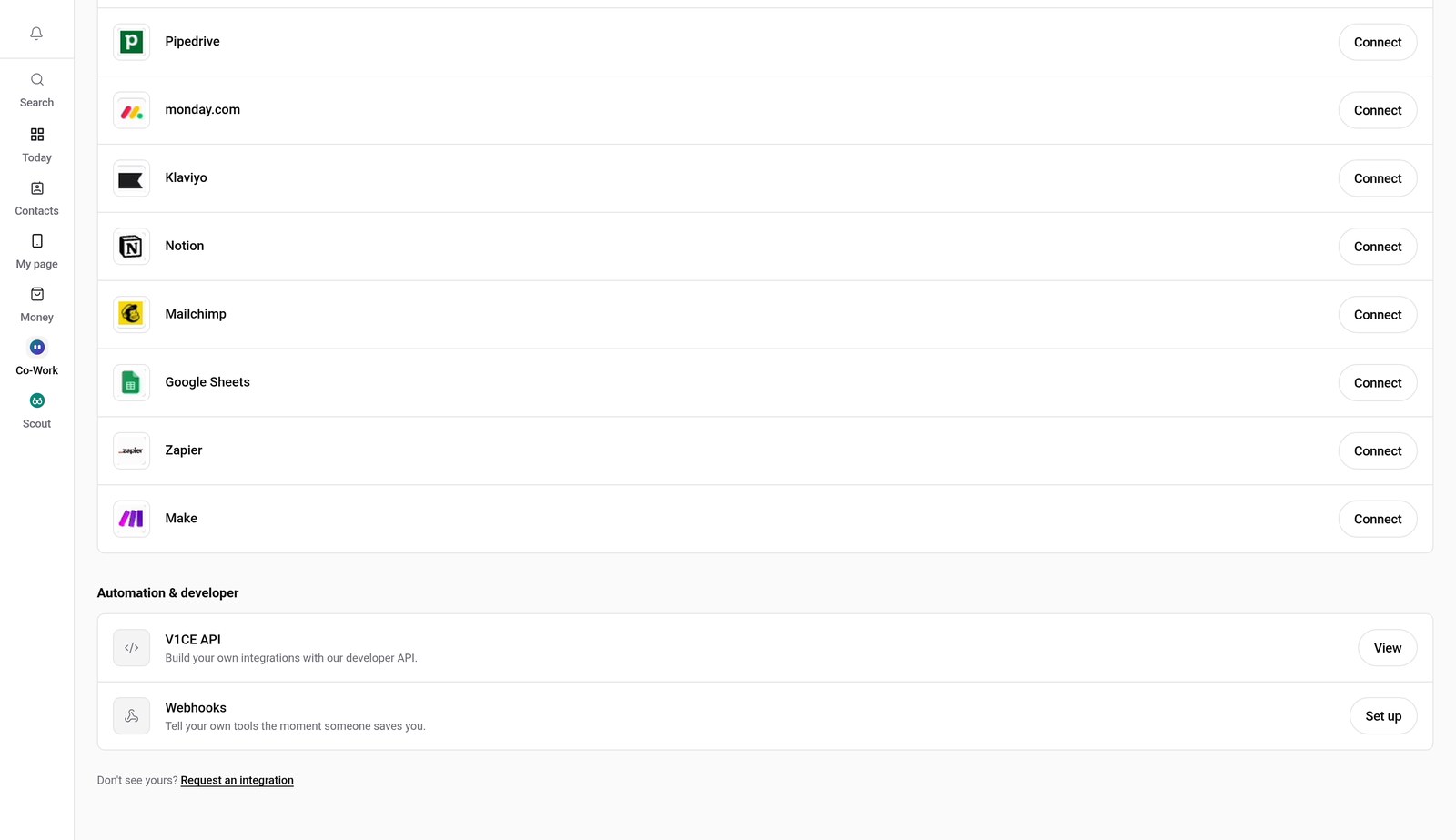
Step 3: Press Connect
Press Connect next to Zapier. Zapier opens right here in V1CE.
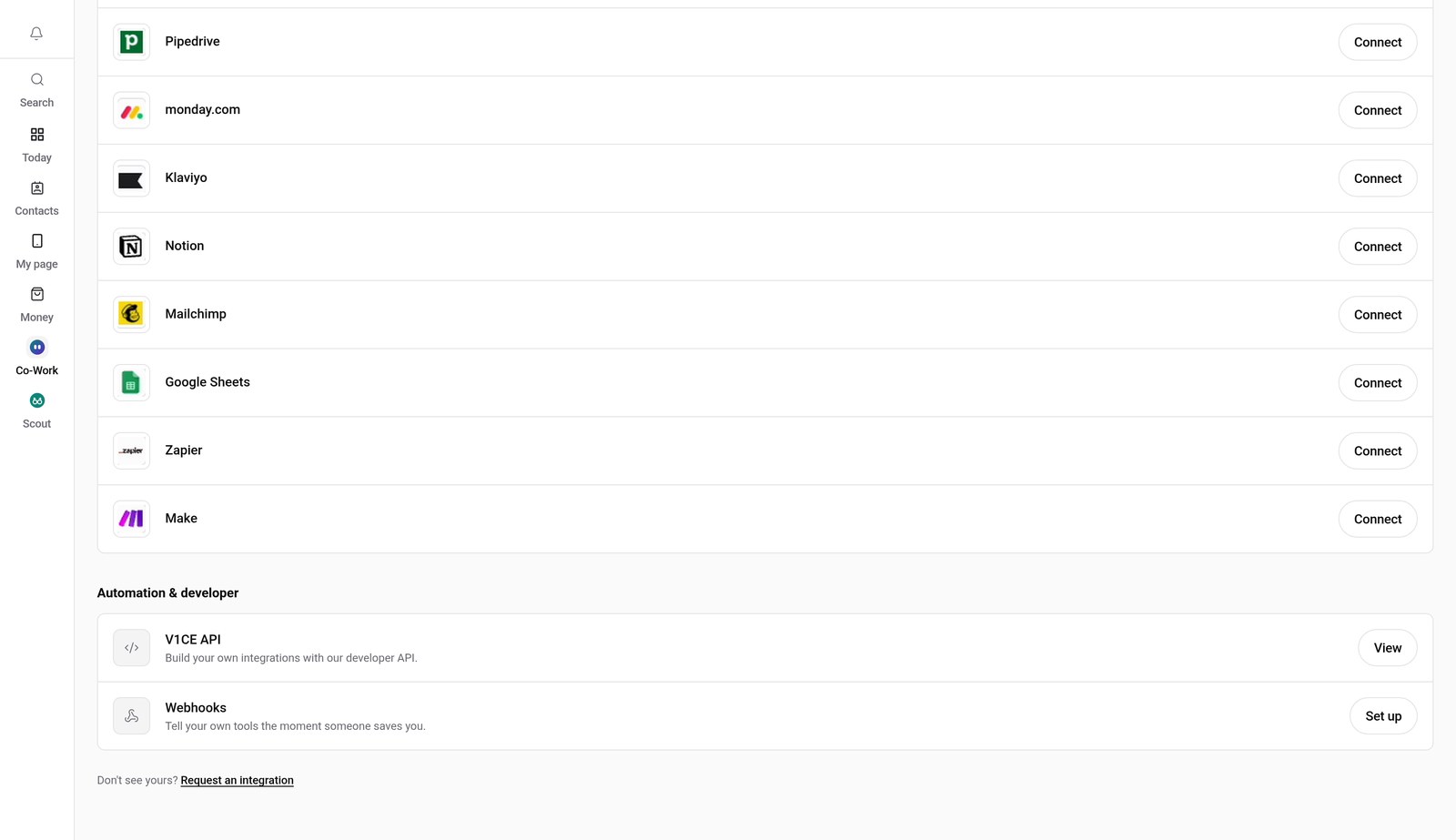
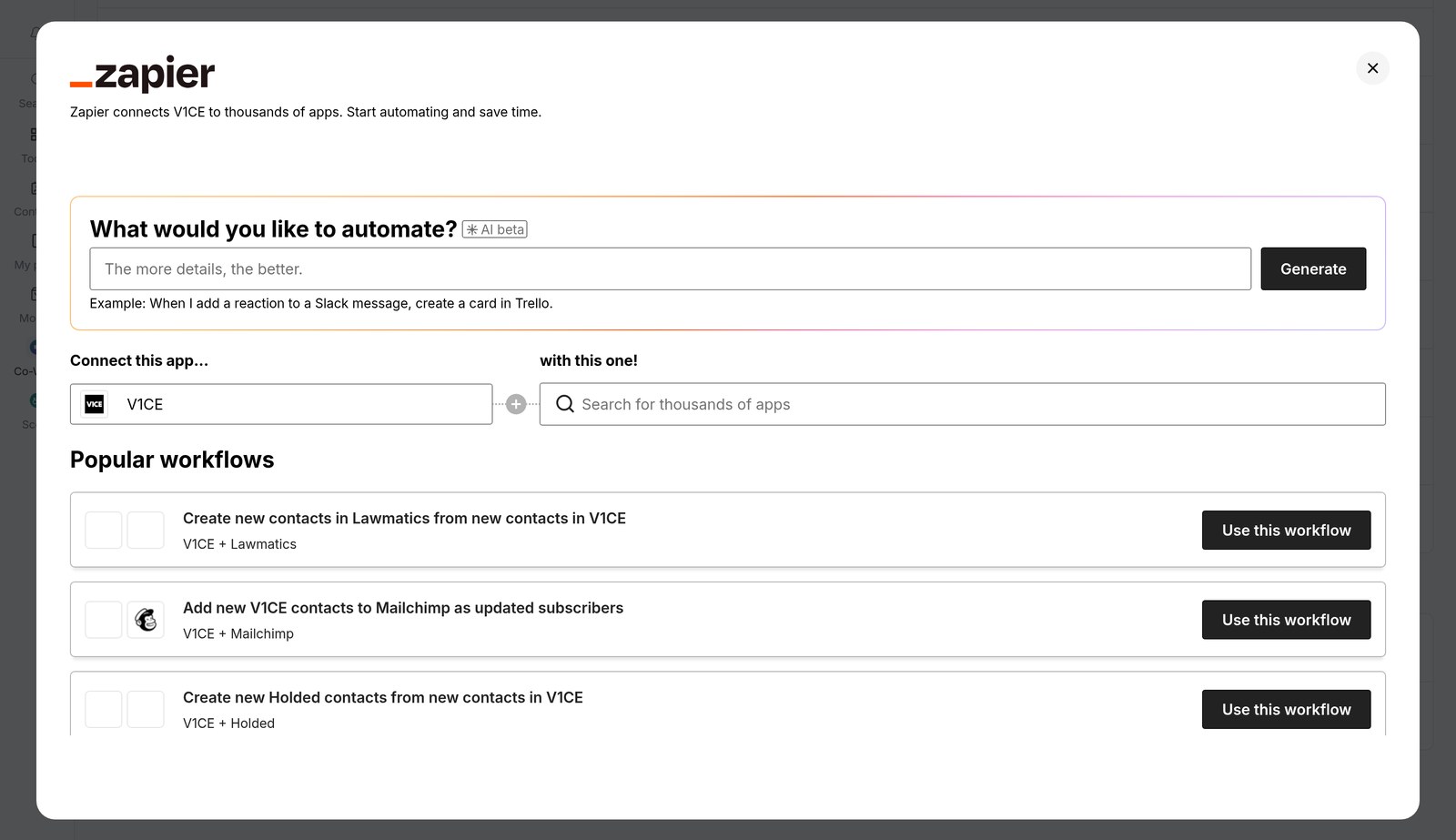
Step 4: Pick your apps
Pick the app you want to connect with V1CE, or choose one of the popular workflows.
Good to know
- Zapier opens inside V1CE, so you do not need to sign in to anything else to start.
- Zapier connects V1CE to thousands of other apps.
Frequently asked questions
How do I connect Zapier to V1CE?
Open Automations, click the Integrations tab, find Zapier and press Connect. Zapier opens inside V1CE.
Do I need to sign in to anything?
No. Zapier opens right inside V1CE, so you can pick an app and start setting up your workflow.
What does Zapier do?
Connect V1CE to thousands of apps through Zapier.
How long does it take to connect Zapier?
About a minute. Open Integrations, press Connect and follow the steps.
Where do I find Integrations in V1CE?
Hover Co-Work in the side menu, choose Automations, then click the Integrations tab.