How to add a voice intro to your page

To add a voice intro, open My page, then Pages, click Add a block and choose Intro video. Tell Co-Work what you do and who your ideal clients are, pick a tone and length for your script, then record a voice note of up to thirty seconds.
| Time needed | 1 minute |
|---|---|
| What you need | Your V1CE account and a microphone |
| Where in the app | My page > Pages > Add a block > Intro video |
Video transcript and chapters
Chapters
0:00 Introduction
0:10 Open My page
0:17 Find Intro video
0:20 Add your title
0:25 Tell Co-Work about you
0:29 Choose a tone and length
0:35 Continue to record
0:39 Record your voice note
0:44 Stop recording
0:47 See it on your page
0:51 You're done

Transcript
Let people hear you before they meet you with a short voice note on your V1CE page.
Co-Work writes your script from a few answers, then you record it in 30 seconds.
Open my page, then Pages.
Scroll to the bottom of your page and click Add a block.
Find Intro Video in the list and click it.
Click the title and type your own, for example, Nice to meet you.
Tell Co-Work what you do and who your ideal clients are.
Co-Work writes you a script. Pick a tone and a length you like, then wait for it to update.
Click Continue to record.
Click Voice Note.
Click the microphone and read your script out loud. You have 30 seconds.
Click the Stop button when you are done.
Your voice intro now shows on your page.
That's how to add a voice intro to your page.
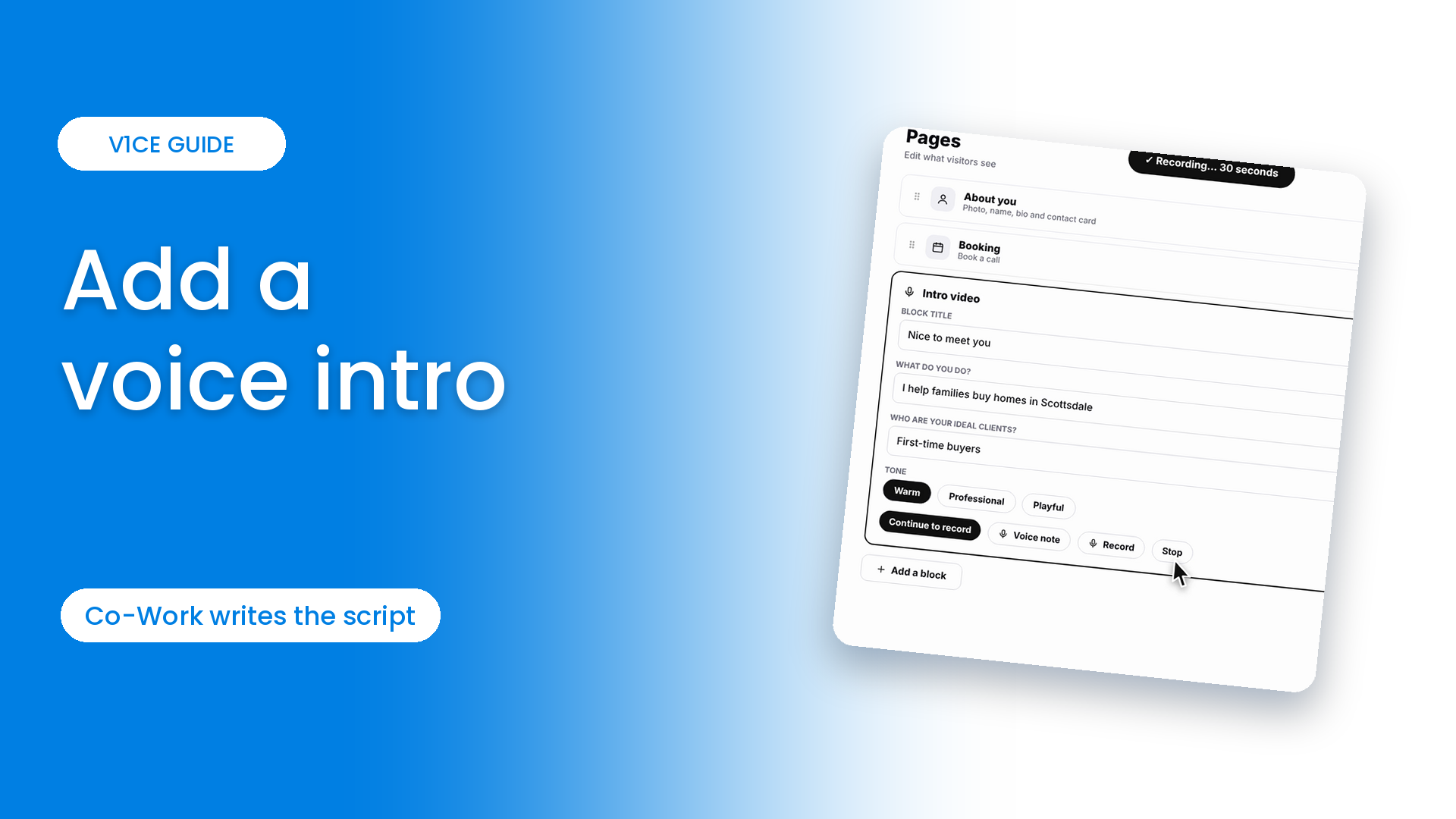
Let people hear you before they meet you, with a short voice note on your V1CE page.
Co-Work writes your script from a few answers, then you record it in thirty seconds.
Watch the video
Follow the steps
Step 1: Open My page
Open My page, then Pages.
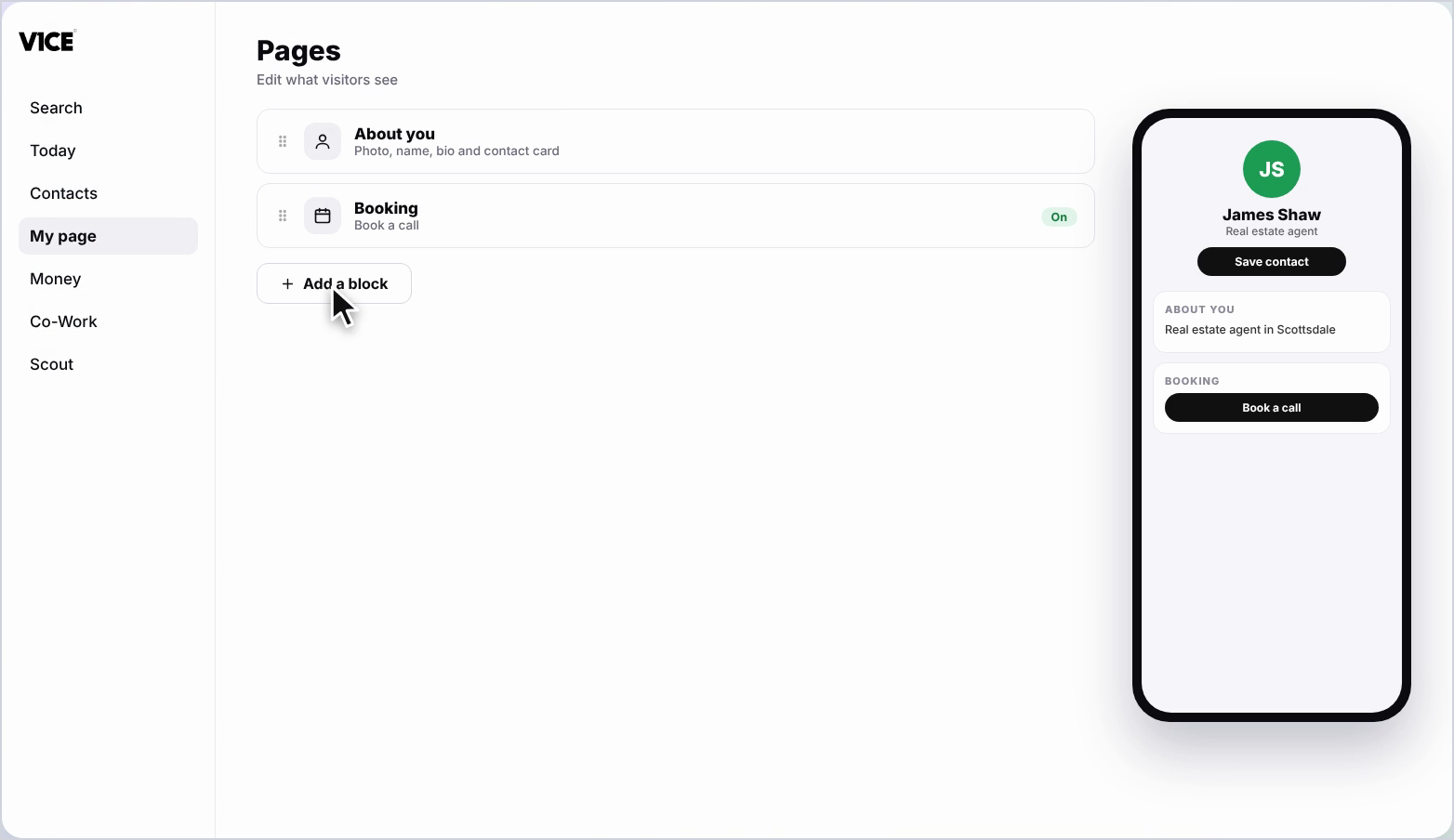
Step 2: Click Add a block
Scroll to the bottom of your page and click Add a block.
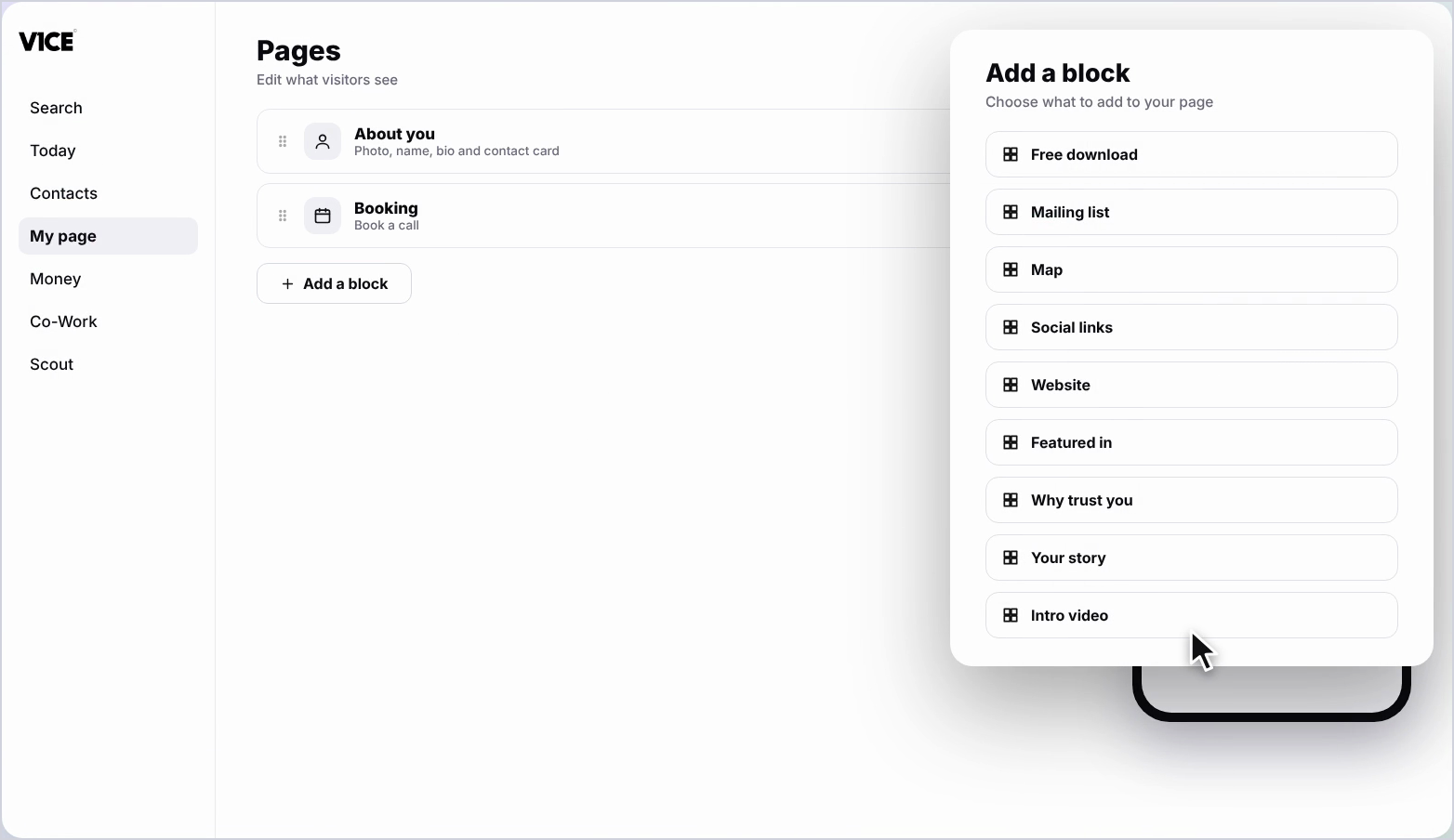
Step 3: Find Intro video
Find Intro video in the list and click it.
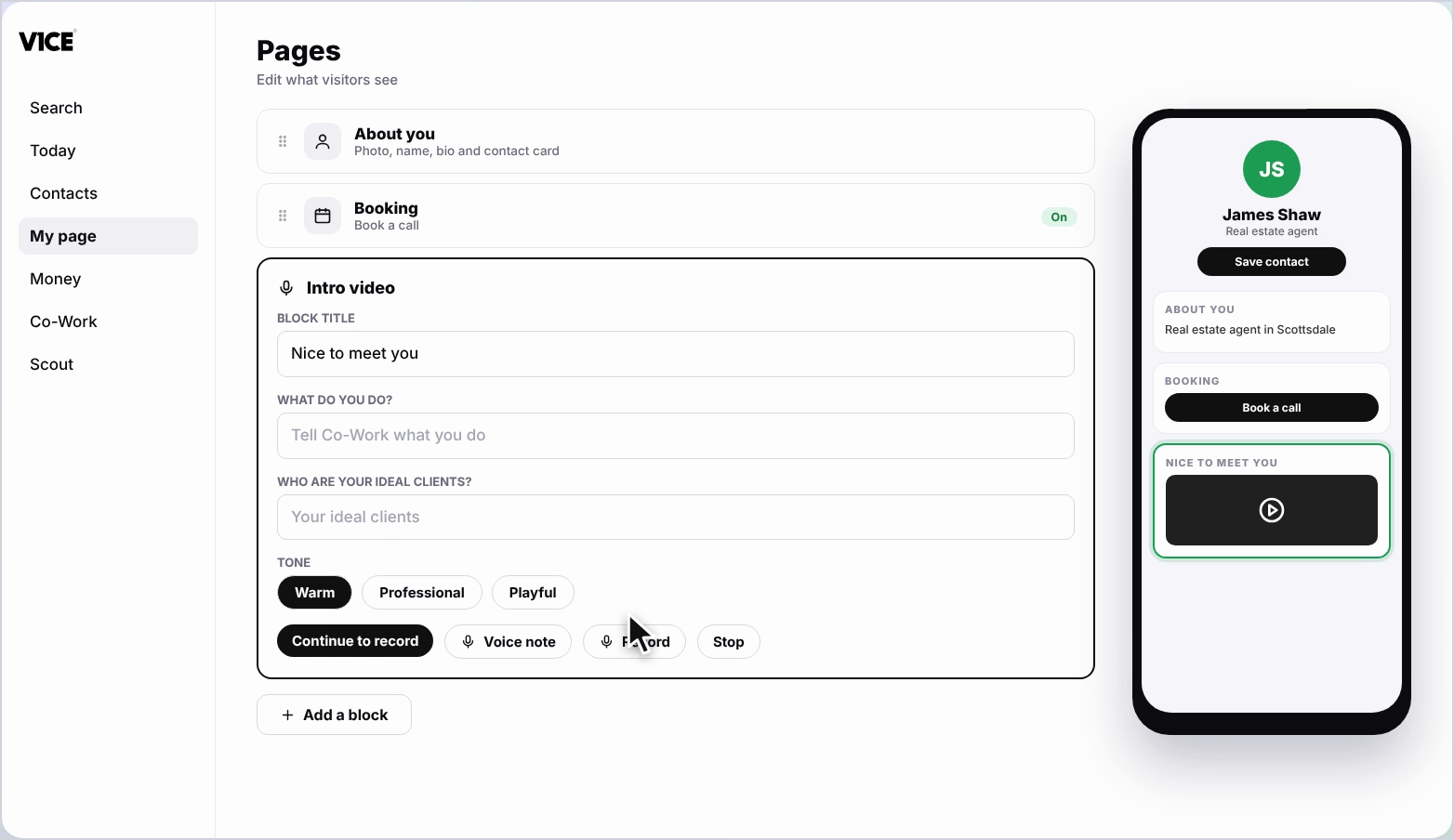
Step 4: Add your title
Click the Title and type your own, for example Nice to meet you.
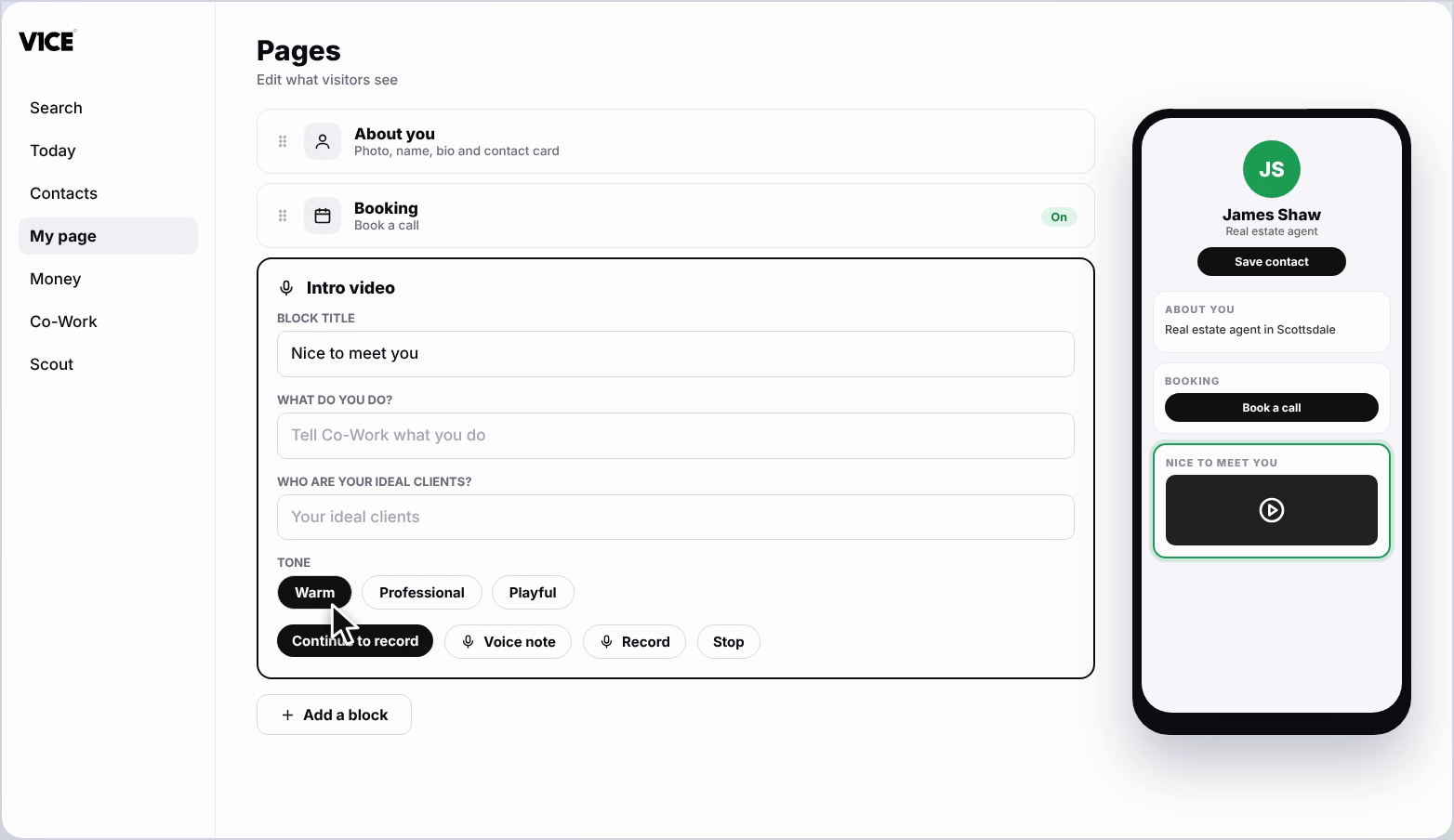
Step 5: Tell Co-Work about you
Tell Co-Work what you do and who your ideal clients are.
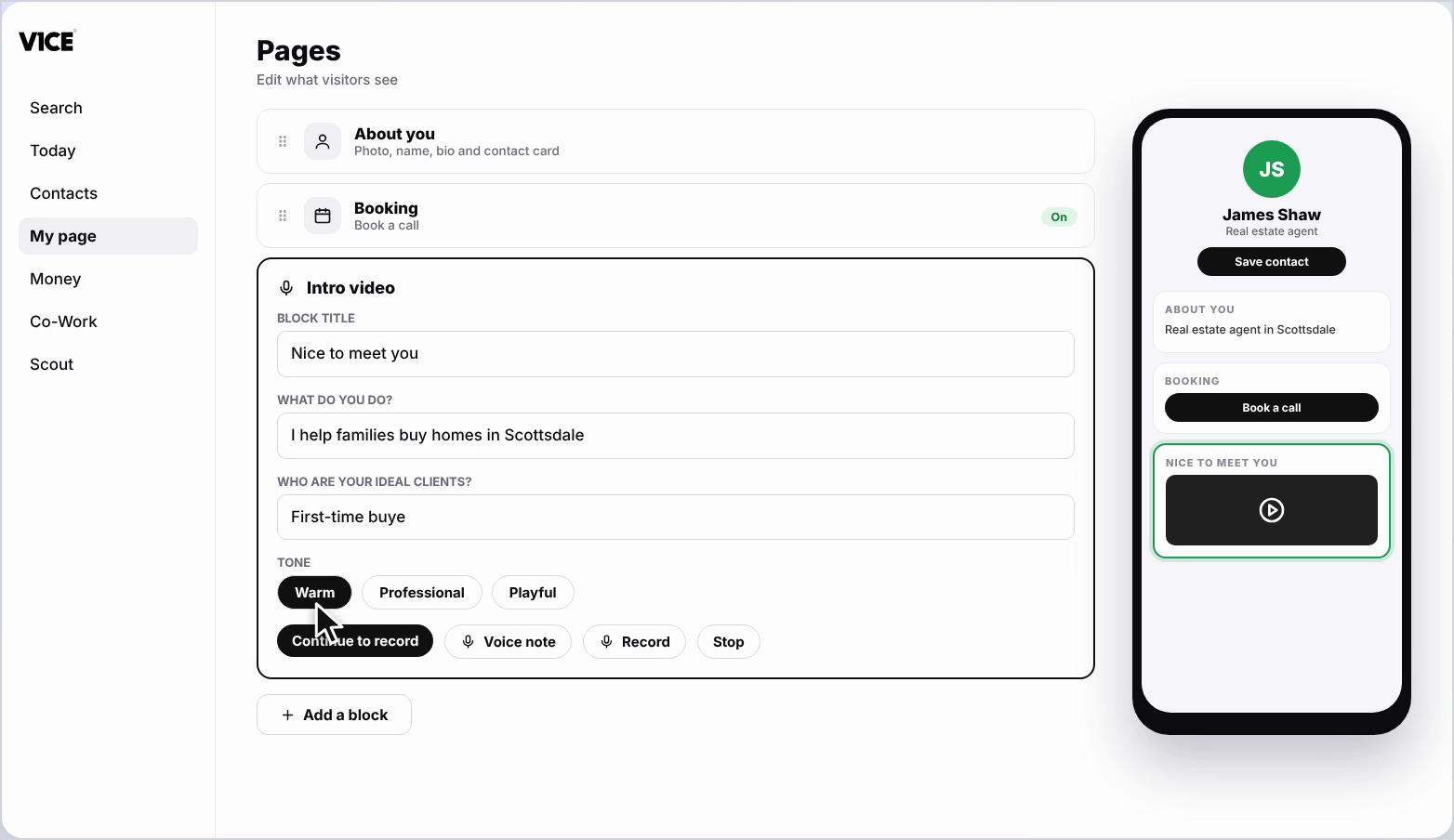
Step 6: Choose a tone and length
Co-Work writes you a script. Pick a tone and a length you like, then wait for it to update.
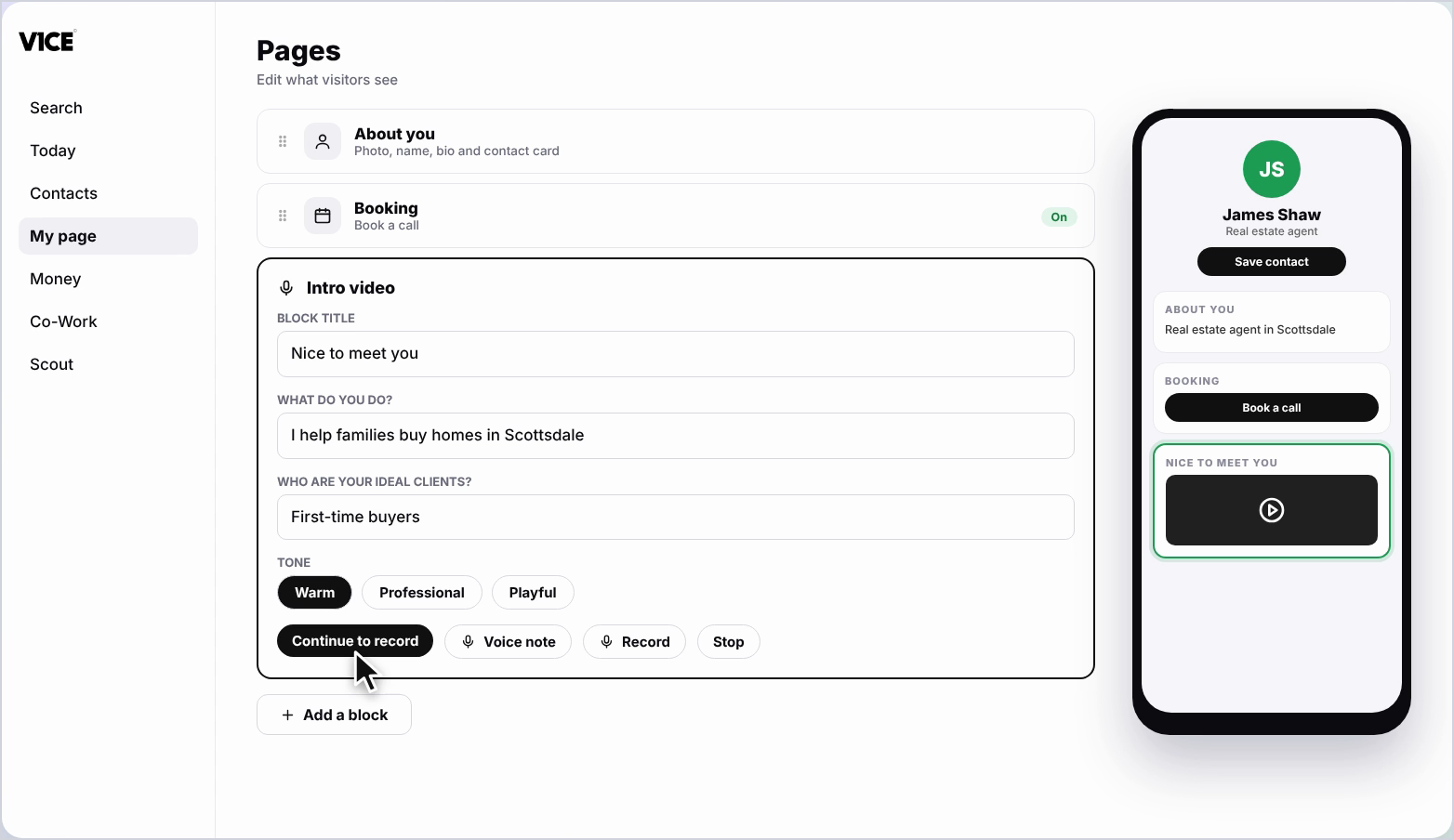
Step 7: Continue to record
Click Continue to record.
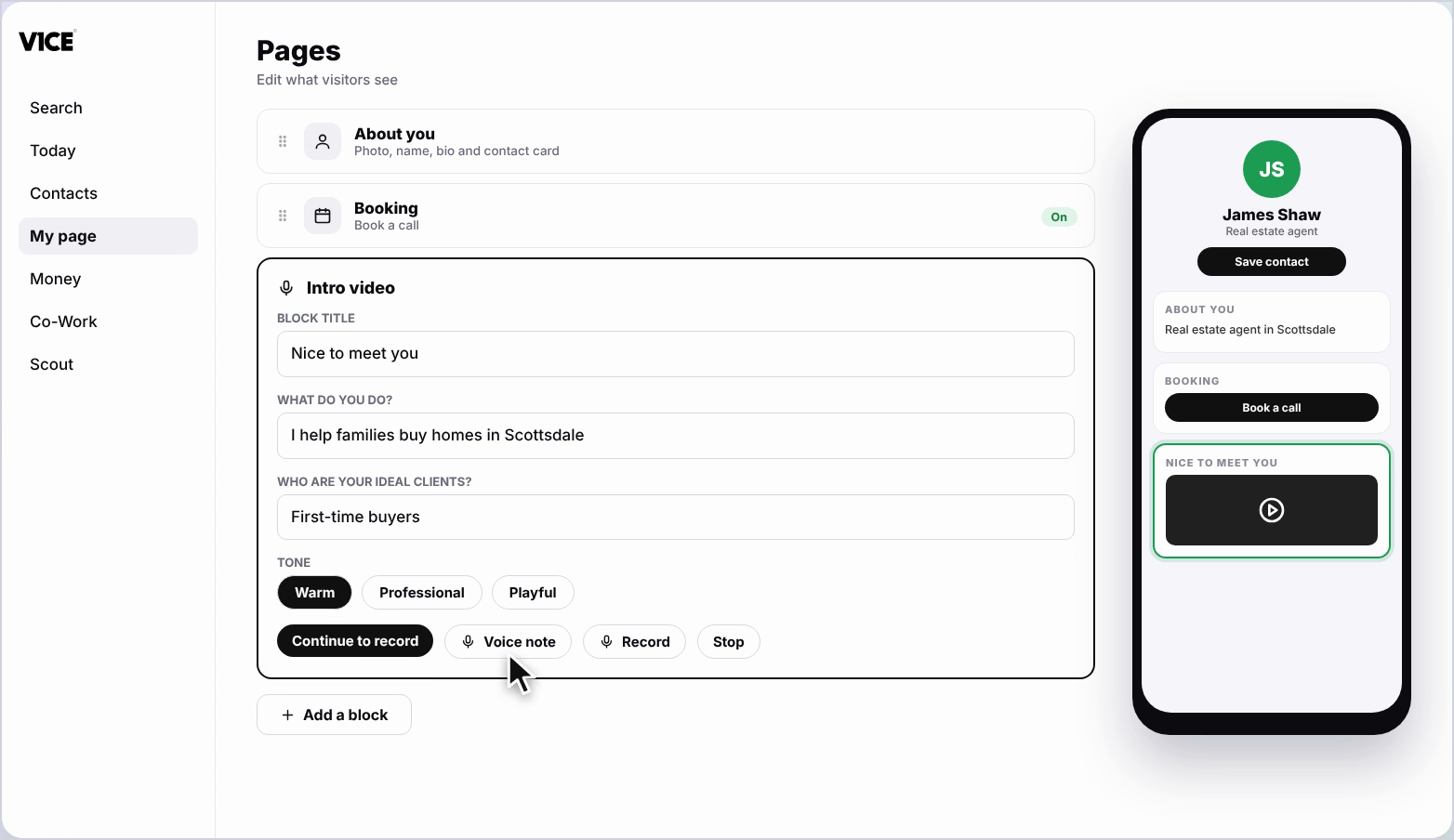
Step 8: Click Voice note
Click Voice note.
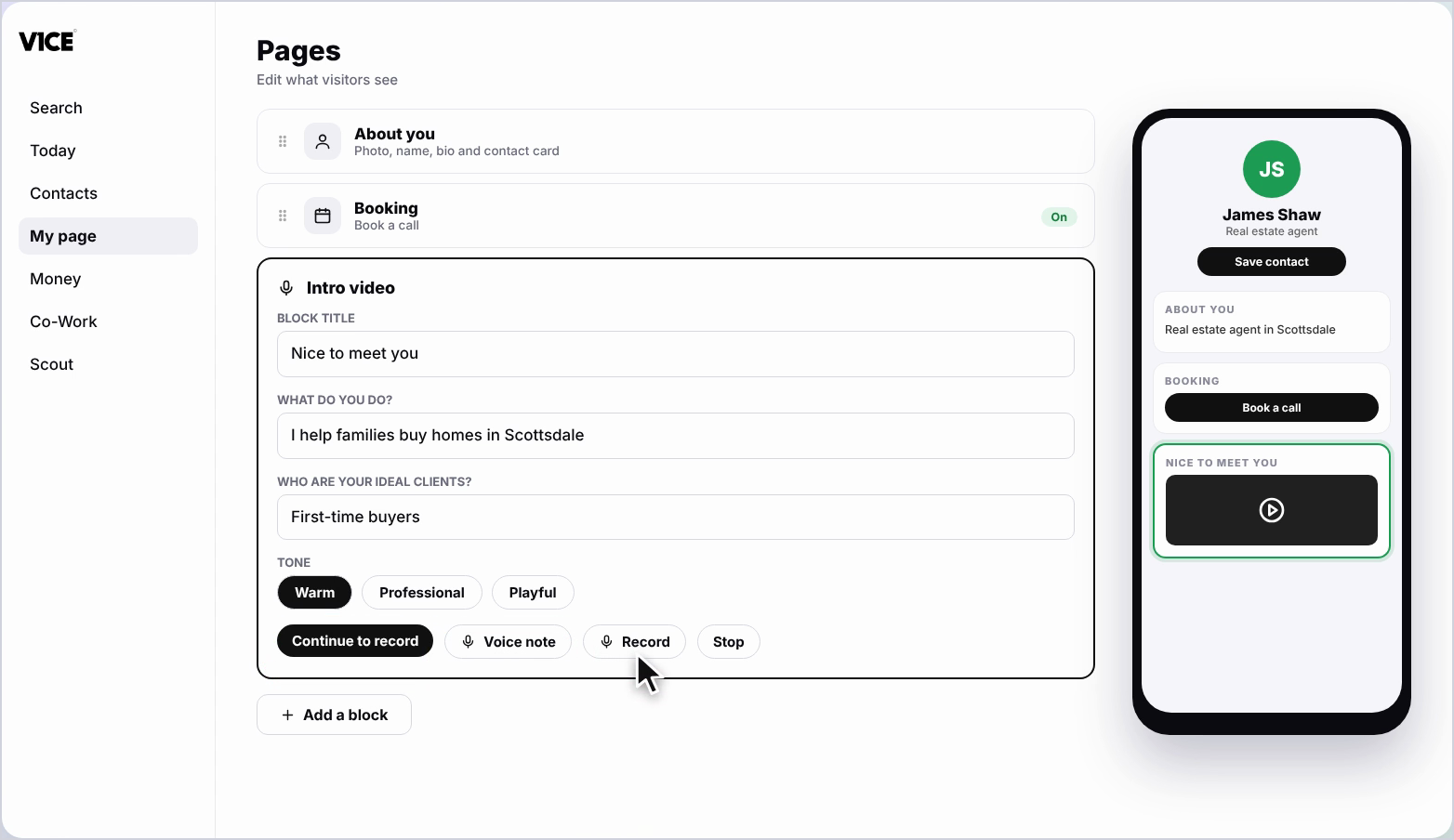
Step 9: Record your voice note
Click the microphone and read your script out loud. You have thirty seconds.
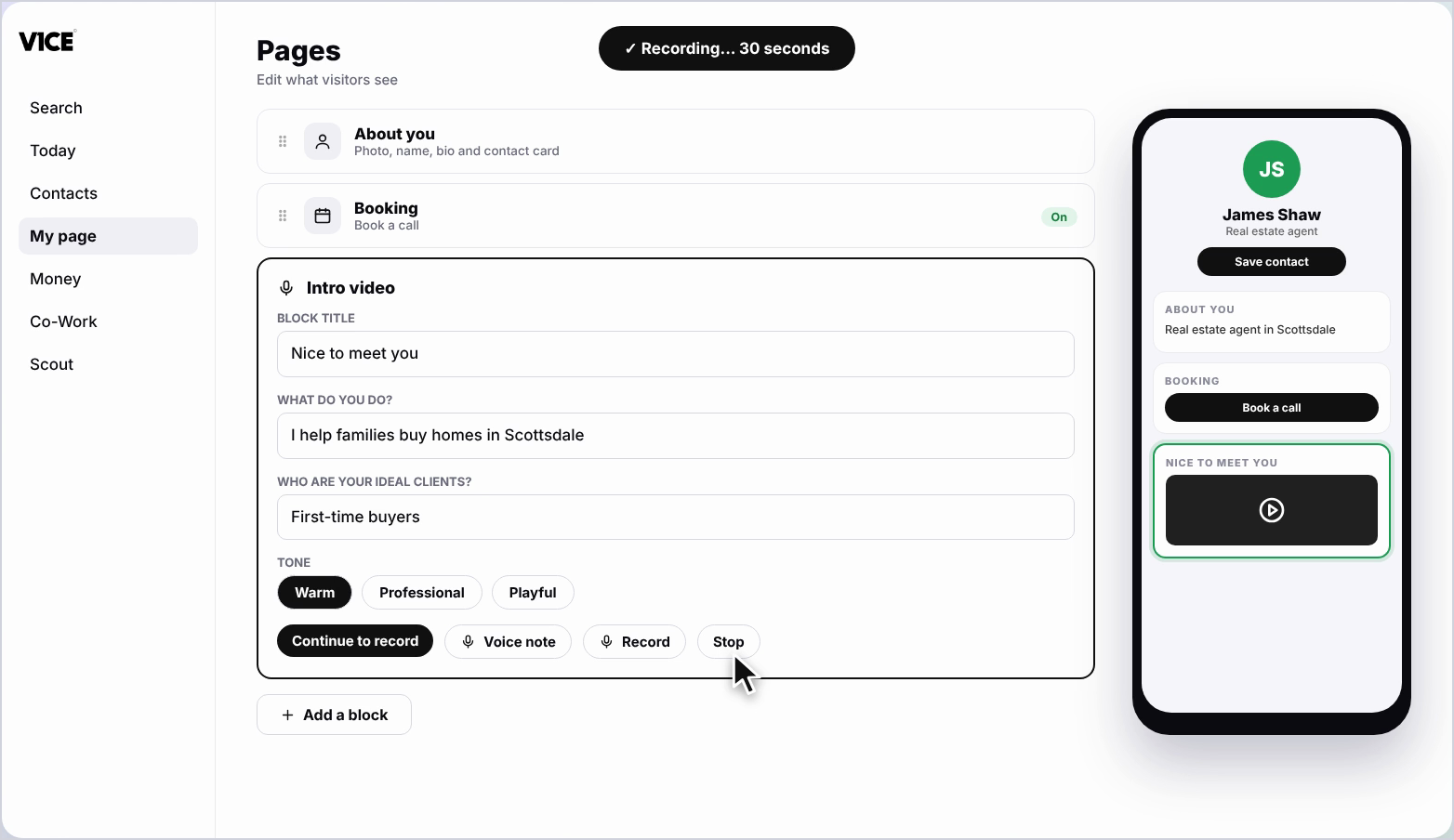
Step 10: Stop recording
Click the stop button when you are done.
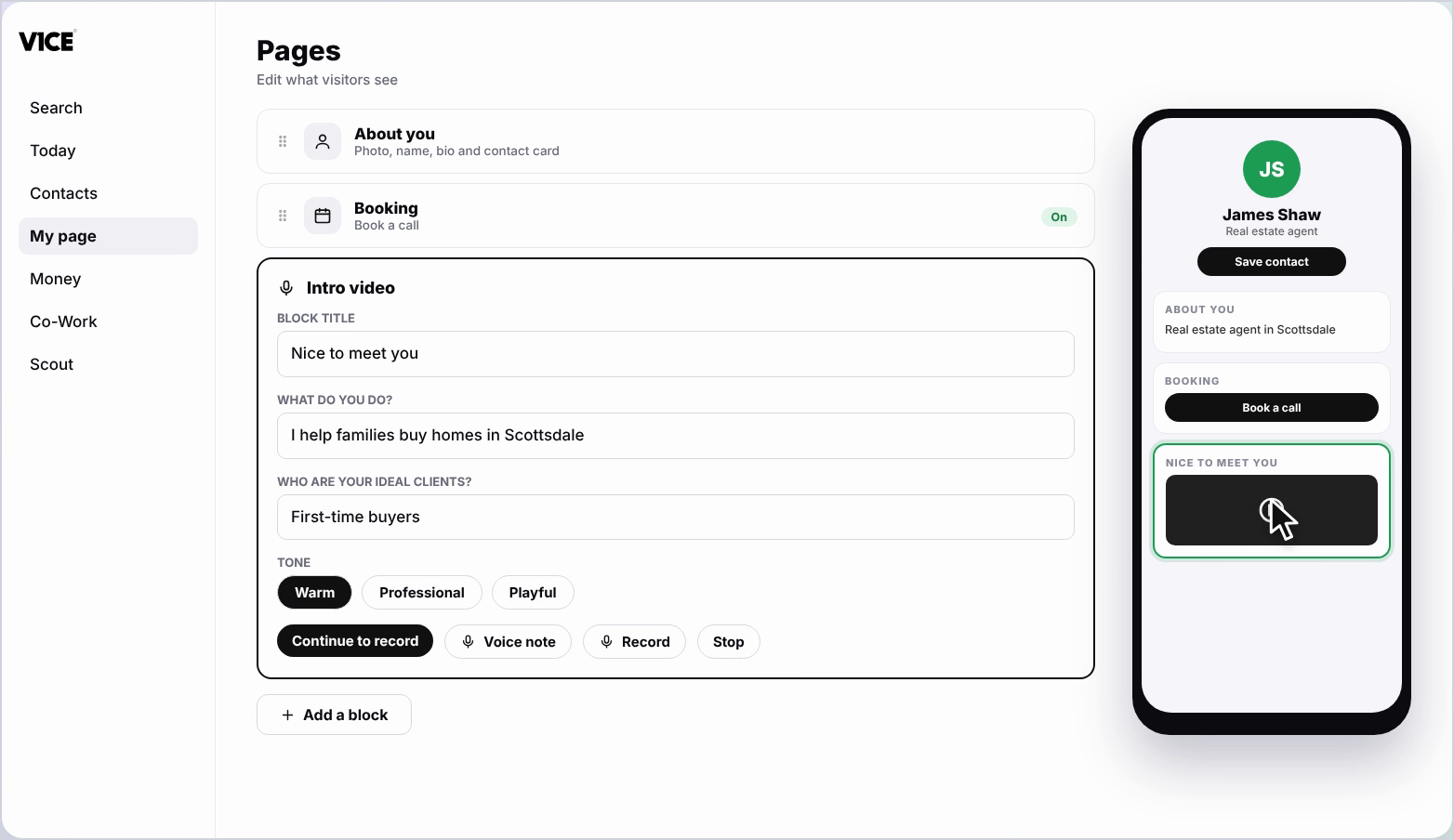
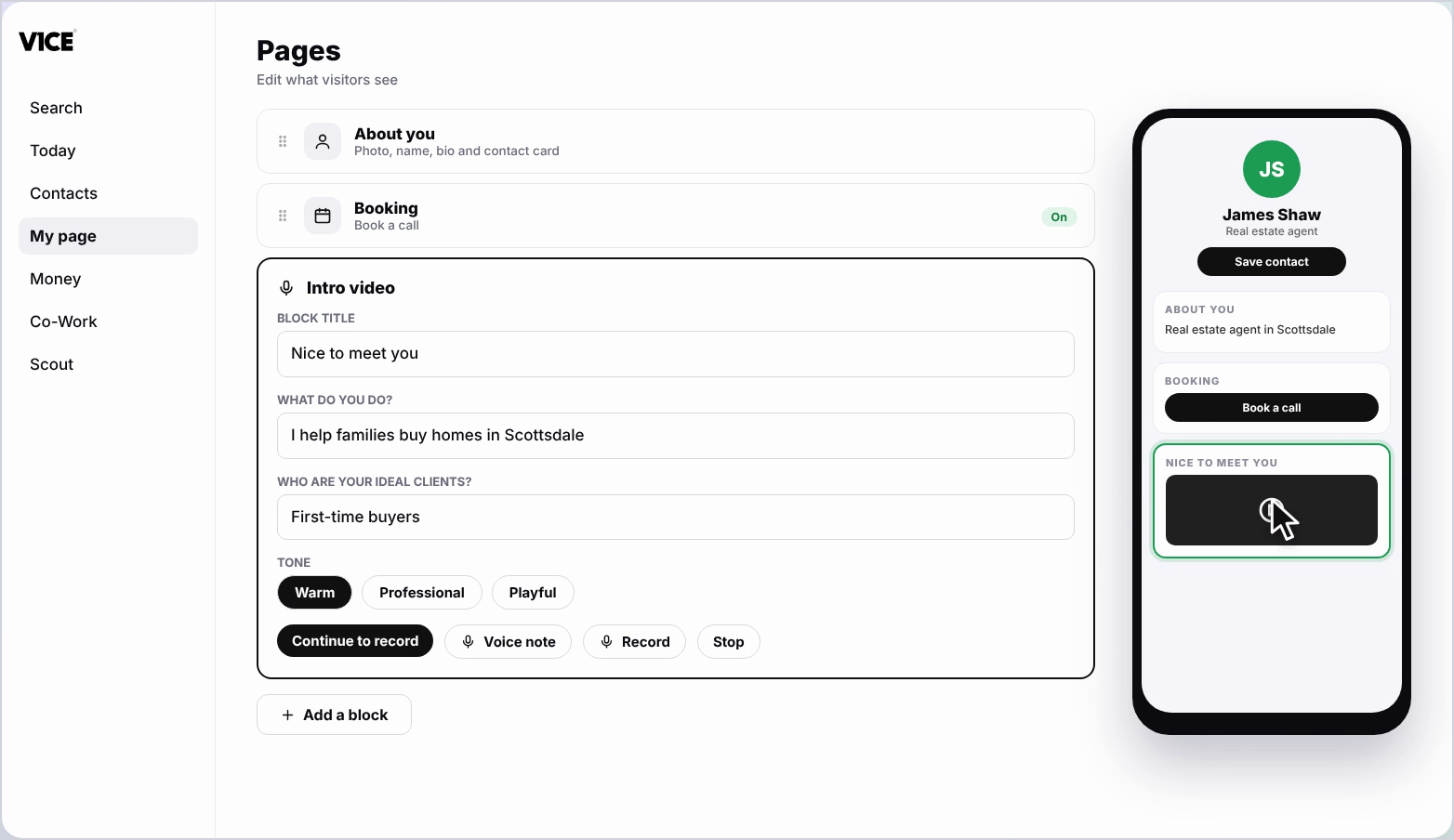
Step 11: See it on your page
Your voice intro now shows on your page.
Frequently asked questions
How long can my voice note be?
You have thirty seconds to record your voice note.
Who writes the script?
Co-Work writes it from a few answers. Tell Co-Work what you do and who your ideal clients are, then pick a tone and a length.
Which block do I use for a voice intro?
Click Add a block, find Intro video and click it, then click Voice note.