How to connect HubSpot to V1CE

To connect HubSpot to V1CE, open Automations, click Integrations, find HubSpot and press Connect. Sign in, then press Connect app. HubSpot now shows as Connected.
Video transcript and chapters
Chapters
0:00 Intro
0:08 Open Integrations
0:18 Press Connect
0:26 Sign in and allow
0:31 Connected

Transcript
Here's how to connect HubSpot to V1CE. New contacts flow straight into HubSpot. Start on Today, then hover Co-Work in the side menu. Choose Automations. Click the Integrations tab. Find HubSpot, and press Connect. Choose the account you want to use. Press Connect app, to let V1CE connect. That's it. HubSpot now shows as Connected. That's it. V1CE is now connected to HubSpot.
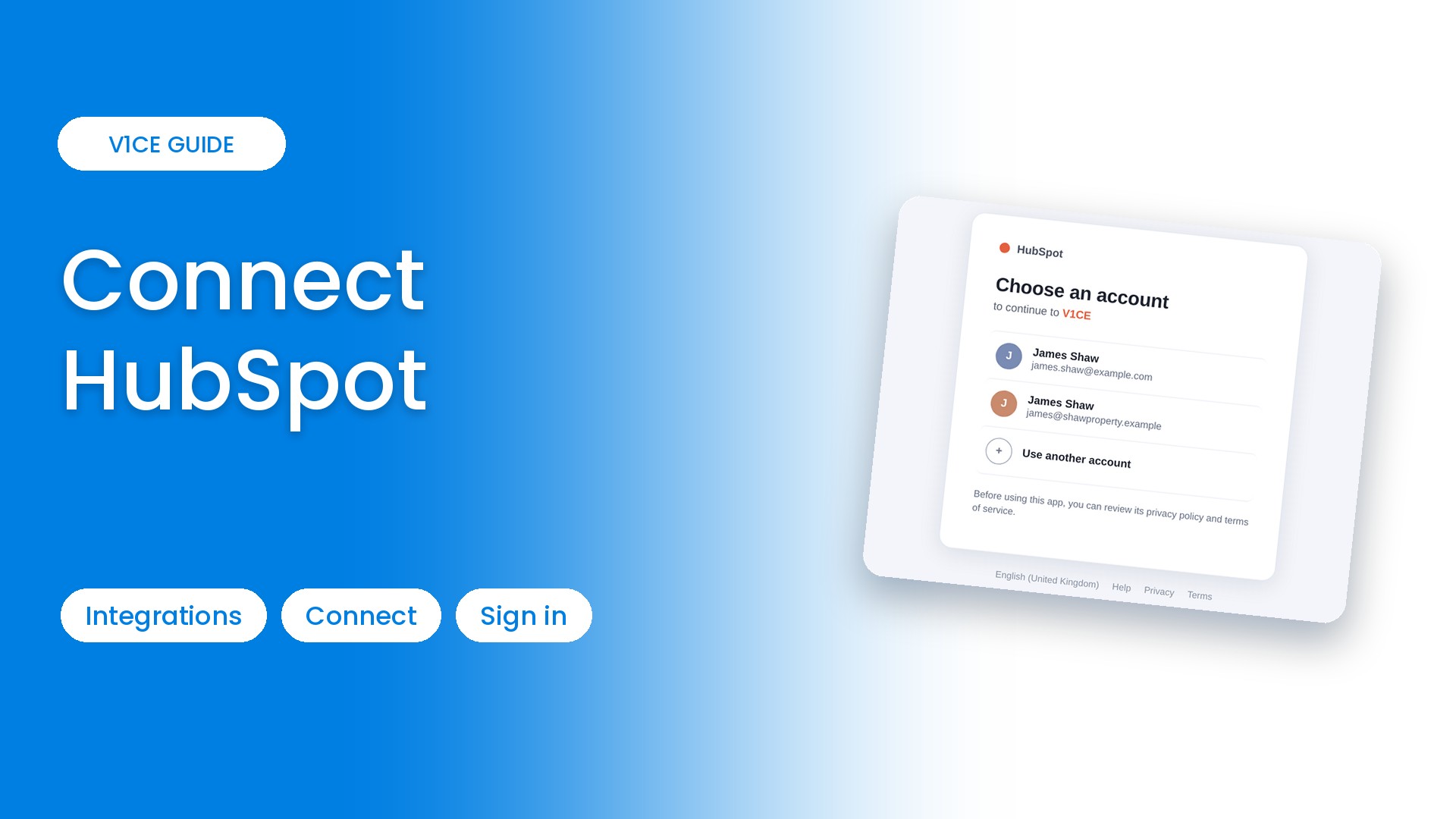
Connecting HubSpot to V1CE takes about a minute. New contacts flow straight into HubSpot. Here is how to do it. You press Connect, sign in, and you are done.
Watch the video
Step 1: Open Automations
Hover Co-Work in the side menu, then choose Automations.
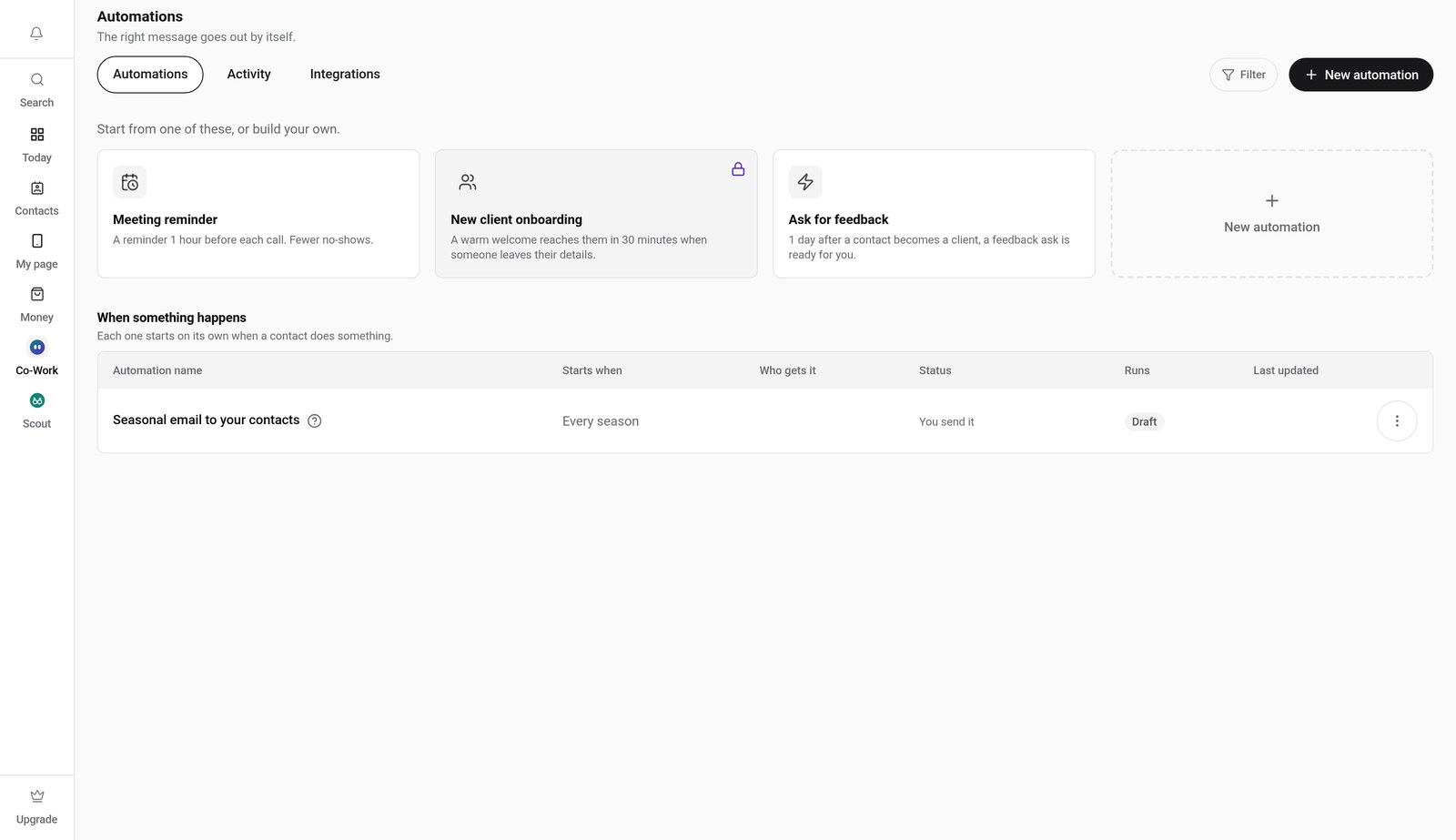
Step 2: Click the Integrations tab
Click Integrations, then find HubSpot in the list.
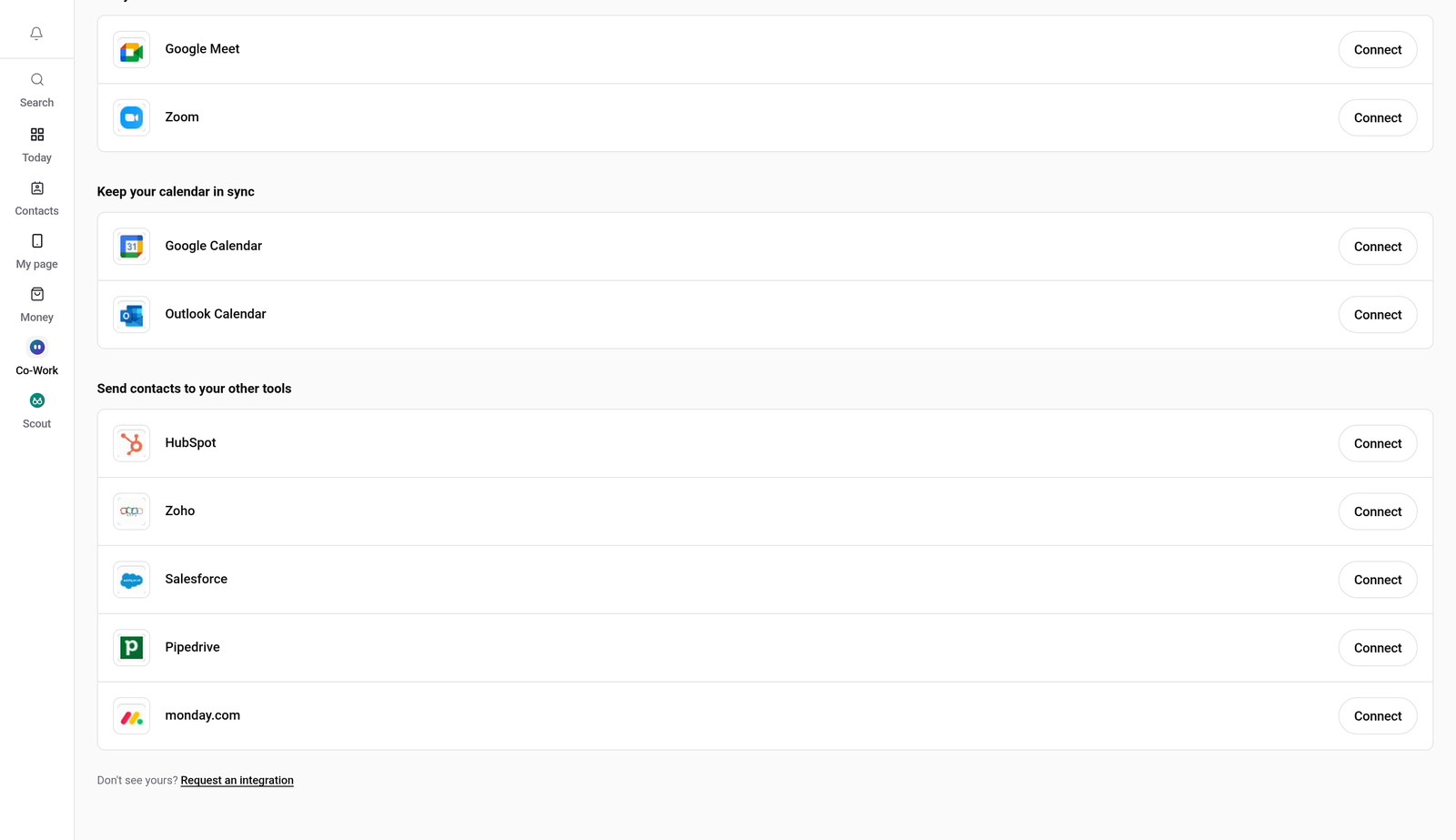
Step 3: Press Connect
Press Connect next to HubSpot.
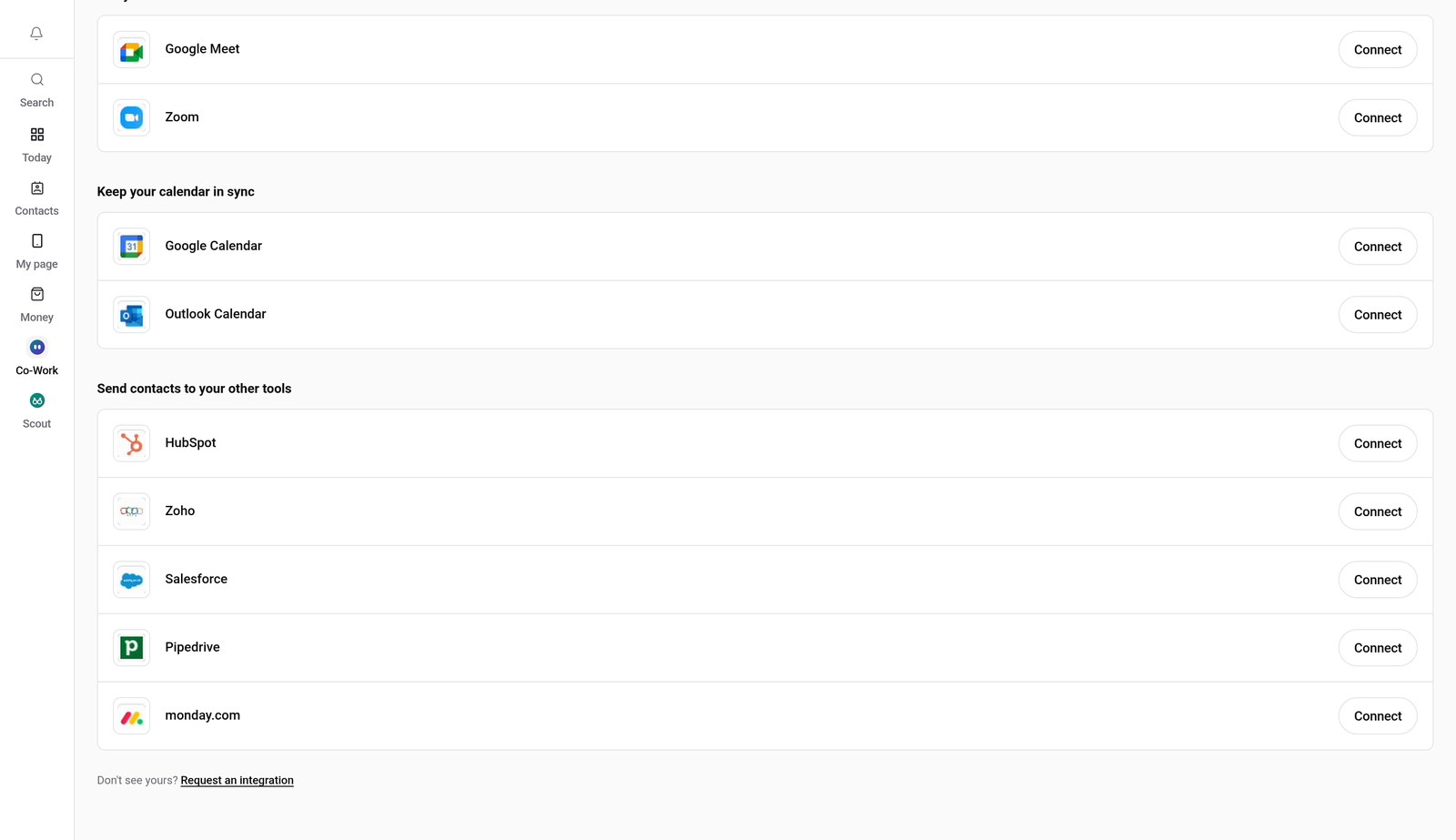
Step 4: Choose your account
Choose the account you want to use. Check it says it is connecting to V1CE.
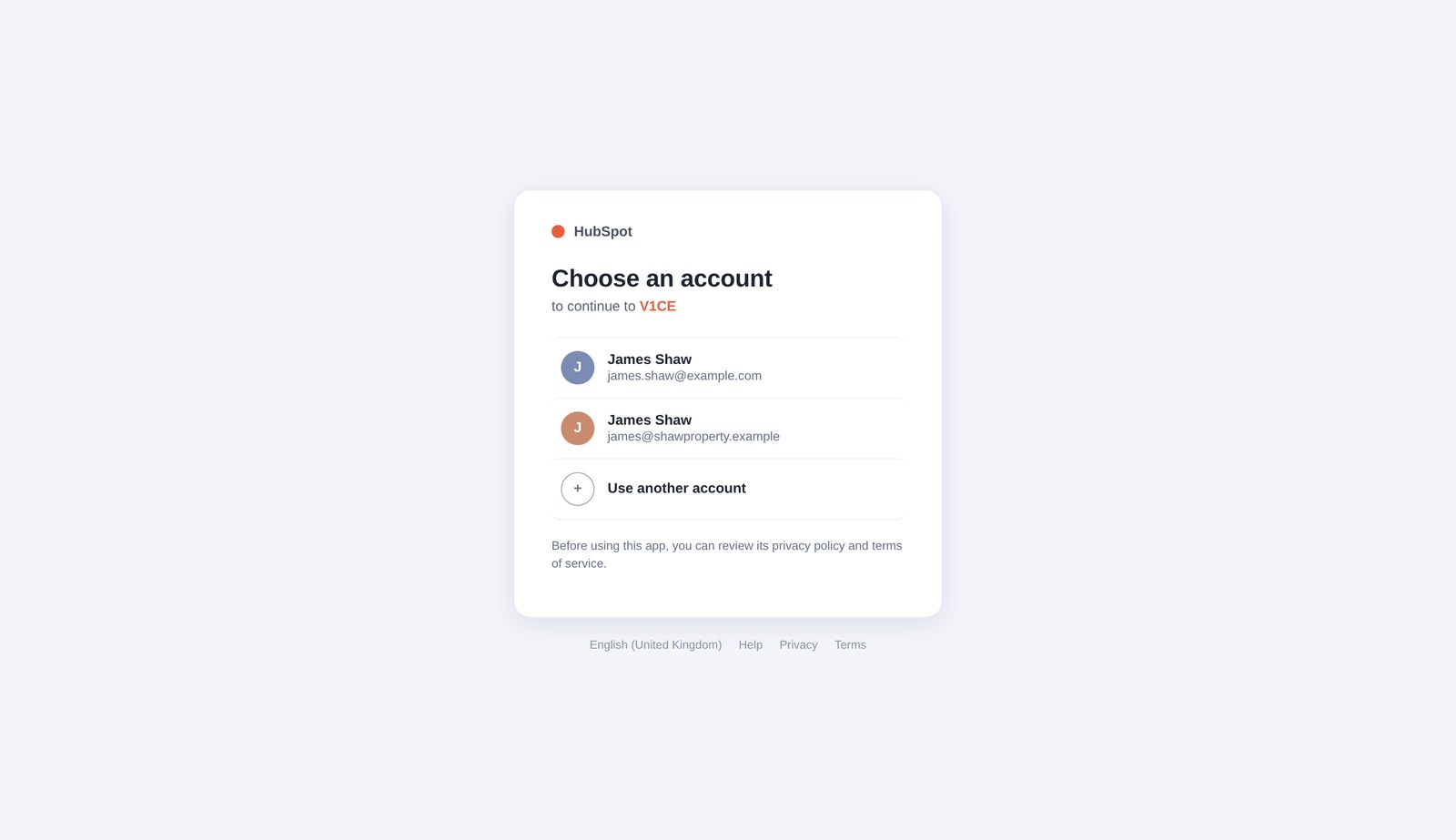
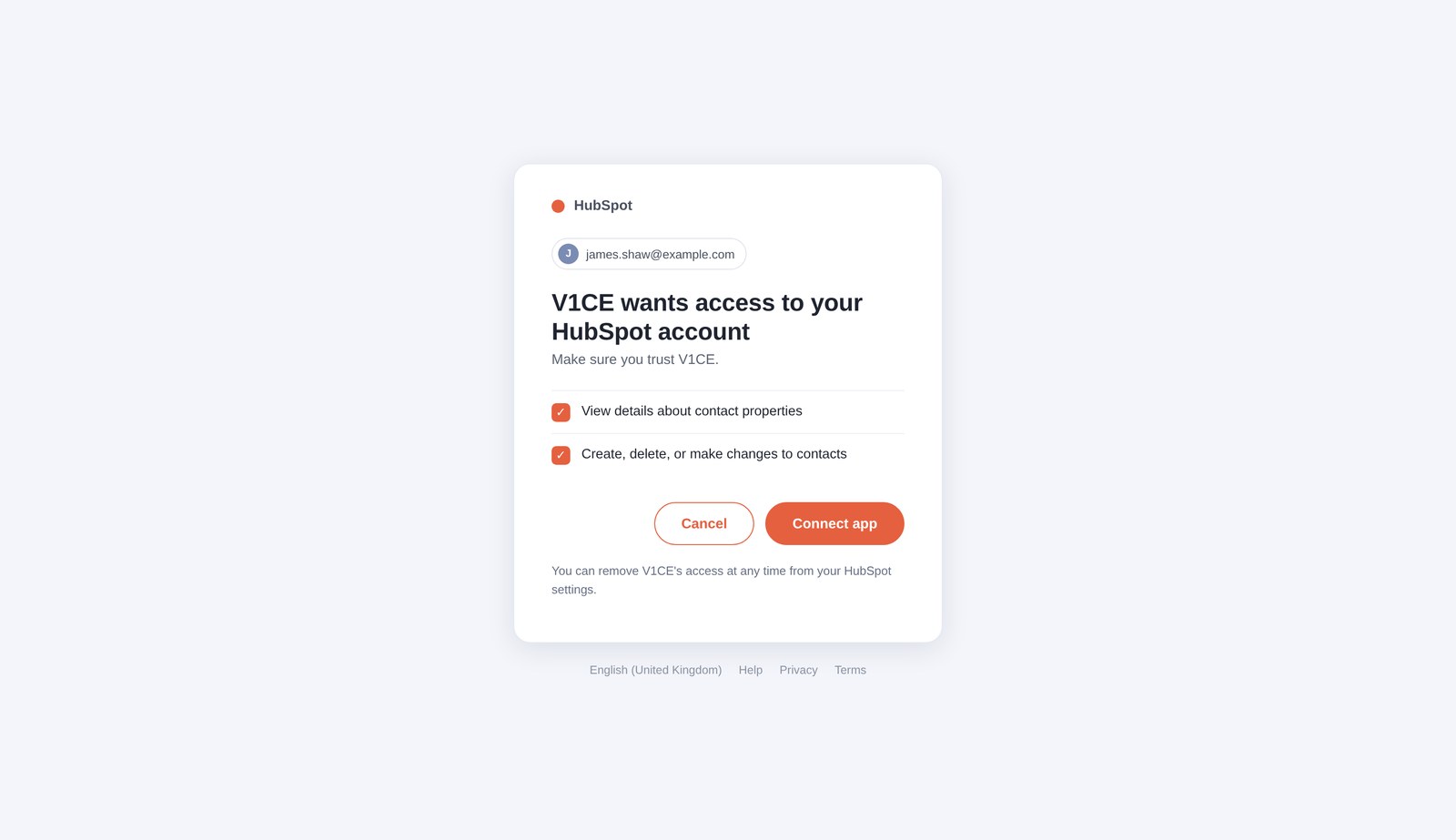
Step 5: Allow access
Press Connect app, to let V1CE connect.
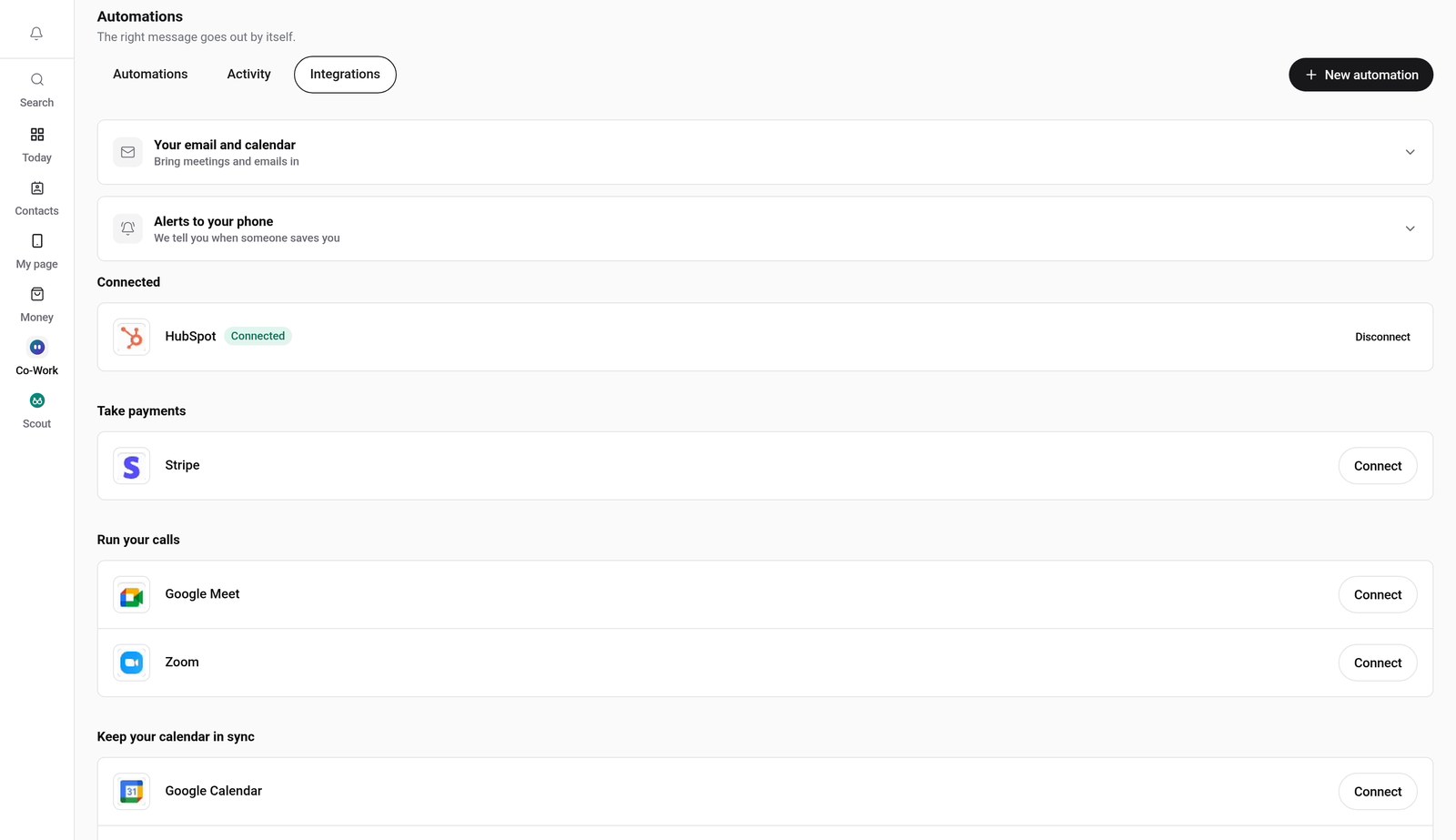
Step 6: Check it says Connected
You land back in V1CE, and HubSpot now shows as Connected.
Good to know
- You need a paid V1CE plan to connect HubSpot.
- To disconnect later, open the same Integrations tab and press Disconnect next to HubSpot.
- The sign-in screens in the video are examples. Yours will look like the real HubSpot page.
Frequently asked questions
How do I connect HubSpot to V1CE?
Open Automations, click the Integrations tab, find HubSpot and press Connect. Sign in and allow access, and it shows as Connected.
How do I disconnect HubSpot?
Open the same Integrations tab and press Disconnect next to HubSpot.
What does connecting HubSpot do?
New contacts flow straight into HubSpot.
How long does it take to connect ?
About a minute. Open Integrations, press Connect and follow the steps.
Where do I find Integrations in V1CE?
Hover Co-Work in the side menu, choose Automations, then click the Integrations tab.