How to add a trust line to your page

To add a trust line, open My page, then Pages, click Add a block and choose Why trust you. The block opens as Trust line. Type a short line that builds trust, and click Add a reason to trust you for more.
| Time needed | 1 minute |
|---|---|
| What you need | Your V1CE account |
| Where in the app | My page > Pages > Add a block > Why trust you |
Video transcript and chapters
Chapters
0:00 Introduction
0:09 Open My page
0:16 Find Why trust you
0:19 Open the Trust line
0:23 Type your trust line
0:29 Add another reason
0:33 See it on your page
0:37 You're done

Transcript
Add a short trust line to your V1CE page.
Add a Why Trust You block, then type a short line that builds trust.
Open my page, then Pages.
Scroll to the bottom of your page and click Add a block.
Find Why Trust You in the list and click it.
The block opens as Trust Line, ready for your text.
Type in a short line that builds trust like trusted by over 200 small business owners.
To add another, click Add a reason to trust you and type it in.
Your trust line now shows at the bottom of your page.
That's how to add a trust line to your page.
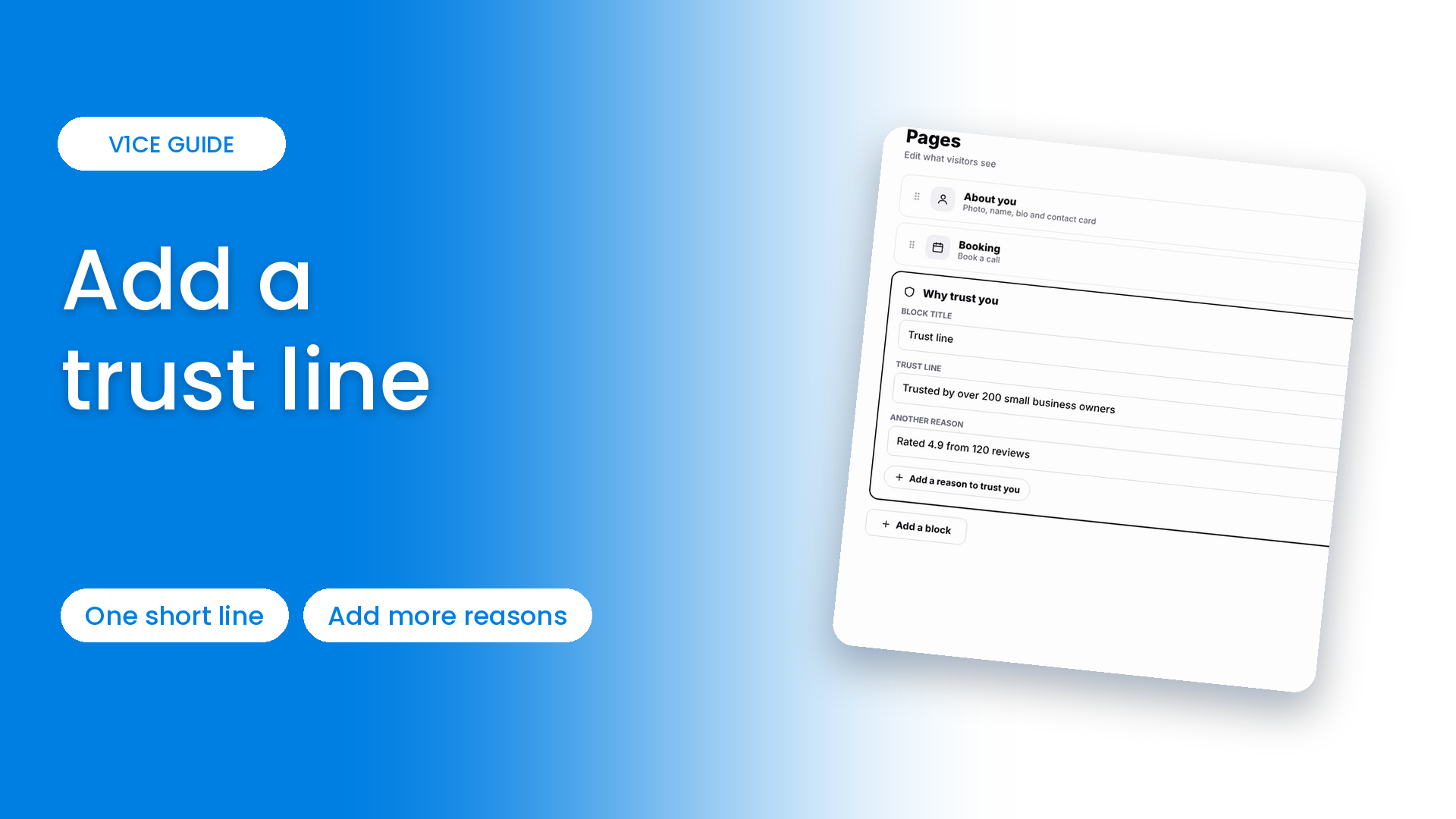
Add a short trust line to your V1CE page.
Add a Why trust you block, then type a short line that builds trust.
Watch the video
Follow the steps
Step 1: Open My page
Open My page, then Pages.
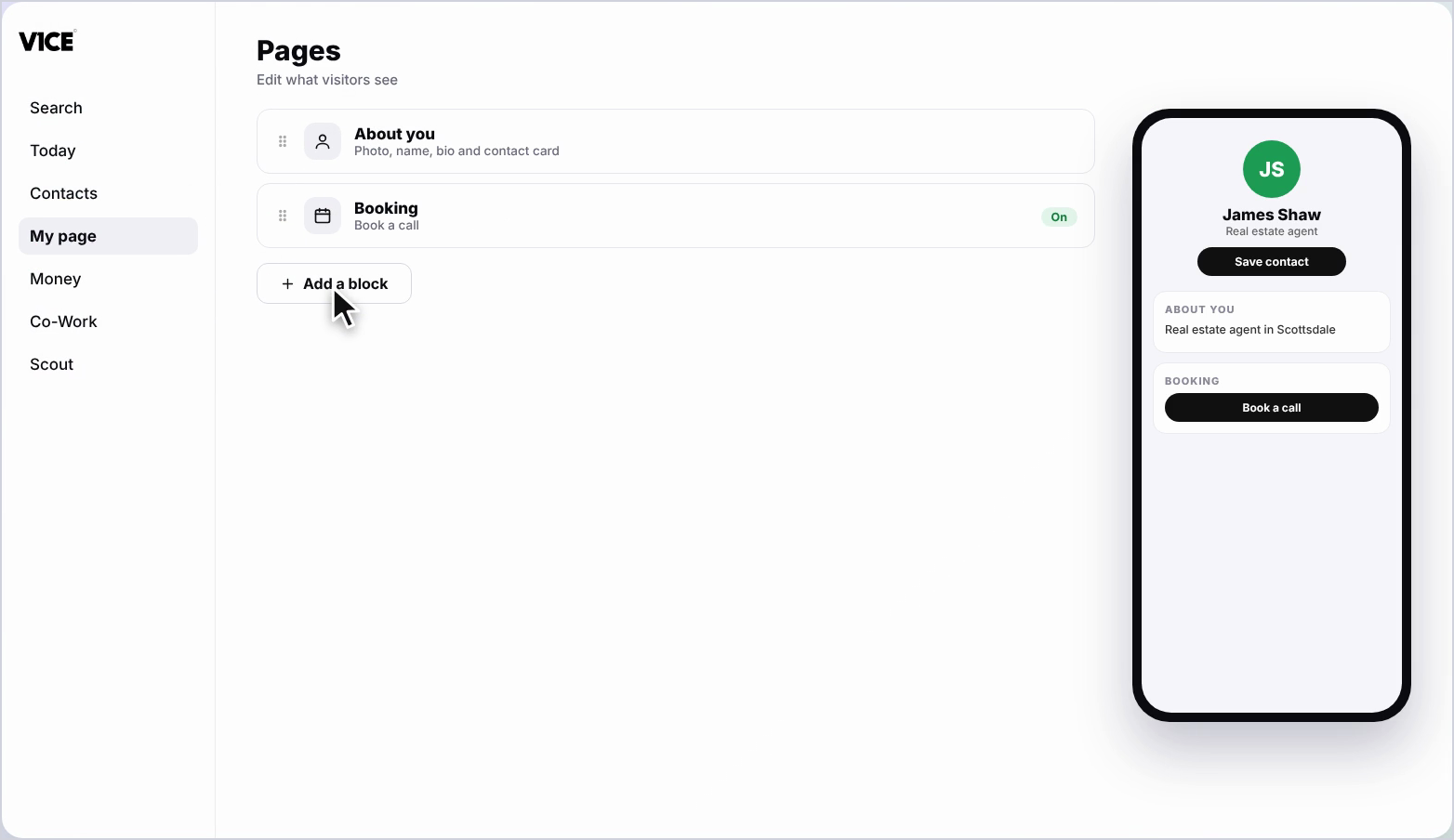
Step 2: Click Add a block
Scroll to the bottom of your page and click Add a block.
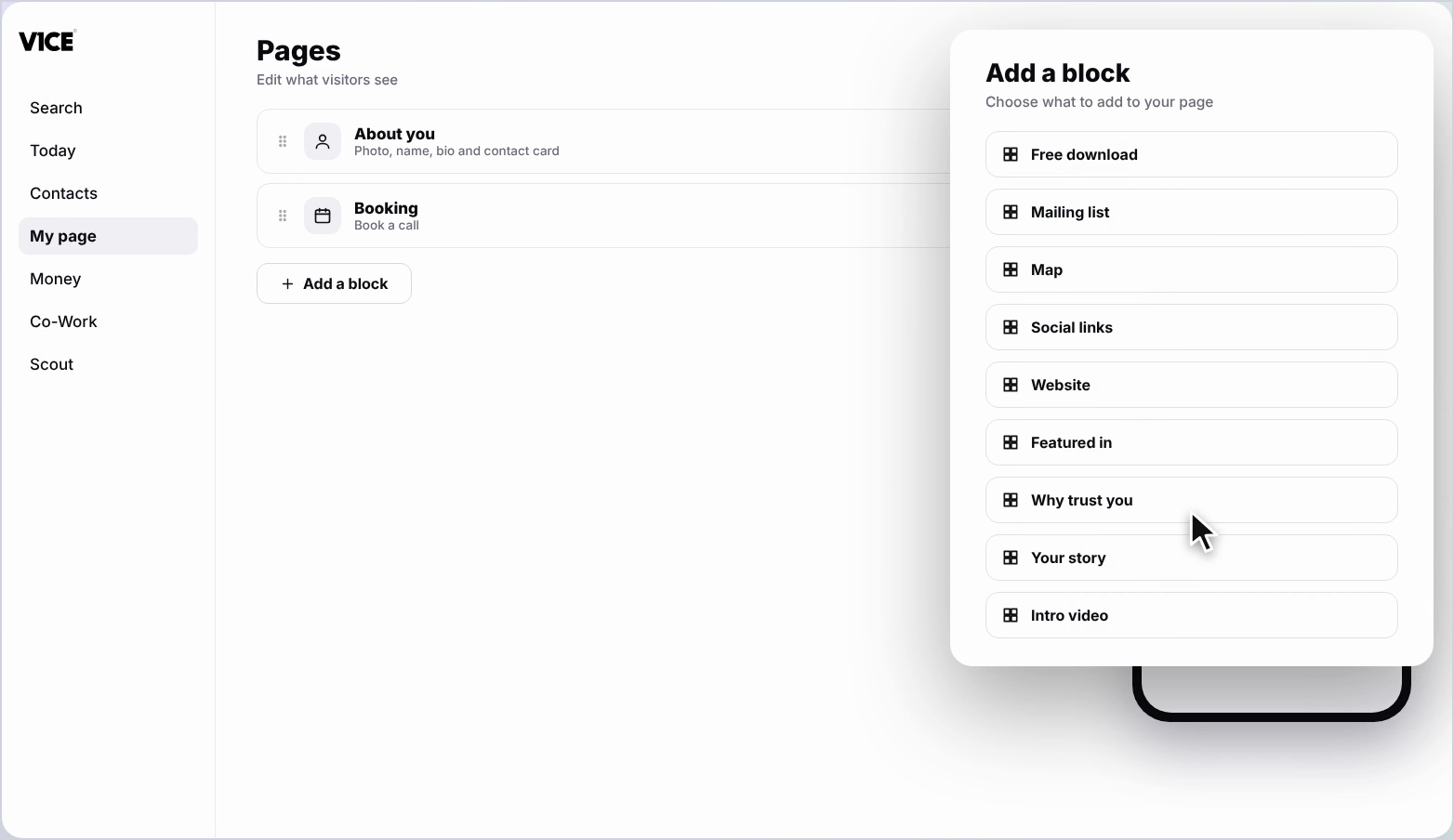
Step 3: Find Why trust you
Find Why trust you in the list and click it.
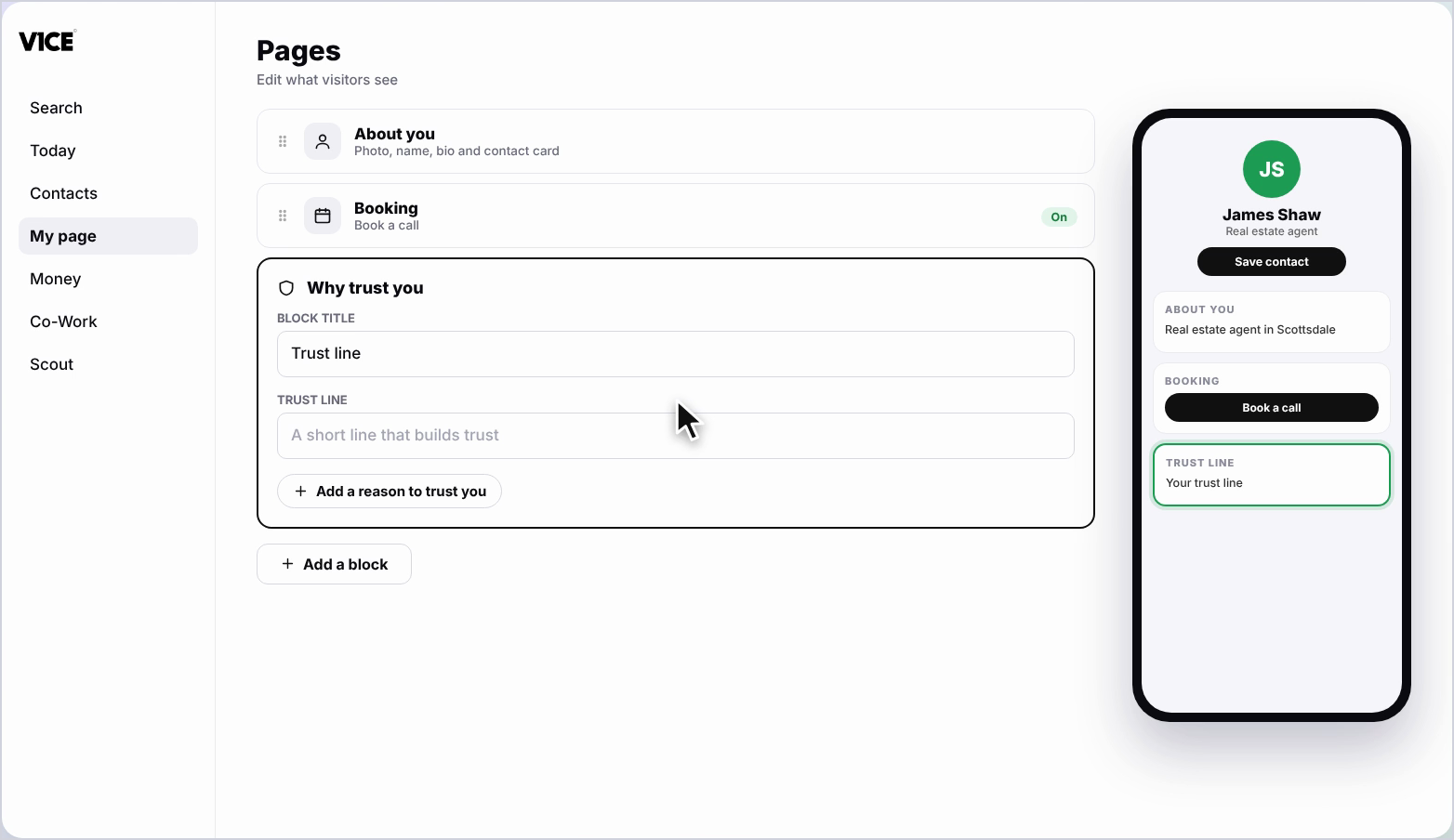
Step 4: Open the Trust line
The block opens as Trust line, ready for your text.
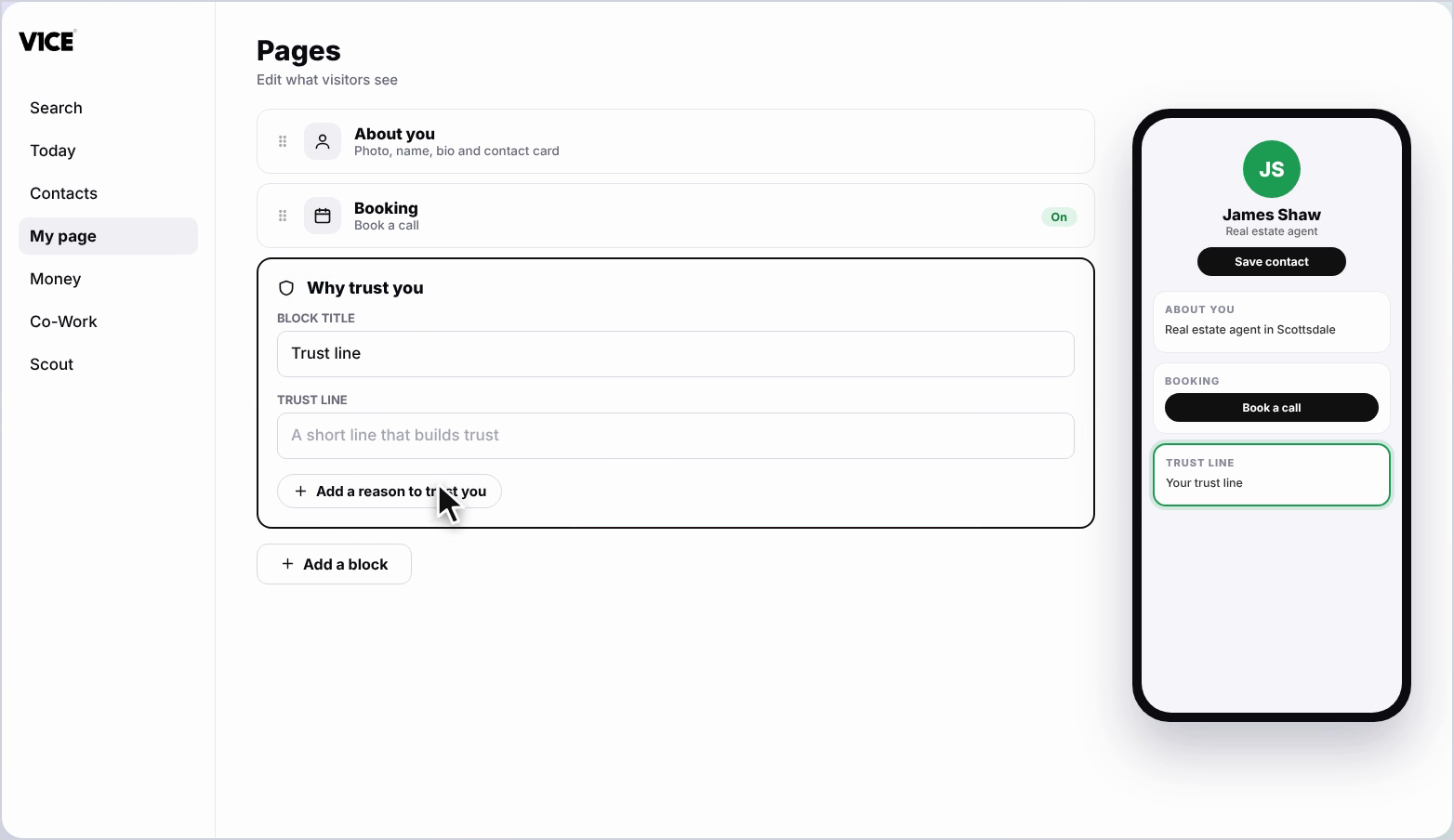
Step 5: Type your trust line
Type in a short line that builds trust, like Trusted by over 200 small business owners.
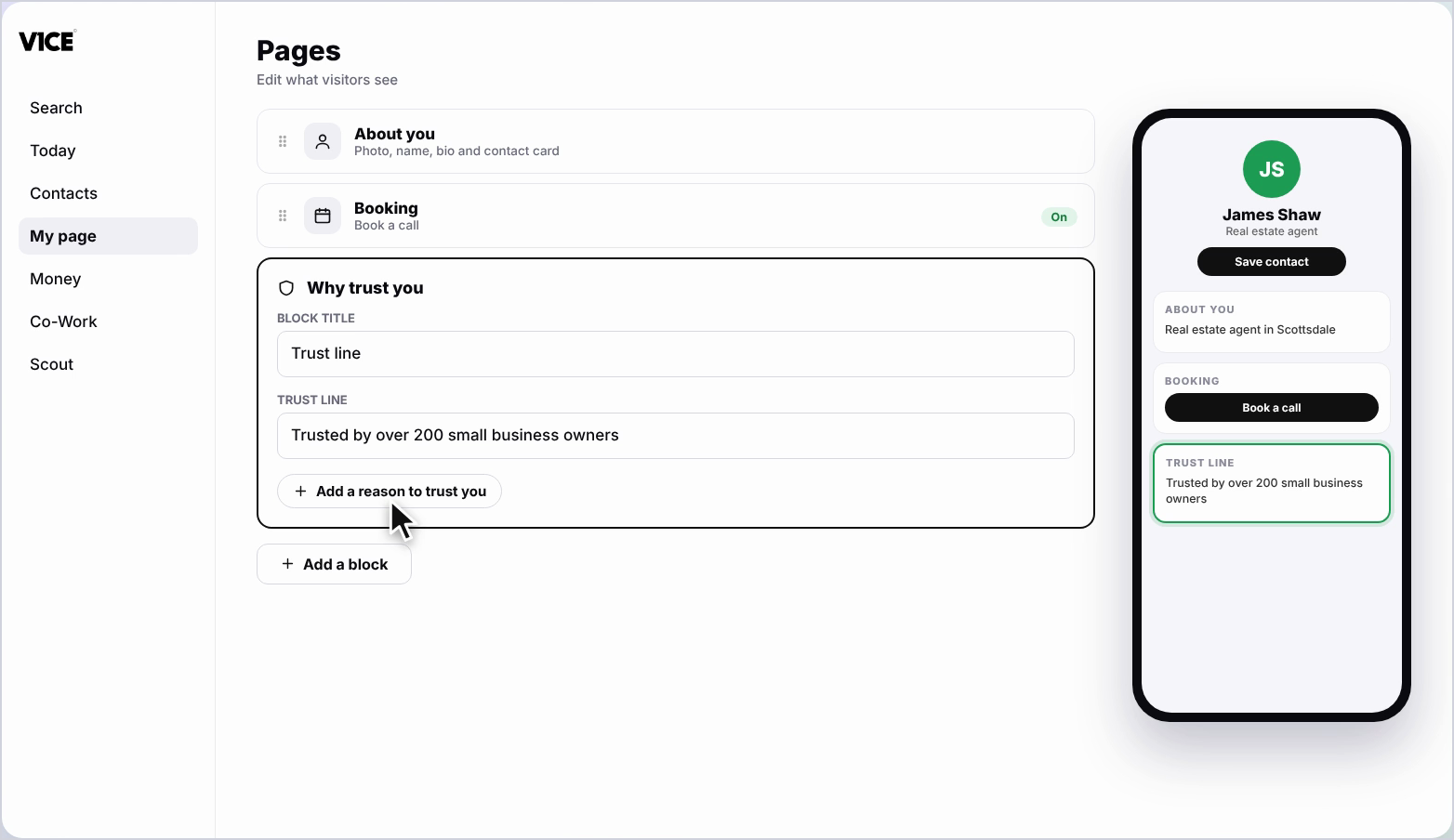
Step 6: Add another reason
To add another, click Add a reason to trust you, and type it in.
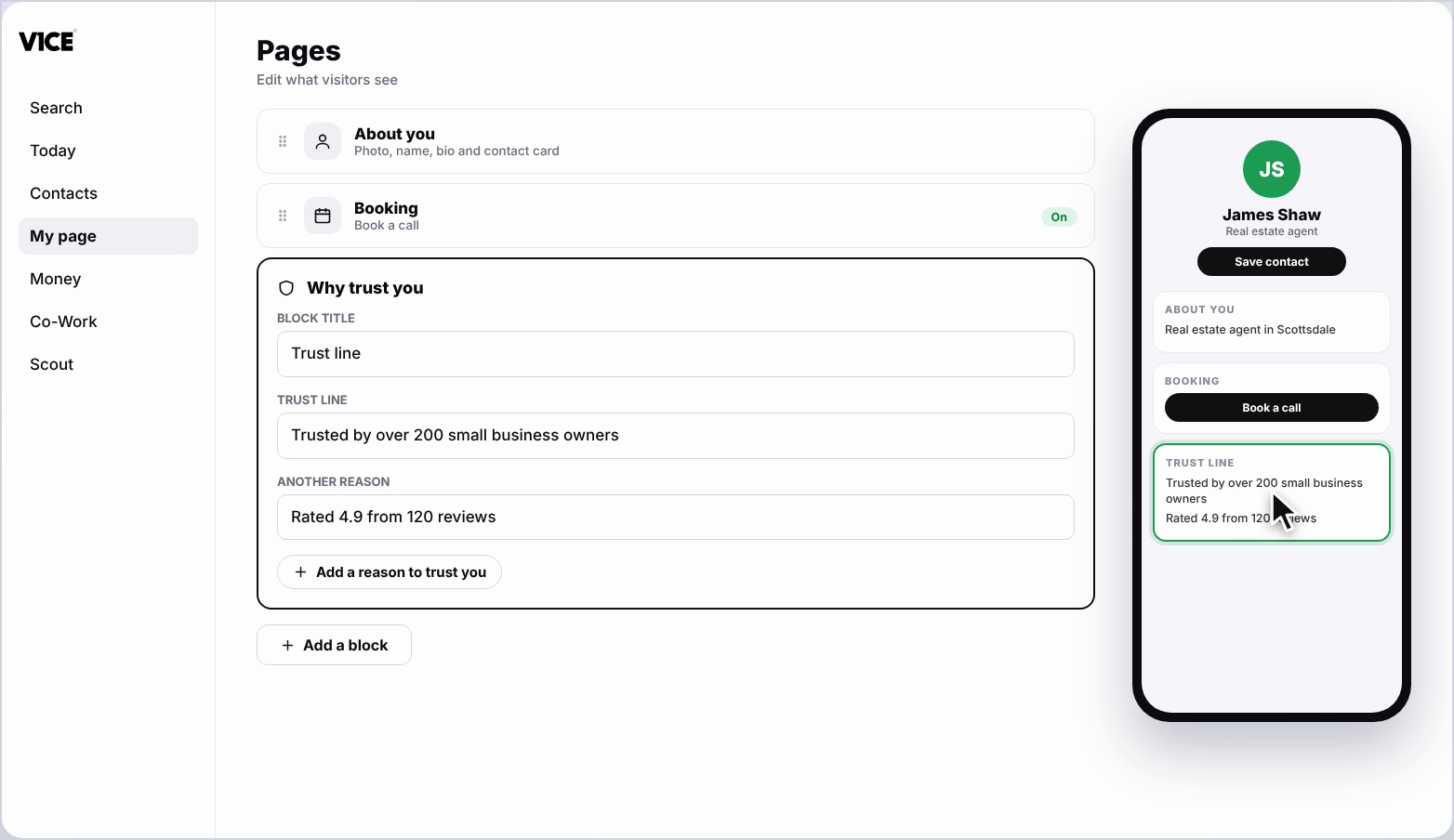
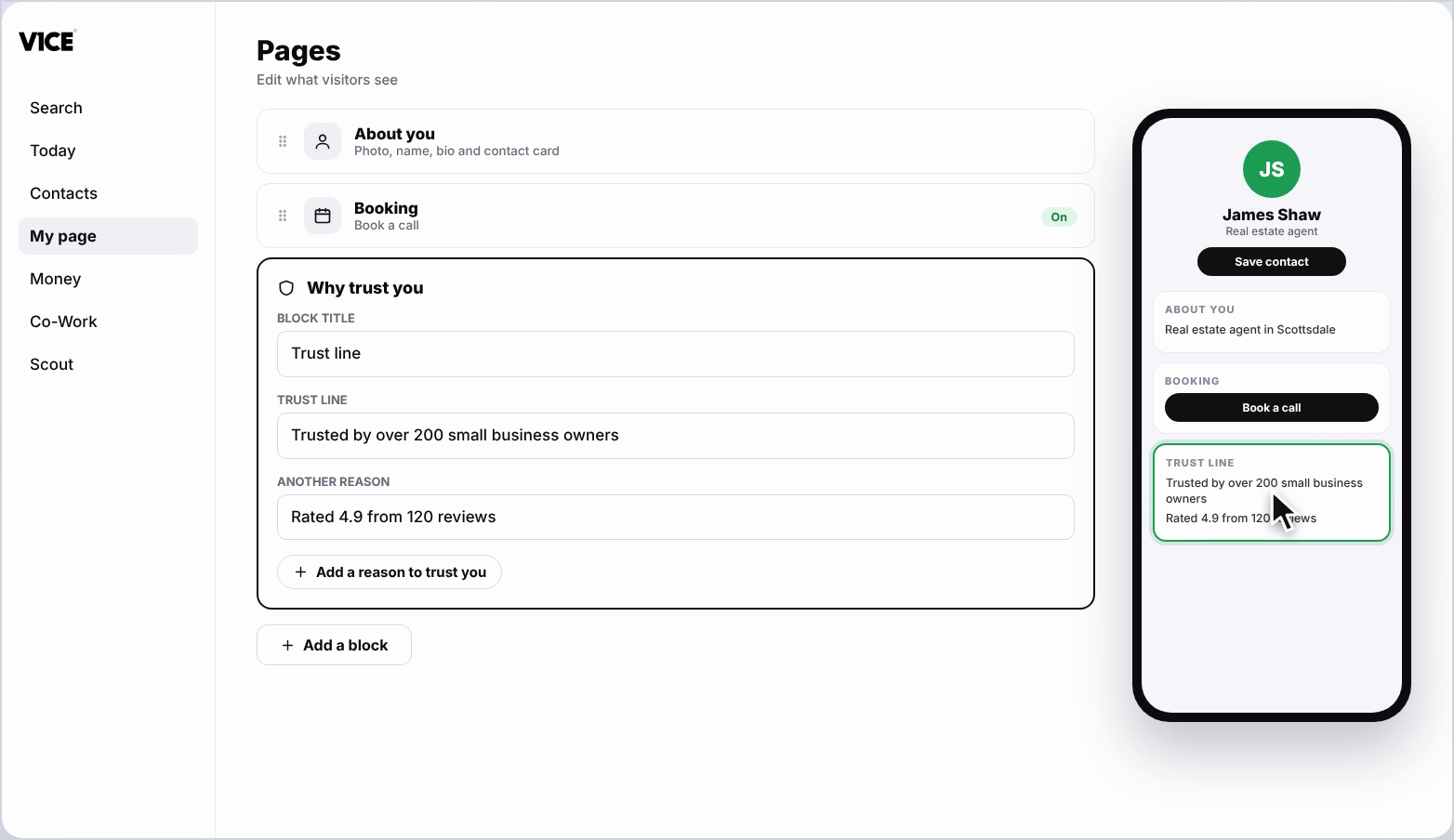
Step 7: See it on your page
Your trust line now shows at the bottom of your page.
Frequently asked questions
How do I add a trust line?
Click Add a block, find Why trust you and click it. The block opens as Trust line, ready for your text.
What should a trust line say?
A short line that builds trust, like Trusted by over 200 small business owners.
Can I add more than one reason?
Yes. Click Add a reason to trust you and type it in.
Where does the trust line show?
At the bottom of your page.