How to add your qualifications to your page

To add qualifications, open My page, then Pages, click Add a block and choose Qualifications. Type in your first qualification, click Add credential for more, and rename the block title if you like.
| Time needed | 1 minute |
|---|---|
| What you need | Your V1CE account and your qualifications |
| Where in the app | My page > Pages > Add a block > Qualifications |
Video transcript and chapters
Chapters
0:00 Introduction
0:10 Open My page
0:16 Find Qualifications
0:20 Type your first qualification
0:25 Add more credentials
0:28 Rename the block
0:32 See it on your page
0:35 You're done

Transcript
Show your qualifications and memberships on your V1CE page.
Add a qualifications block, then type in each credential.
Open my page, then Pages.
Scroll to the bottom of your page and click Add a Block.
Find qualifications in the list and click it.
Type in your first qualification.
Add the rest of your qualifications.
To add more, click Add Credential.
You can also rename the block title if you'd like.
Your qualifications now show on your page.
That's how to add qualifications to your page.
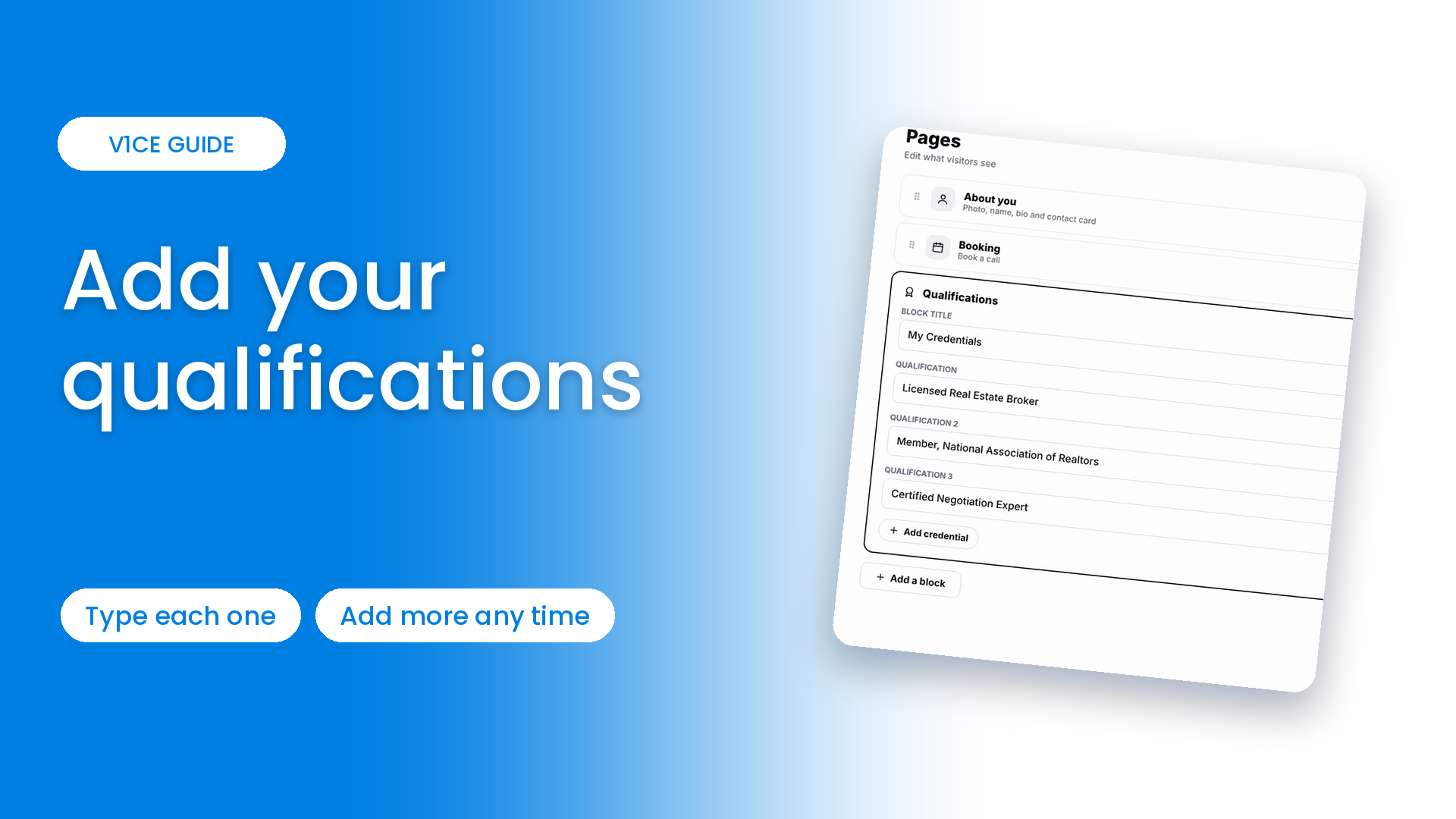
Show your qualifications and memberships on your V1CE page.
Add a Qualifications block, then type in each credential.
Watch the video
Follow the steps
Step 1: Open My page
Open My page, then Pages.
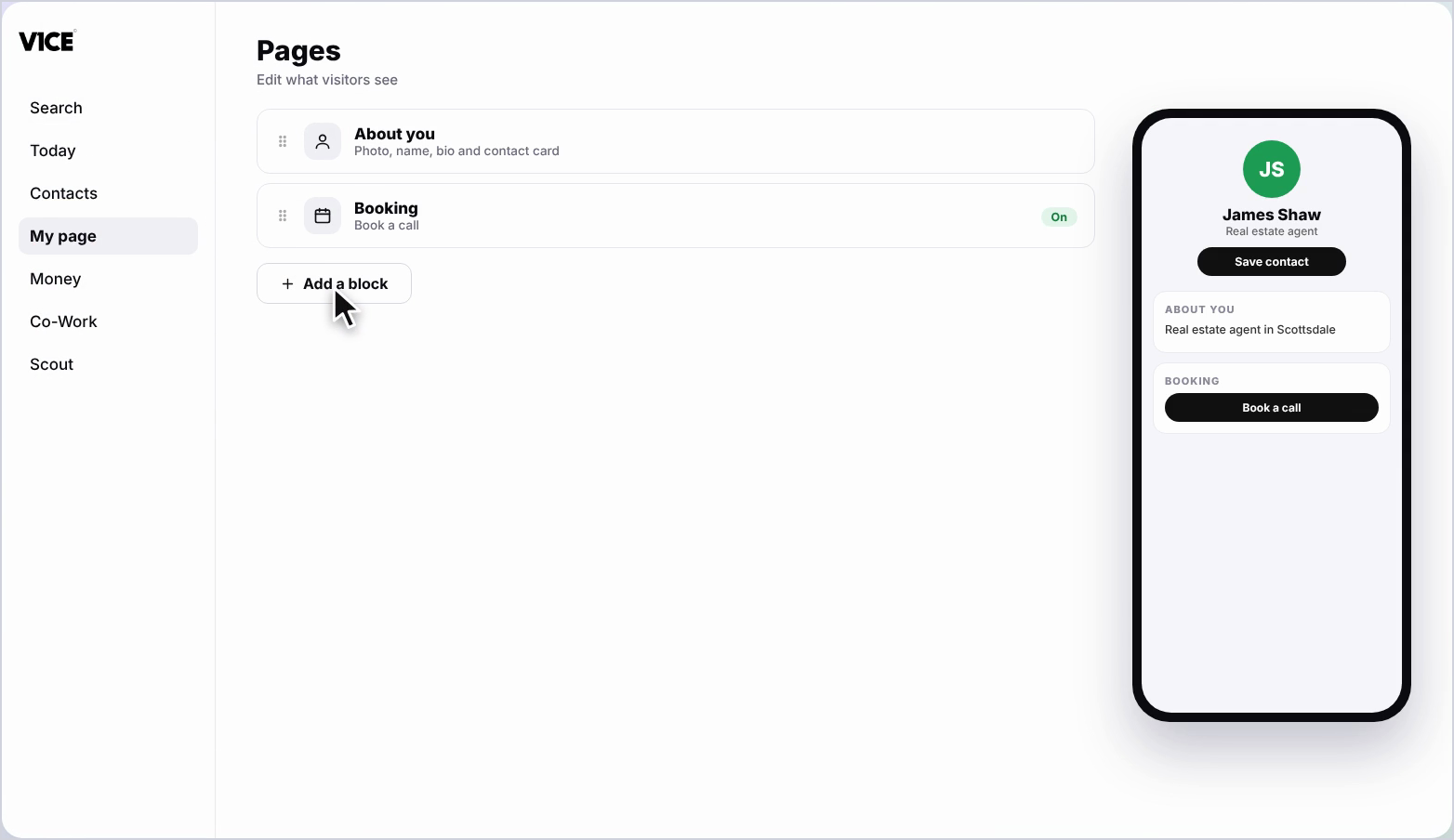
Step 2: Click Add a block
Scroll to the bottom of your page and click Add a block.
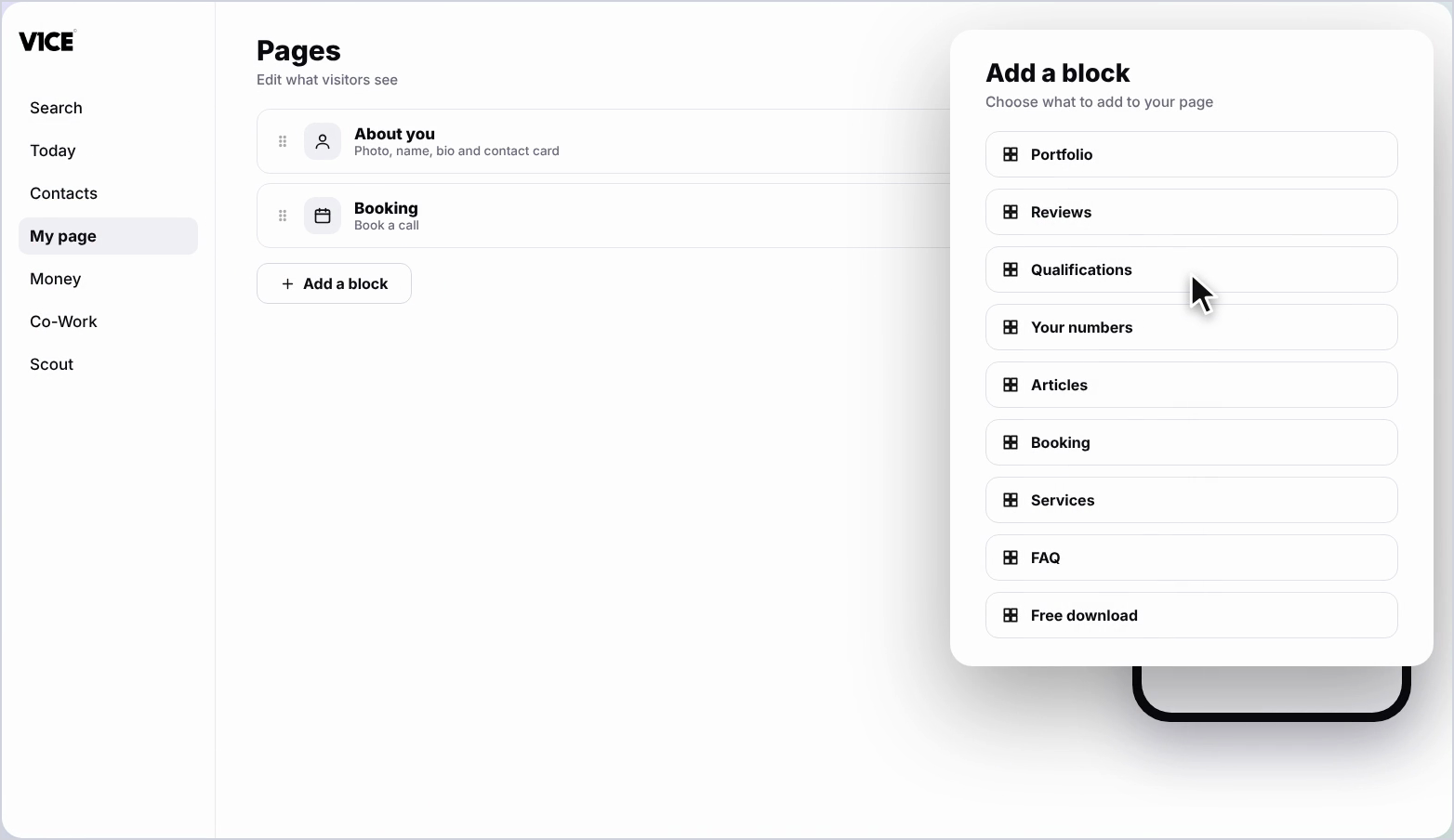
Step 3: Find Qualifications
Find Qualifications in the list and click it.
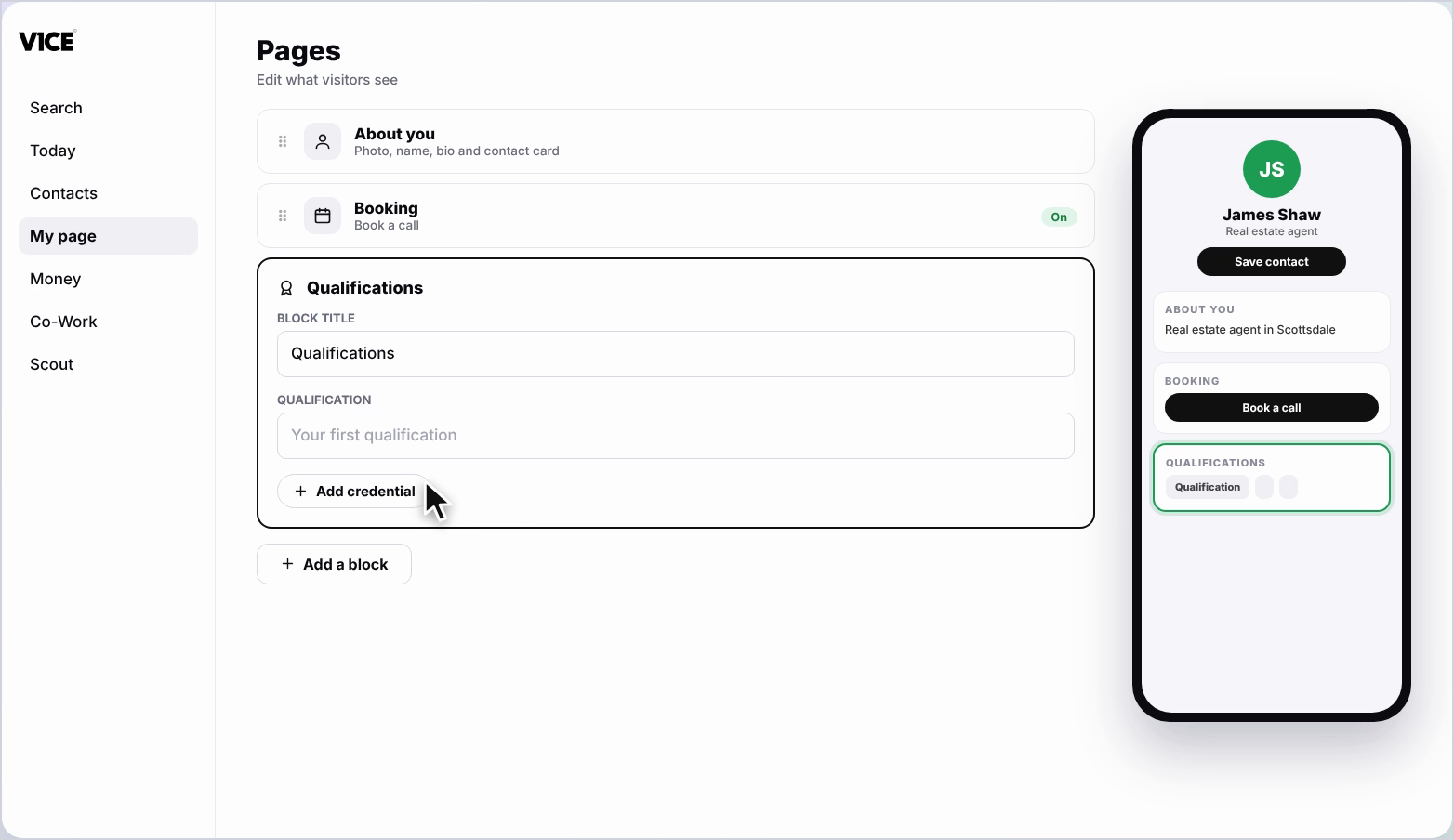
Step 4: Type in your first qualification
Type in your first qualification.
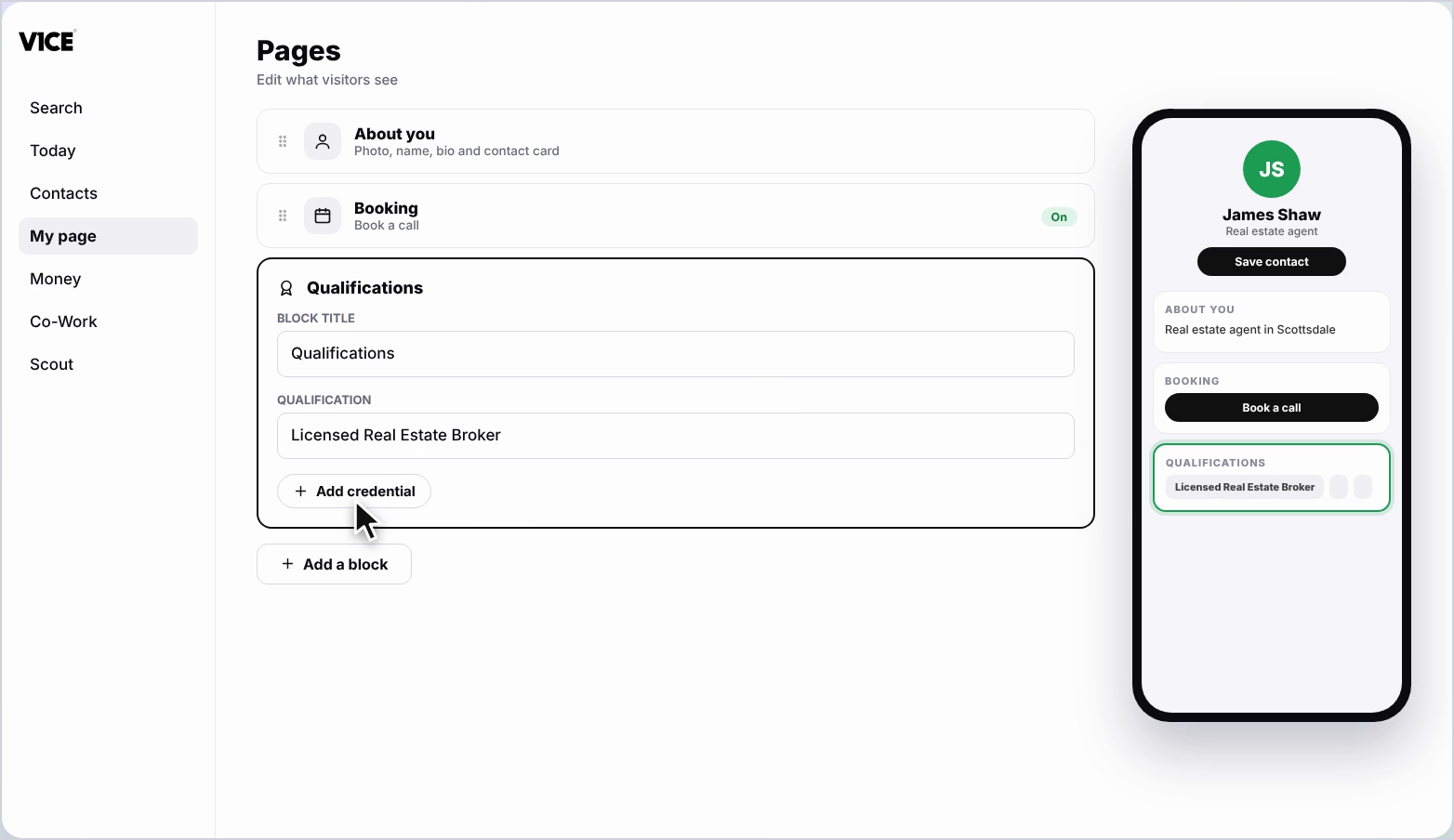
Step 5: Add the rest of your qualifications
Add the rest of your qualifications. To add more, click Add credential.
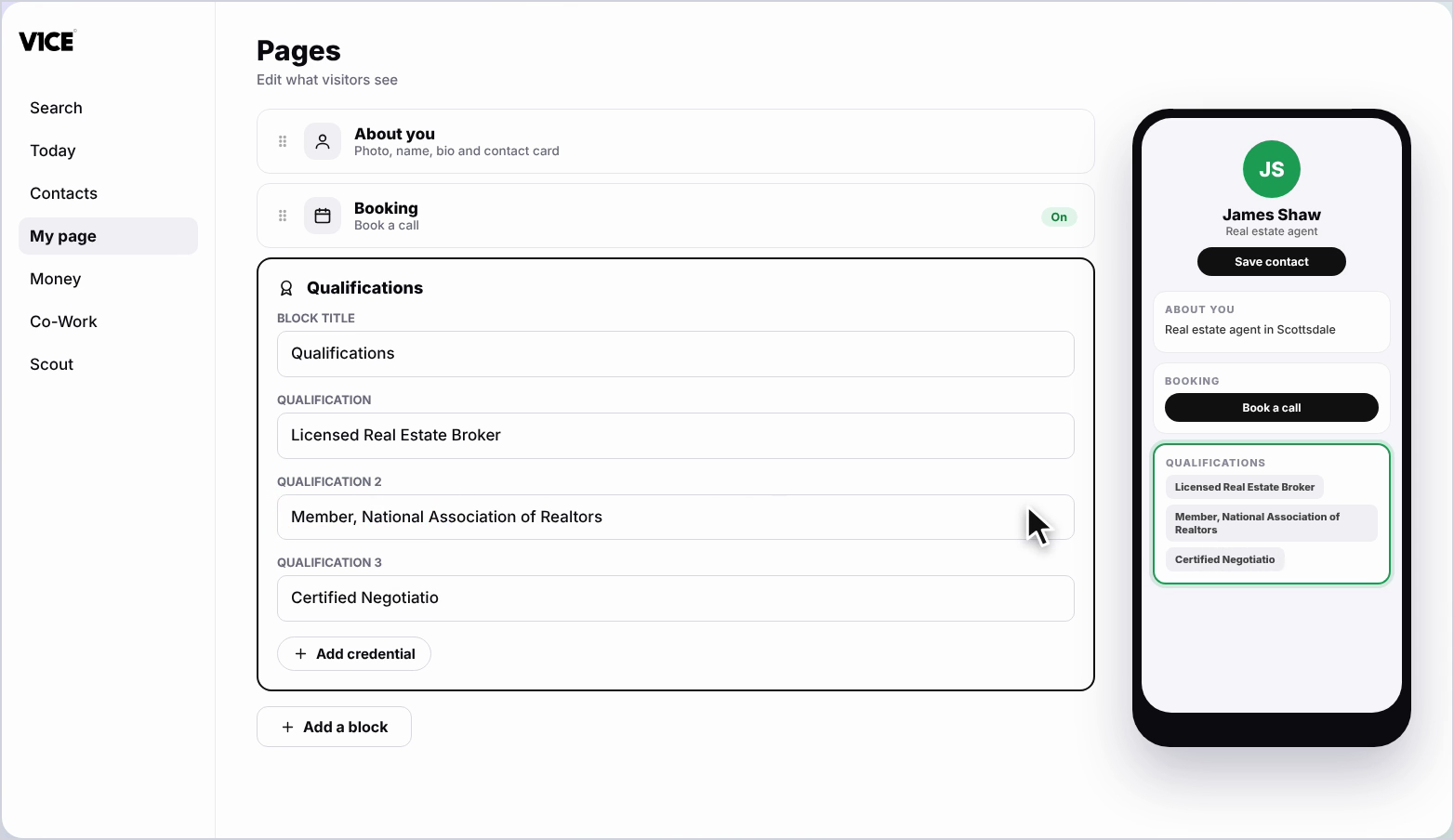
Step 6: Rename the block
You can also rename the block title if you'd like.
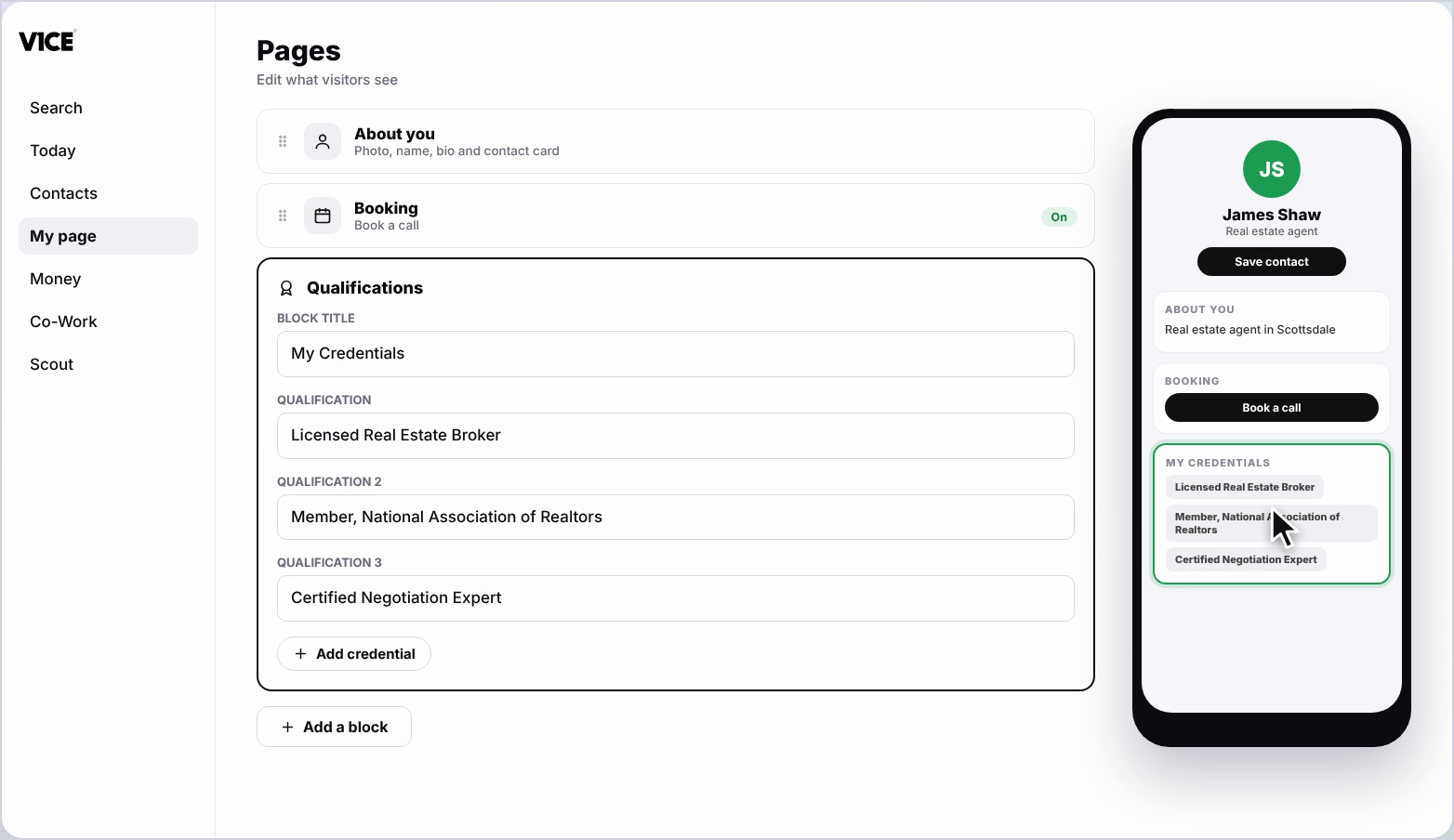
Step 7: See it on your page
Your qualifications now show on your page.
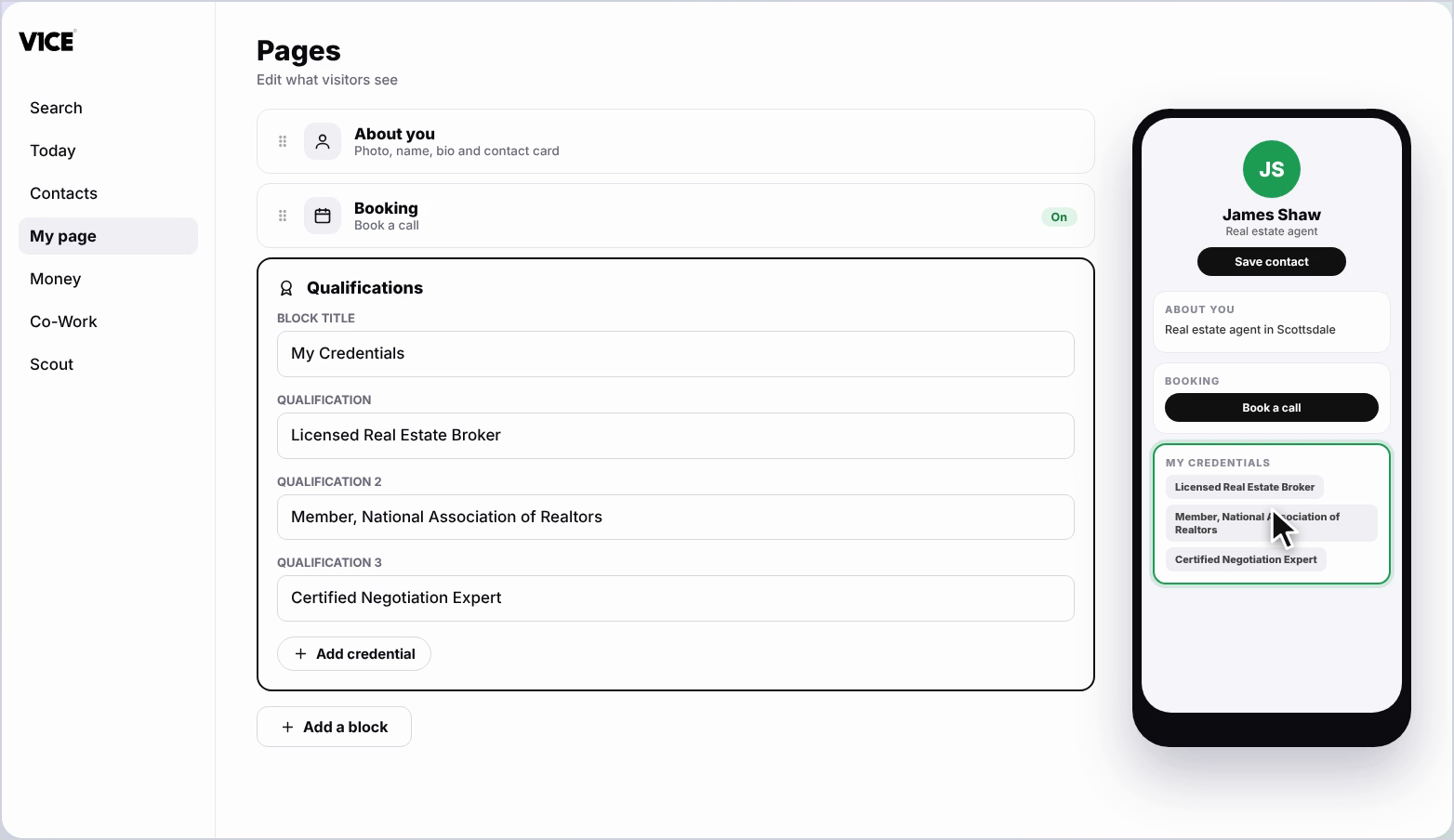
Frequently asked questions
How do I add a qualification?
Click Add a block, find Qualifications and click it, then type in your first qualification.
How do I add more than one?
Click Add credential to add more.
Can I rename the block?
Yes. You can rename the block title if you would like.