How to use a custom domain instead of v1ce.co

To use a custom domain, open My page, then Pages and the Link tab. Click Set up, search for the domain you want, click Claim, check the spelling and confirm. Setup usually takes a few minutes, and the first year is free with ClientCapture OS.
| Time needed | 2 minutes |
|---|---|
| What you need | Your V1CE account and the domain name you want |
| Where in the app | My page > Pages > Link |
Video transcript and chapters
Chapters
0:00 Introduction
0:14 Open the Link tab
0:19 Click Set up
0:25 Search for a domain
0:32 Claim your domain
0:35 Check the spelling
0:44 Continue setup
0:51 See it on your page
1:00 You're done

Transcript
Yes, you can use your own custom domain, such as yourname.com, instead of v1c.co for your page.
If you sign up to ClientCapture OS, the first year is free. Here is how to set it up.
Click my page in the menu, then Pages, and open the Link tab at the top.
Next to Want yourname.com instead, click Set up.
A custom domain window opens.
Type the name you would like to use, and the available domains appear with the price.
The first year is free.
Click Claim next to the domain you want.
Check the spelling. Once you claim a domain, it is locked to your account and cannot be
changed or swapped later.
Click Claim this domain.
You'll see a message that your domain is yours.
Setting it up usually takes a few minutes.
Click Continue.
Your new domain now shows under your page link.
We'll email you when it is live, and your old page link keeps working while it is being set up.
That's how to set up a custom domain.
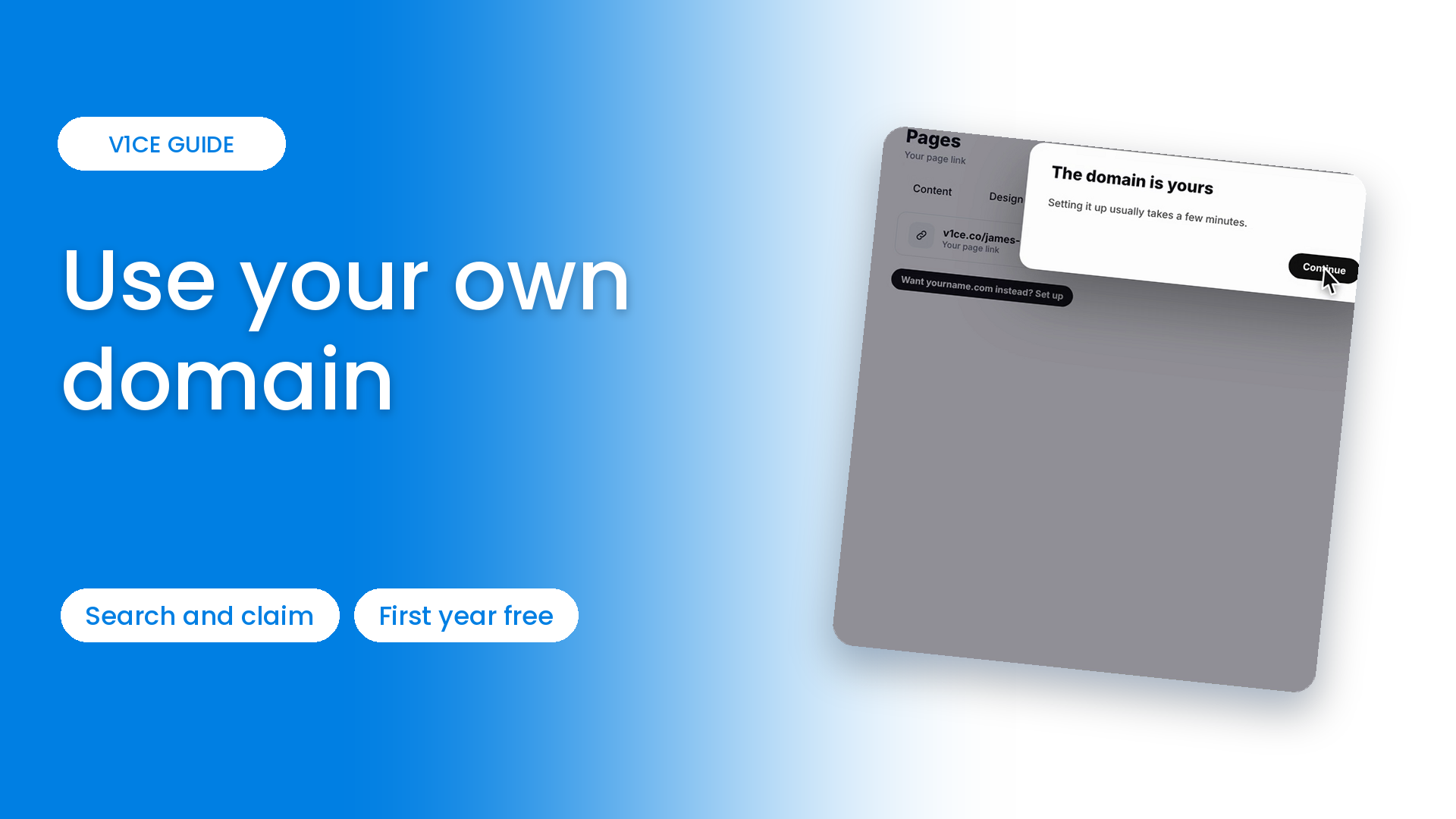
Yes, you can use your own custom domain, such as yourname.com, instead of v1ce.co for your page.
If you sign up to ClientCapture OS, the first year is free. Here is how to set it up.
Watch the video
Follow the steps
Step 1: Open My page
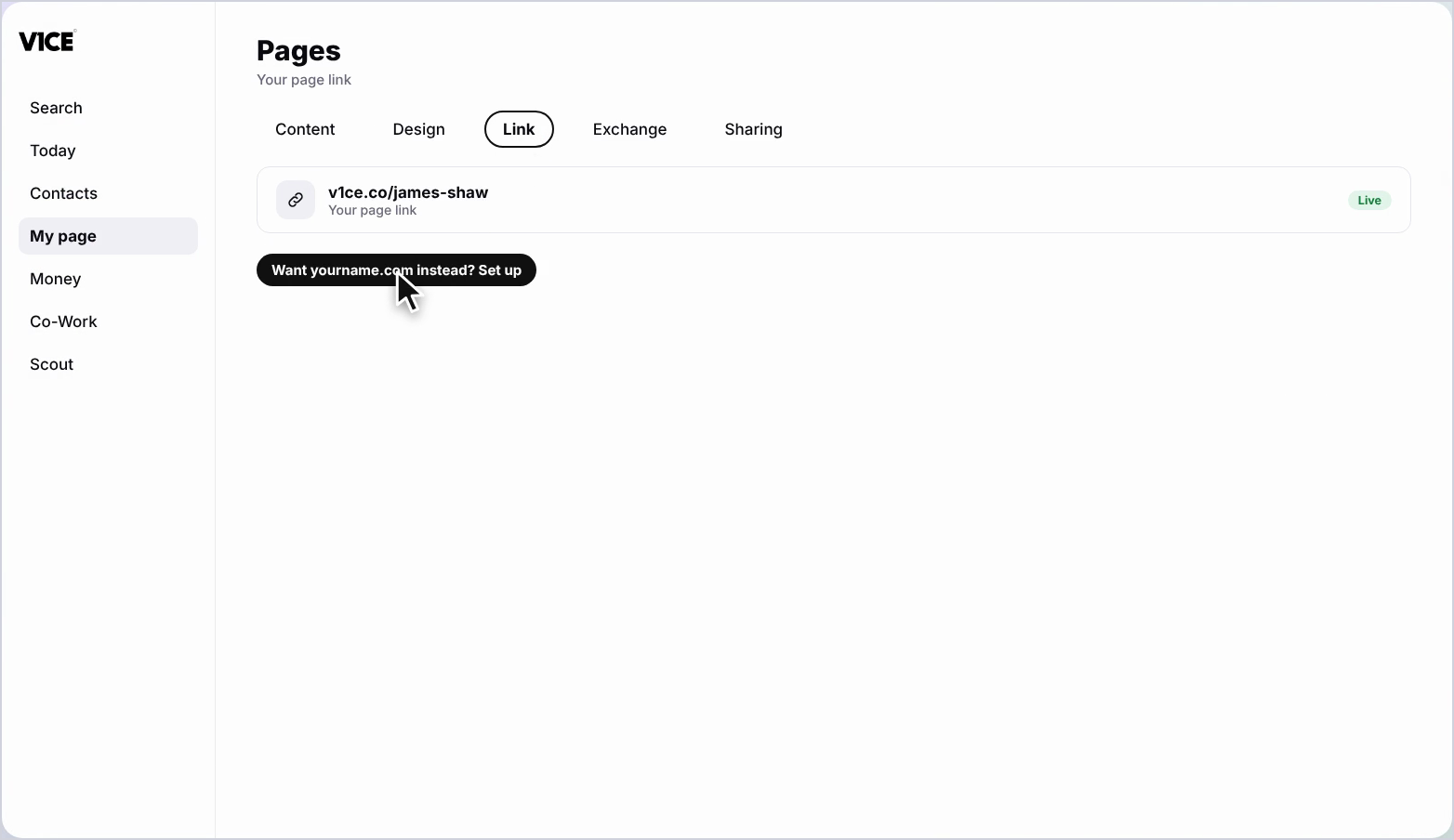
Click My page in the menu, then Pages, and open the Link tab at the top.
Step 2: Click Set up
Next to Want yourname.com instead, click Set up.
Step 3: Search for a domain
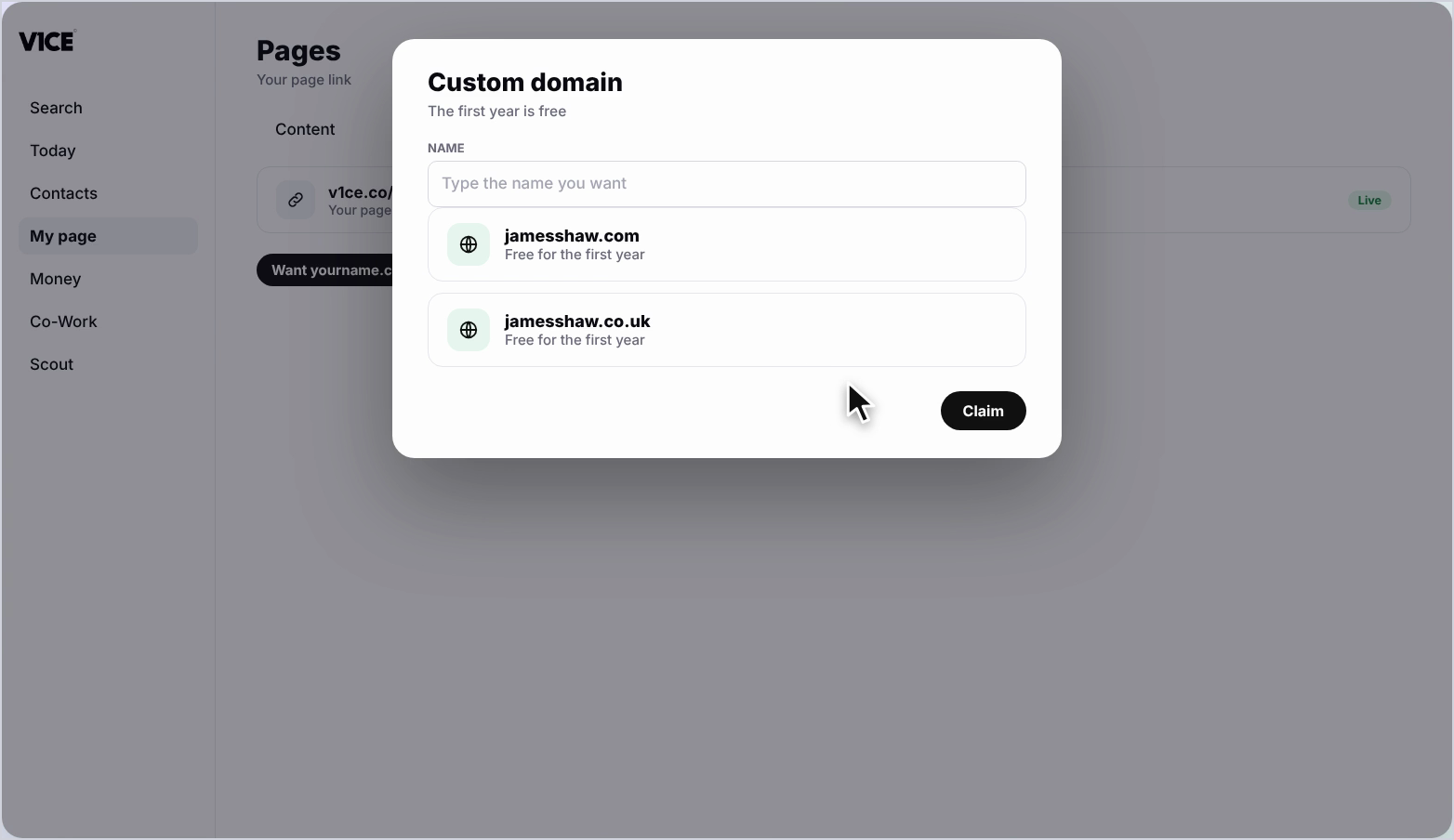
A Custom domain window opens. Type the name you would like to use, and the available domains appear with the price. The first year is free.
Step 4: Claim your domain
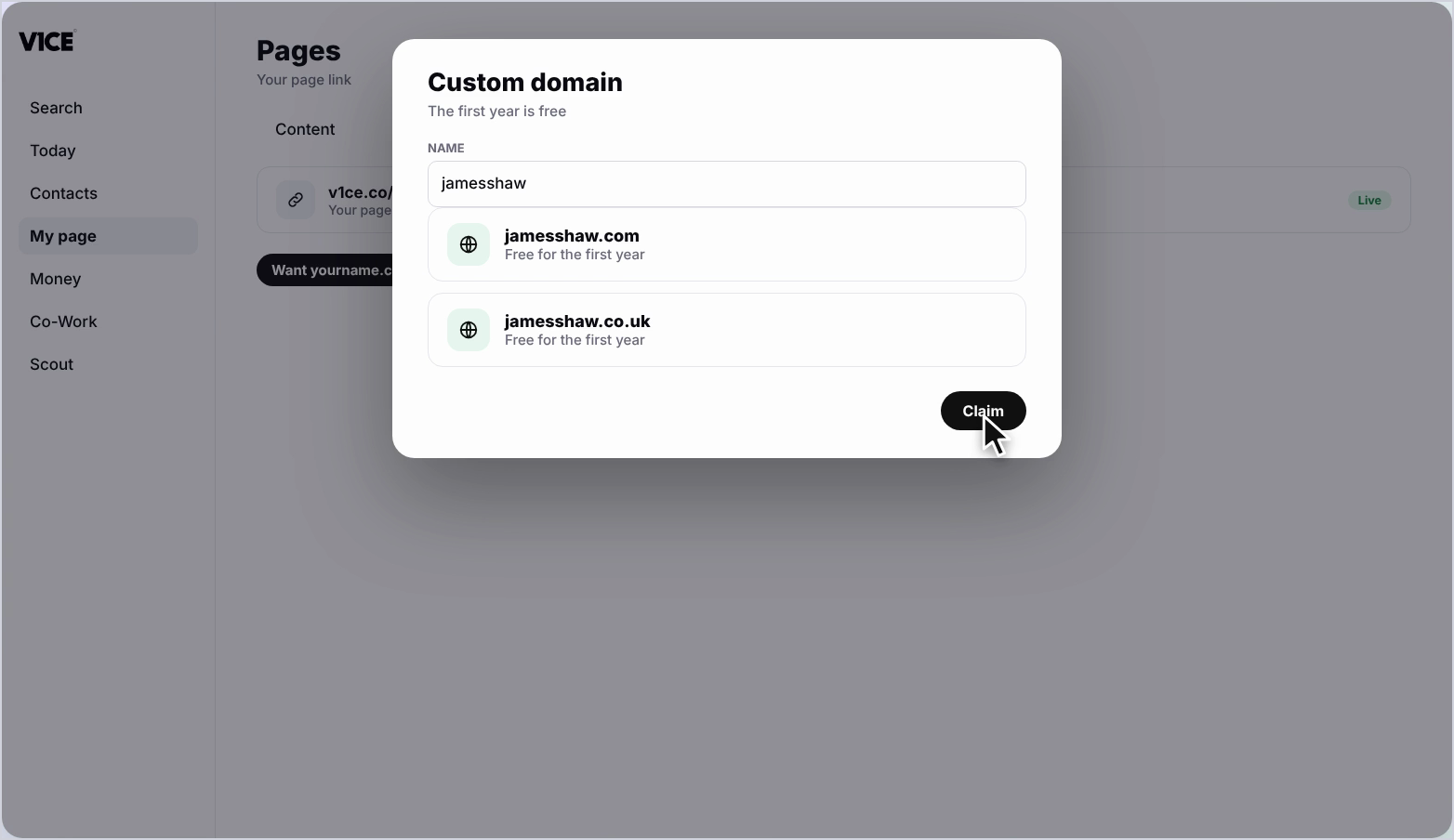
Click Claim next to the domain you want.
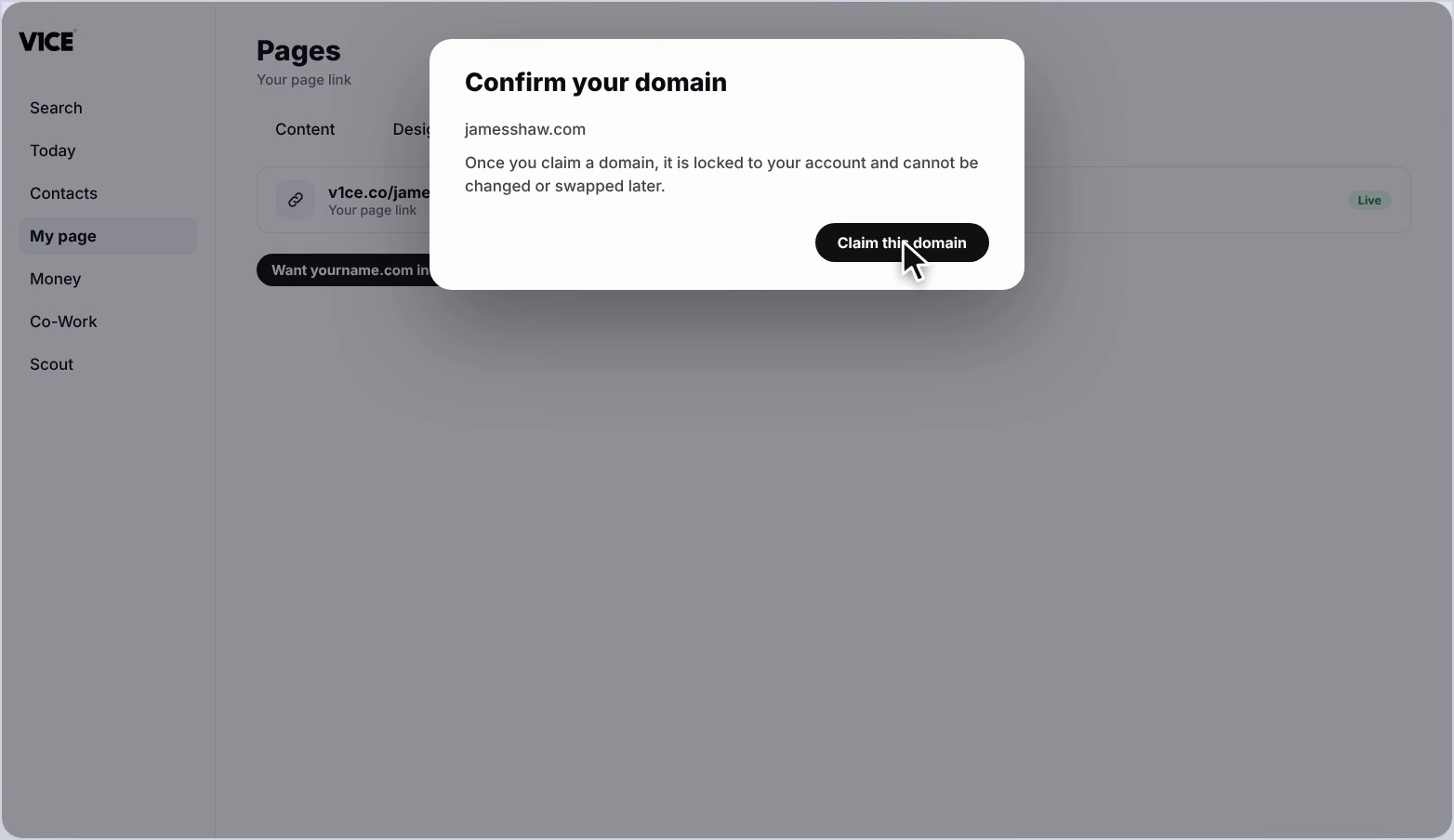
Step 5: Check the spelling and confirm
Check the spelling. Once you claim a domain it is locked to your account and cannot be changed or swapped later. Click Claim this domain.
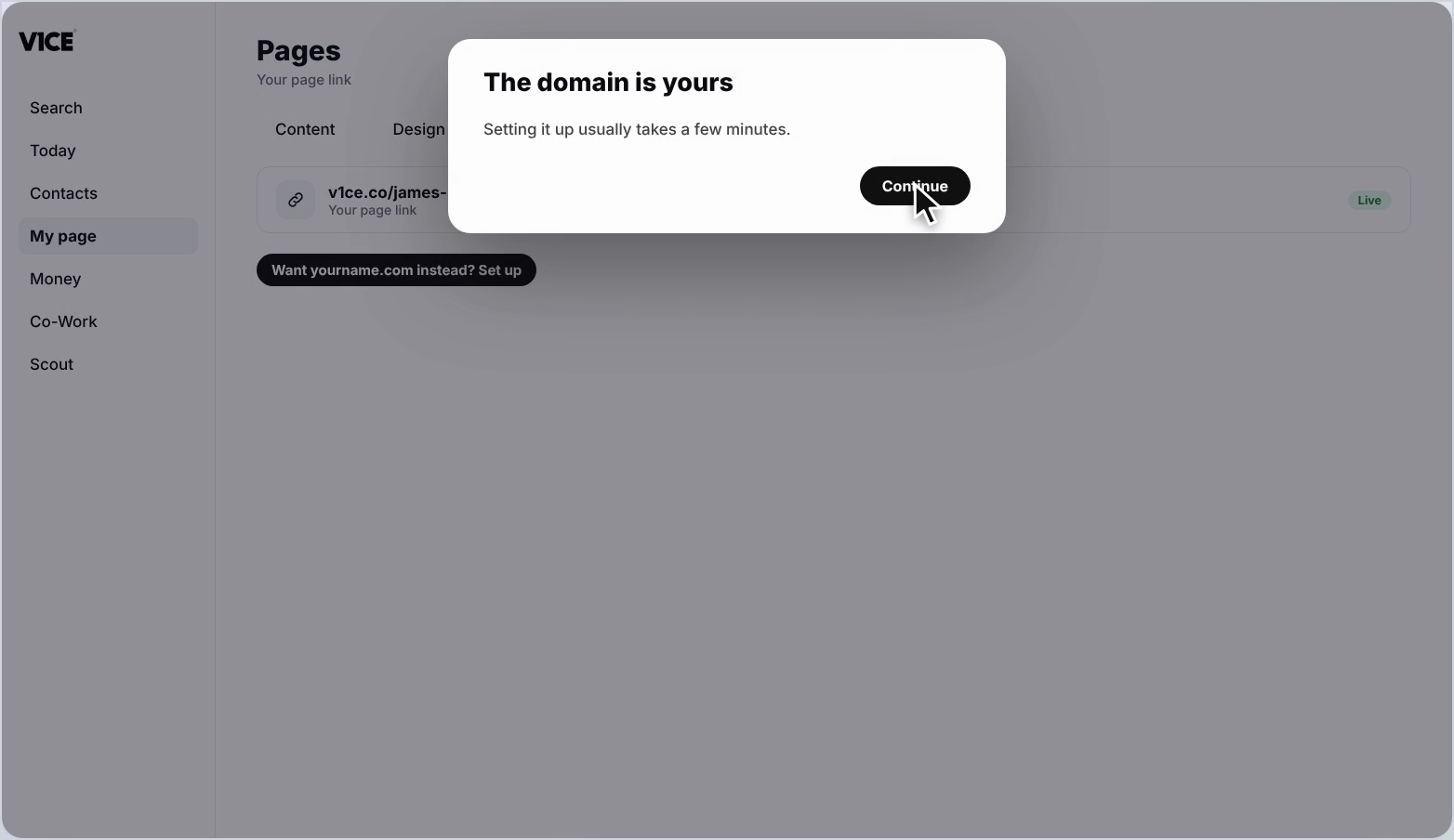
Step 6: Continue setup
You'll see a message that your domain is yours. Setting it up usually takes a few minutes. Click Continue.
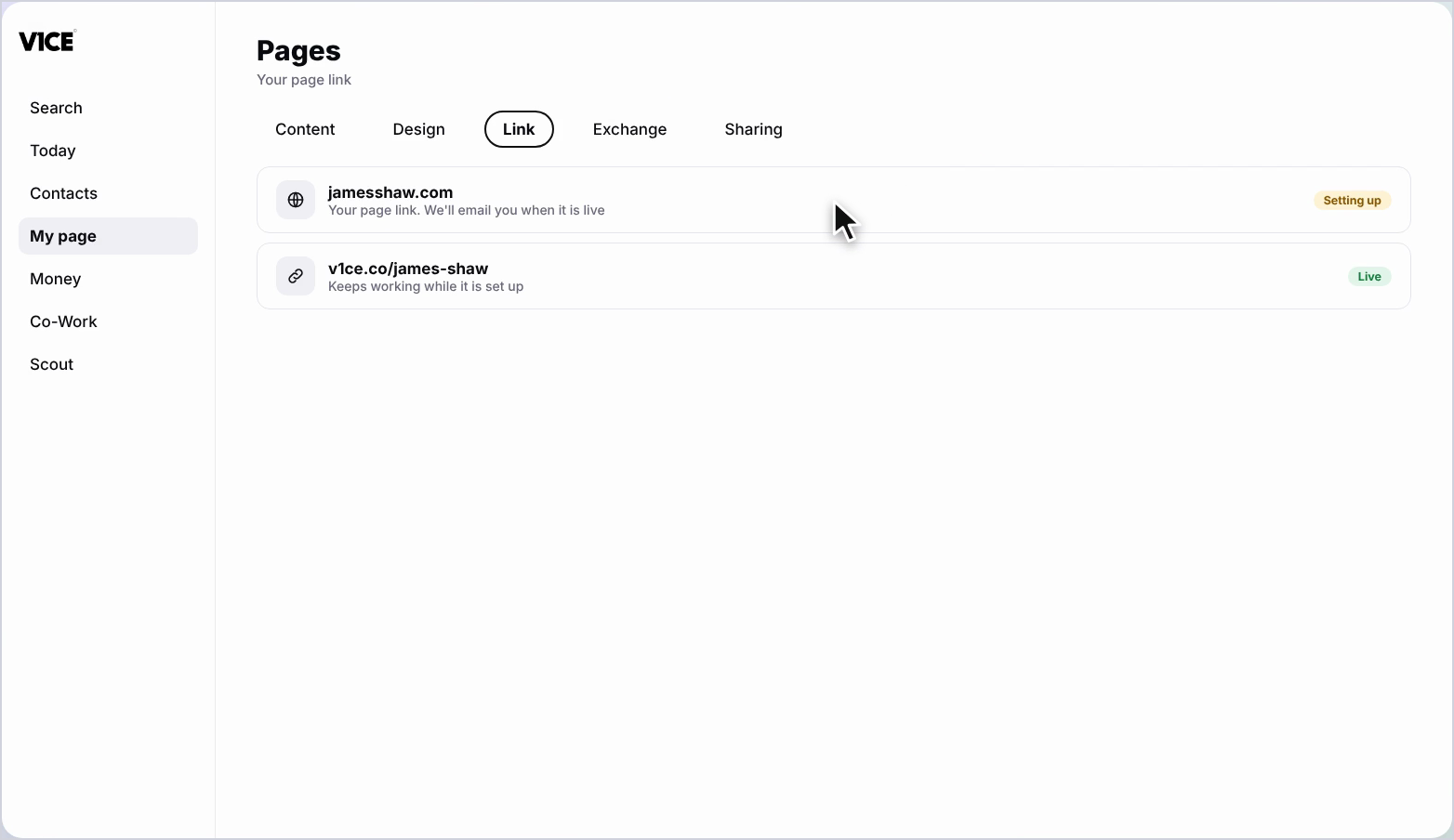
Step 7: See it on your page
Your new domain now shows under Your page link. We'll email you when it is live, and your old page link keeps working while it is being set up.
Frequently asked questions
Can I use my own domain for my V1CE page?
Yes. You can use a custom domain such as yourname.com instead of v1ce.co for your page.
Is a custom domain free?
If you sign up to ClientCapture OS, the first year is free.
Can I change my domain after I claim it?
No. Once you claim a domain it is locked to your account and cannot be changed or swapped later, so check the spelling first.
Will my old page link stop working?
No. Your old page link keeps working while the new domain is being set up, and V1CE emails you when it is live.