How to share your page on WhatsApp, iMessage and other chat apps

To share your V1CE page in a message, click Share my page at the top right of your dashboard, edit the message if you like, then press the app you want and press send. It works with WhatsApp, iMessage and other chat apps.
| Time needed | 1 minute |
|---|---|
| What you need | Your V1CE account and a chat app |
| Where in the app | Dashboard > Share my page |
Video transcript and chapters
Chapters
0:00 Introduction
0:10 Click Share my page
0:15 Edit your message
0:22 Choose an app and send
0:26 You're done

Transcript
Send your V1CE page to someone in a message, straight from your dashboard.
Works with WhatsApp, iMessage and other chat apps.
From your dashboard, click Share My Page at the top right.
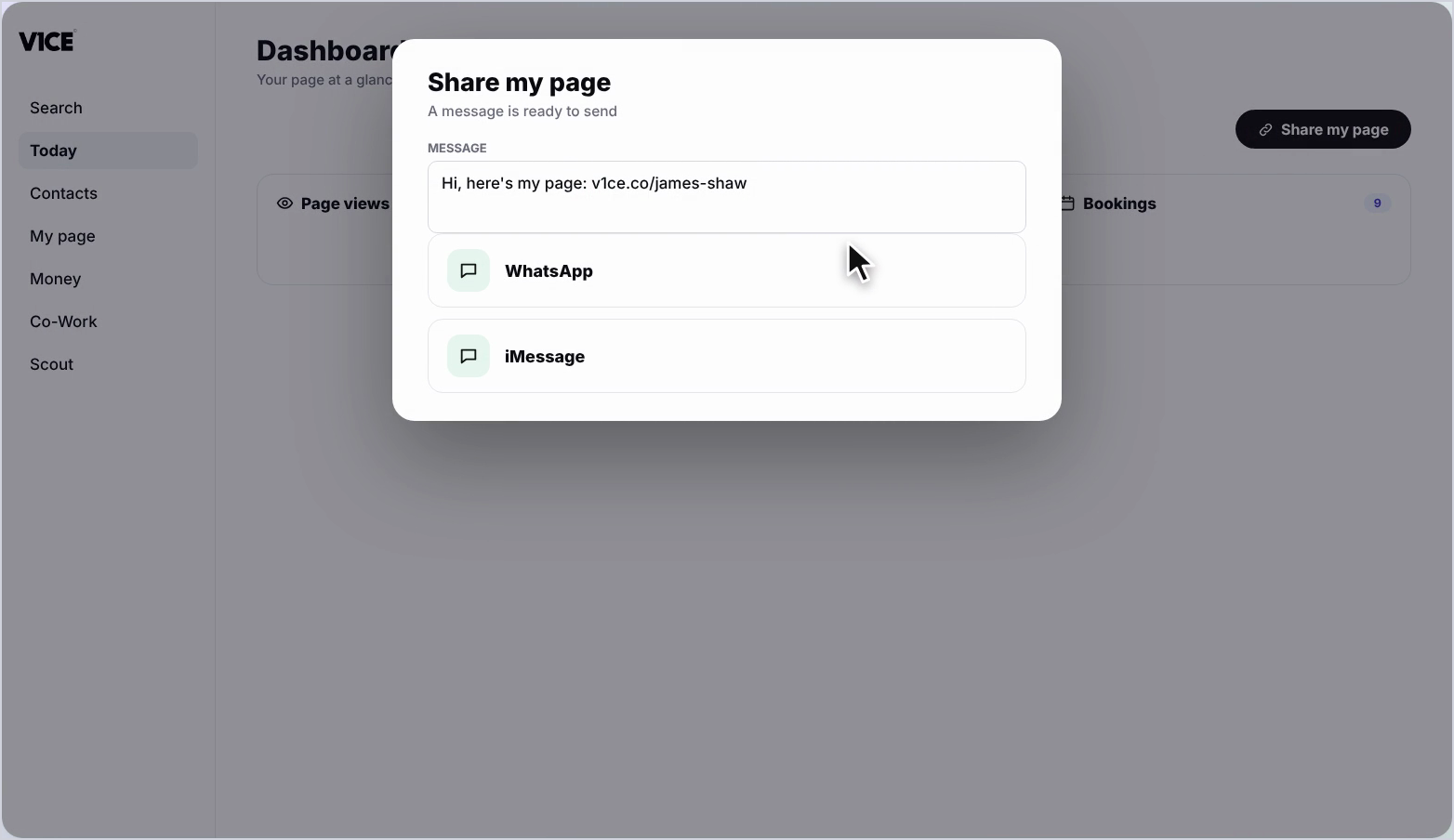
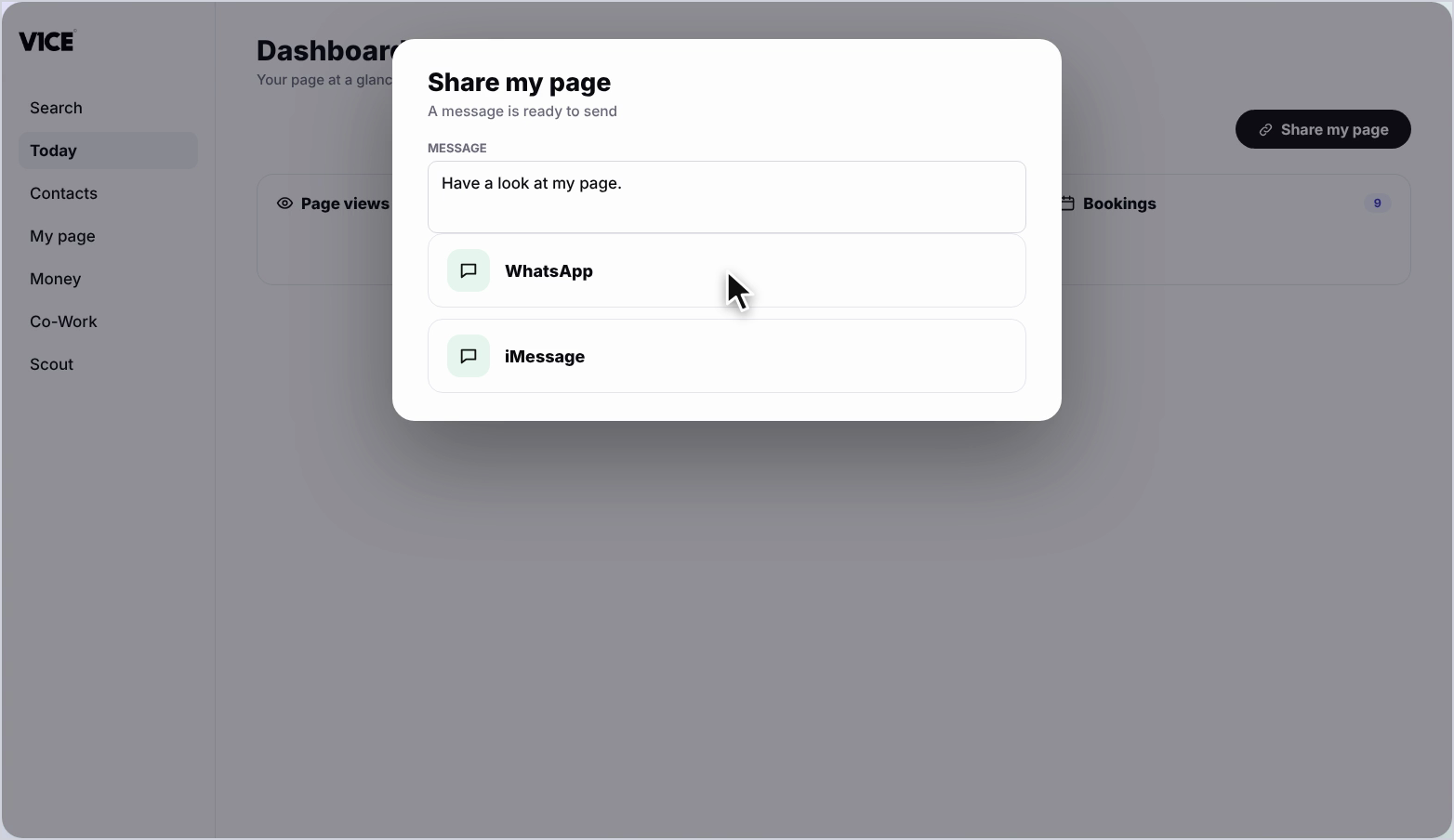
A Share My Page box opens with a message ready to send.
To change the message, click inside it and edit the text.
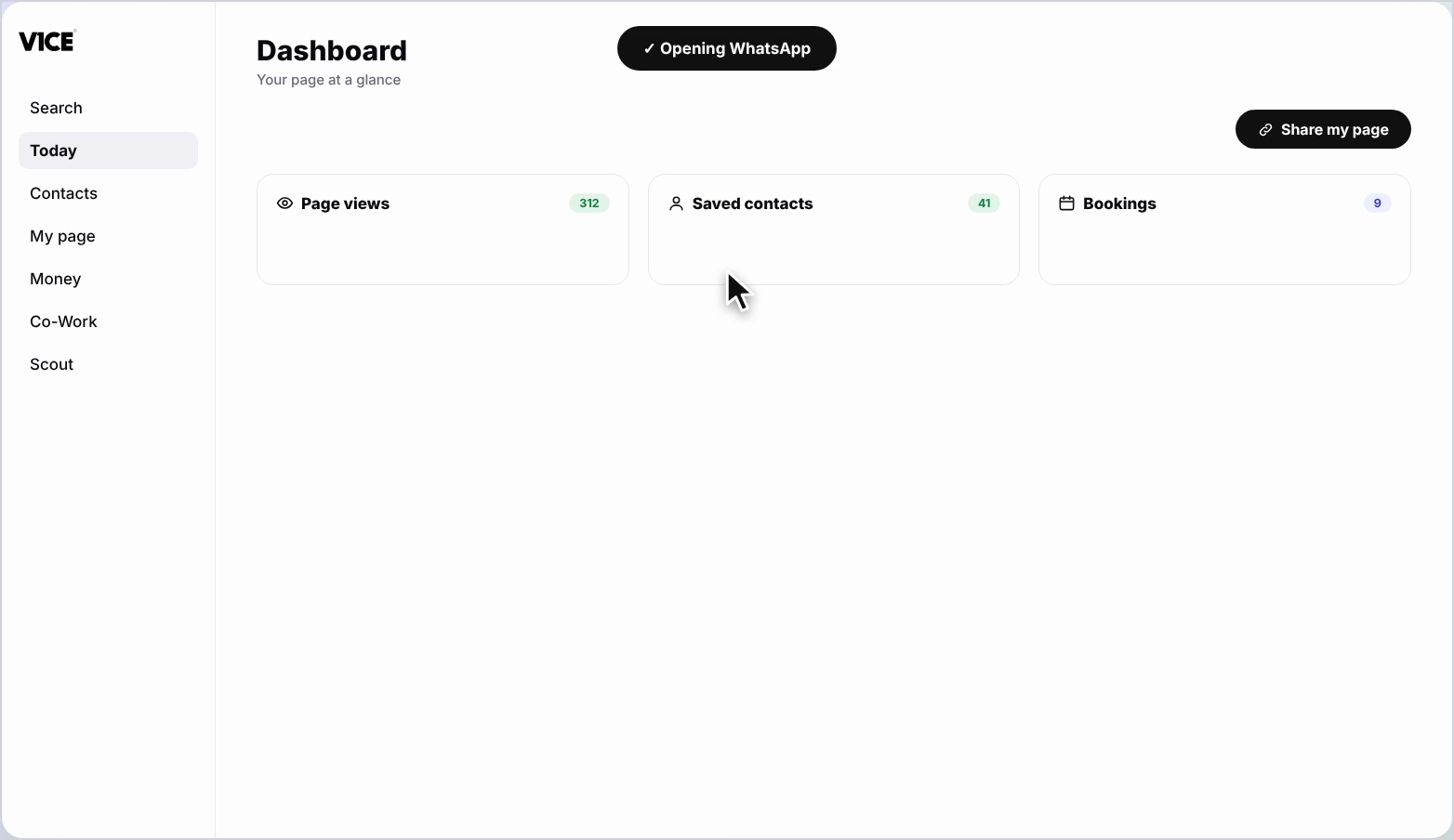
Press the app you want to share with, then press Send.
That's how to share your page.
Send your V1CE page to someone in a message, straight from your dashboard.
Works with WhatsApp, iMessage and other chat apps.
Watch the video
Follow the steps
Step 1: Click Share my page
From your dashboard, click Share my page at the top right.
Step 2: Edit your message
A Share my page box opens, with a message ready to send. To change the message, click inside it and edit the text.
Step 3: Choose an app and send
Press the app you want to share with, then press send.
Frequently asked questions
How do I share my V1CE page in a message?
From your dashboard, click Share my page at the top right. Press the app you want to share with, then press send.
Can I change the message before I send it?
Yes. A message is ready to send. To change it, click inside it and edit the text.
Which chat apps work?
WhatsApp, iMessage and other chat apps.