Watch & Learn
Video guides to help you get the most from V1CE
Digital Profile
2 videos

▶
How To Set Up Your Digital Business Card - V1CE
Welcome to V1CE. Your all-in-one networking tool. Capture leads instantly and send follow-ups automatically. Save time, stand out and grow your business.
▶
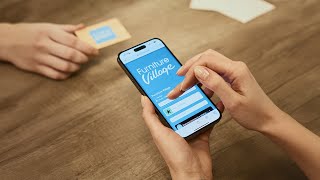
Understand V1CE Smart Cards In Under 80 Seconds!
Welcome to V1CE. Your all-in-one networking tool. Capture leads instantly and send follow-ups automatically. Save time, stand out and grow your business.
Features
25 videos
▶
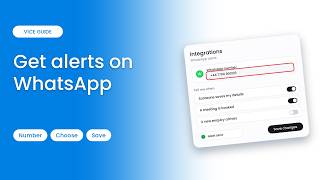
How to Get Notifications on WhatsApp
Get your V1CE notifications on WhatsApp, including when someone saves your details or books a meeting.
▶
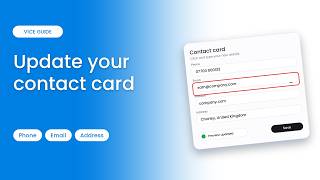
How to Update the Details on Your Digital Contact Card
Update the phone number, email, website and address on your digital contact card.
▶
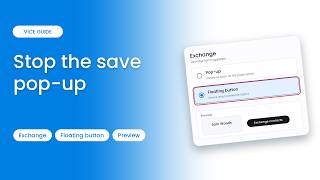
How to Stop the Save Contact Popup Showing Straight Away
Stop the save contact form popping up as soon as someone opens your page by switching to a floating button.
▶
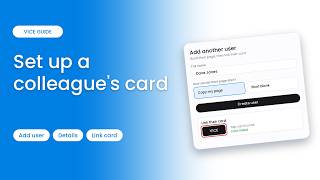
How to Set Up a Digital Business Card for a Colleague
Set up a digital business card for a colleague: build their page, then link their physical card to it.
▶
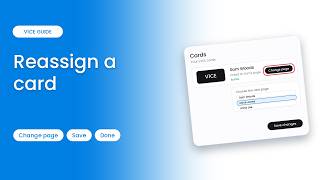
How to Reassign an NFC Business Card to a Different Person
Reassign an NFC card so it opens a different page, handy when a card moves to another person.
▶
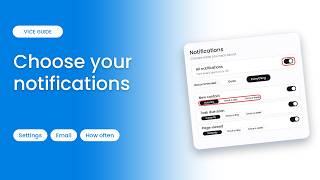
How to Choose Which Notifications You Get
Choose which notifications and emails you get from V1CE, and how often you hear about each one.
▶
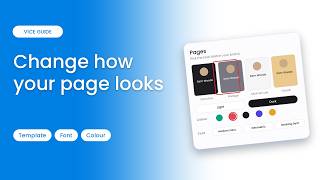
How to Change the Look of Your Page: Template, Font & Colours
Change how your page looks: pick a template, light or dark mode, a font and a colour preset.
▶
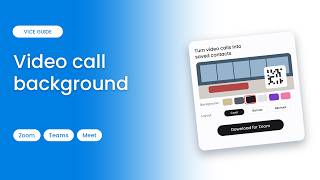
How to Use Your Page as a Zoom & Teams Video Call Background
Put your page behind you on every video call so people can save your details from a QR code. Works with Zoom, Teams and Meet.
▶
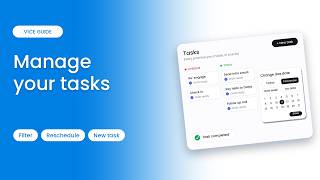
How to Create and Manage Tasks and Follow-Up Reminders
Manage your tasks so nothing slips through: reschedule, filter the board, create tasks and use the detail panel.
▶
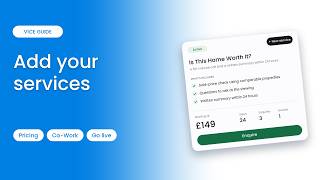
How to Add Services With Prices to Your Page
Package what you do into services clients can see, ask about and pay for, then build a new service with Co-Work.
▶
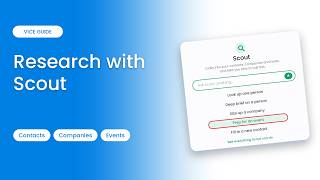
How to Use Scout to Research Contacts and Companies
Use Scout to research contacts and companies, get a deep brief on a person, prep for an event and see exactly who to call first.
▶
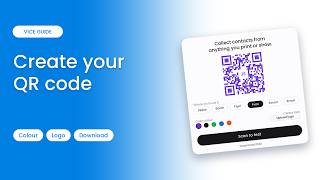
How to Create and Download a Branded QR Code for Your Business Card
Create a branded QR code that opens your page: choose where it points, pick a colour, test it and download it.
▶
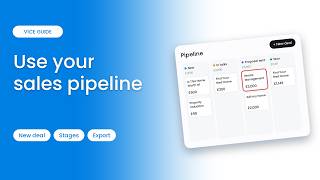
How to Use a Sales Pipeline: Create Deals and Track Stages
Track every deal from first chat to signed and paid: see deals by stage, add a new deal, move it forward, and set your own custom stages.
▶
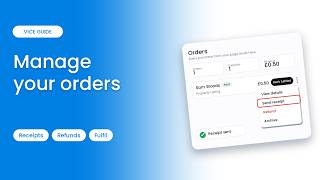
How to View and Manage Orders and Send Receipts
View every order from your page, check the timeline, send customers a receipt, and mark orders fulfilled once the service is complete.
▶
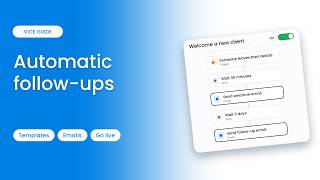
How to Set Up Automatic Follow-Ups (Welcome a New Client)
Set up automatic follow-ups so nobody you meet goes cold: check activity, then build and switch on the Welcome a new client template.
▶
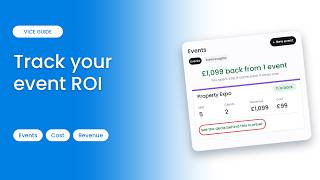
How to Track Networking Events and Their ROI
Track the return on every expo, conference or meetup you attend, see the deals behind the number, and set up a new event from scratch.
▶
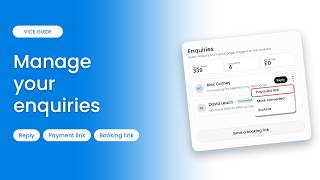
How to Manage Enquiries From Your Page
See every enquiry from your page in one place: view your numbers, reply with help from Co-Work, and send payment or booking links.
▶
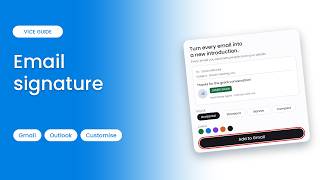
How to Add a Digital Business Card to Your Email Signature (Gmail & Outlook)
Add your digital business card to your Gmail or Outlook email signature so every email you send lets people save your details or book time with you.
▶
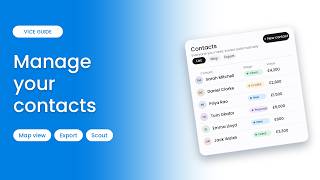
How to Manage Your Contacts, Map View & Export
Learn how to manage the contacts you meet, view the full profile, use Map view, export, and add someone new with Scout.
▶
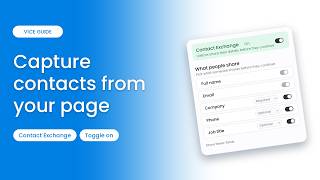
How to Capture Contacts From Your Page (Contact Exchange)
Learn how to switch on contact capture so visitors can swap details with you straight from your page.
▶
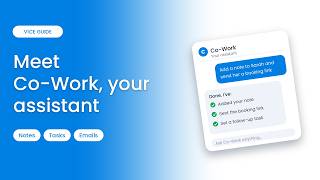
How to Use Co-Work: Your AI Business Assistant
Learn how to use Co-Work, your AI assistant inside V1CE that adds notes, creates tasks, drafts emails, sends booking links and more.
▶
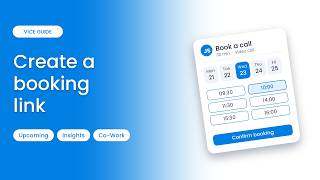
How to Create a Booking Link So Clients Can Book You
Learn how to create a booking link so contacts can pick a time that works for them, with no back-and-forth.
▶
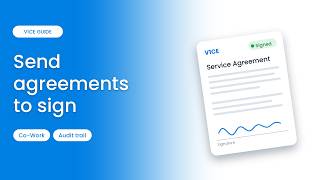
How to Send and Sign Agreements Online
Learn how to send, track and get documents signed online, including creating an agreement with Co-Work.
▶
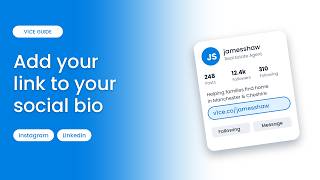
How to Add Your Link to Instagram, LinkedIn & Social Media Bios
Learn how to add your link to your social media bios, starting with Instagram, then LinkedIn and others.
▶
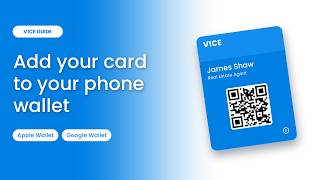
How to Add Your Business Card to Apple & Google Wallet
Learn how to add your digital business card to Apple Wallet or Google Wallet, so you can share it with a scan, no physical card needed.